Badge Pickup Method: Alphabet Lines vs QR Pickup for Faster Event Check-In
Why Your Badge Pickup Method Sets the Tone for Check-In
Your badge pickup method is one of the first “live” experiences attendees have with your event. When it’s smooth, people walk in feeling welcomed and confident about where to go next. When it’s slow or confusing, even a great event can start with frustration—especially during the busiest arrival window.
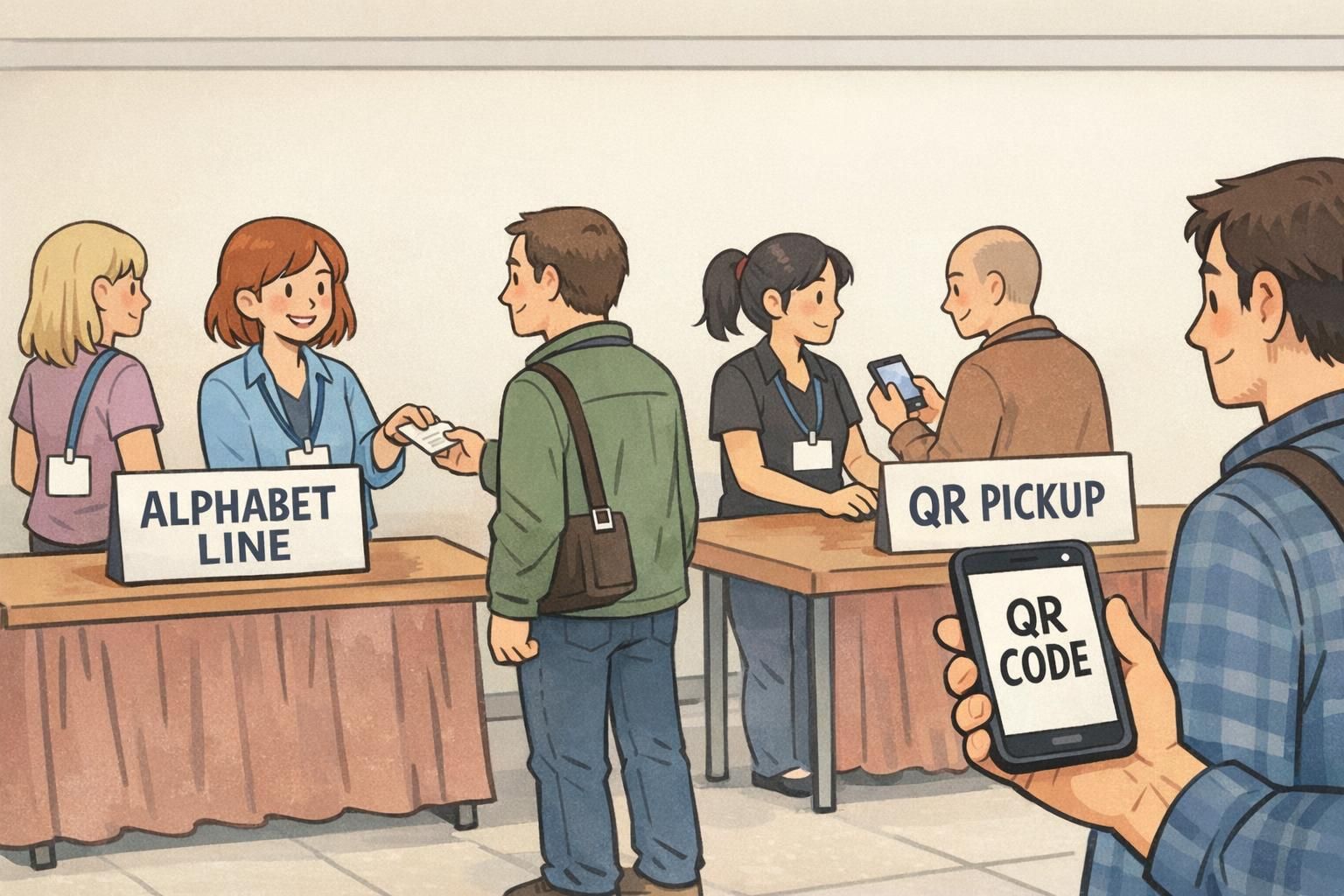
Most events rely on one of two systems at the front door: alphabetized lines (A–F, G–L, etc.) or a scan-based workflow like QR badge pickup. Both can work well, but they behave differently under pressure. The best choice depends less on what feels modern and more on your expected peak arrivals, how accurate your attendee list is, and how many exceptions you expect at the desk (walk-ups, substitutions, missing registrations, or name changes).
A strong check-in experience is built on two goals: move people through quickly, and keep badge distribution accurate—so attendees start networking and participating right away.
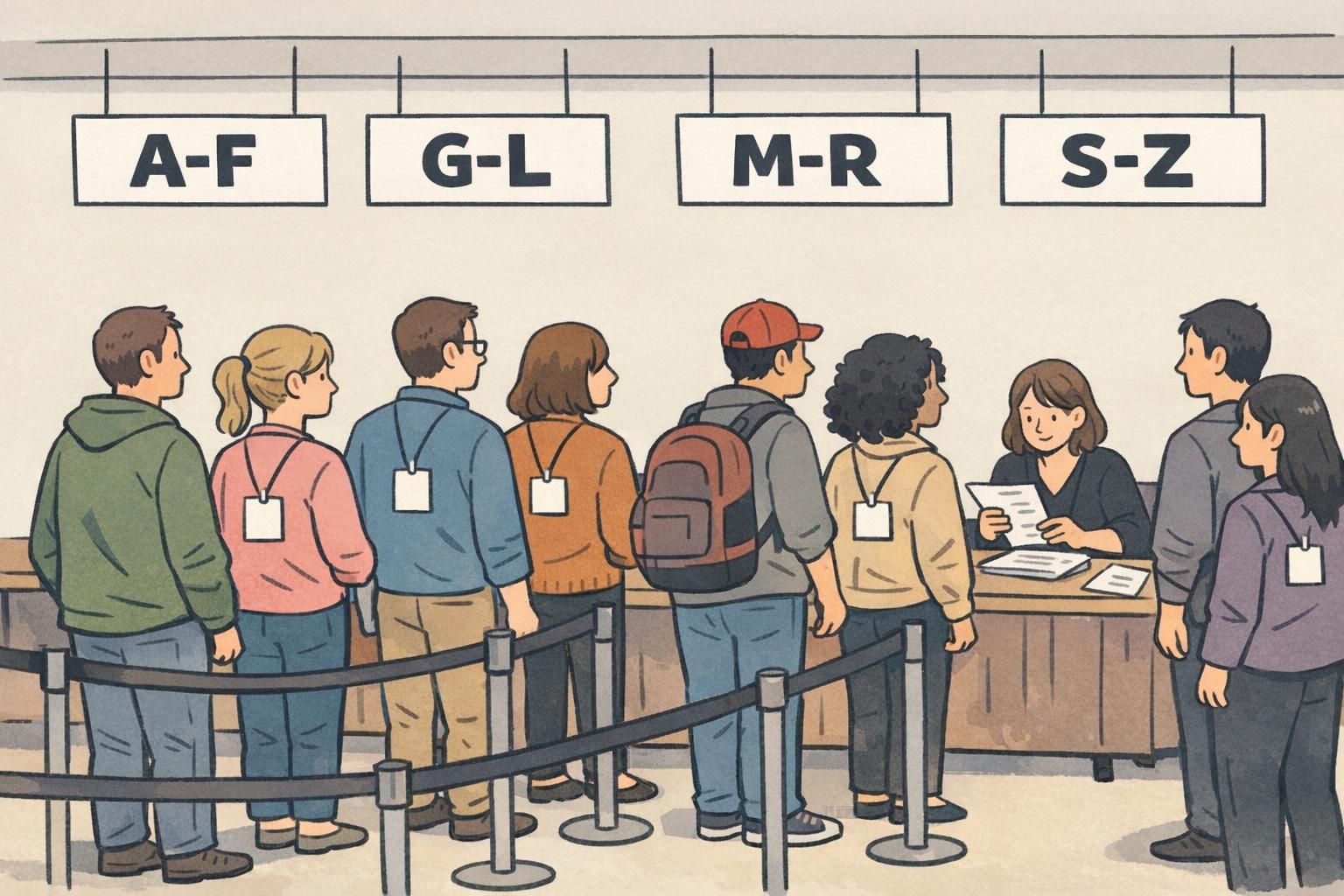
Alphabet Lines (A–F, G–L, etc.): How It Works and Where It Shines
Alphabet lines route attendees based on last-name ranges. Staff either pull a pre-printed badge from an organized stack or find the attendee in a printed list (or on a laptop/tablet) and then print. It’s simple to explain: “Find your letter range and get in that line.”
This method is familiar and resilient. If Wi‑Fi drops or a device fails, your team can still check people in using paper lists and pre-sorted badges. It also works well for audiences where not everyone has a smartphone available at the door, or where you want the lowest-tech approach possible.
- Best fit: small to mid-size events with manageable arrival surges
- Strength: easy to communicate and can run with minimal technology
- Bonus: works even with unreliable connectivity (paper-based fallback is straightforward)
- Watch-outs: similar names, misspellings, and record searching can slow the line as the list grows
Alphabet lines tend to shine when your attendee list is clean and stable (few last-minute edits), badges are pre-printed and easy to locate, and your venue layout supports clearly separated lanes with visible signage.
QR Badge Pickup: The Fast-Scan Workflow (Staffed Stations or Self-Service)
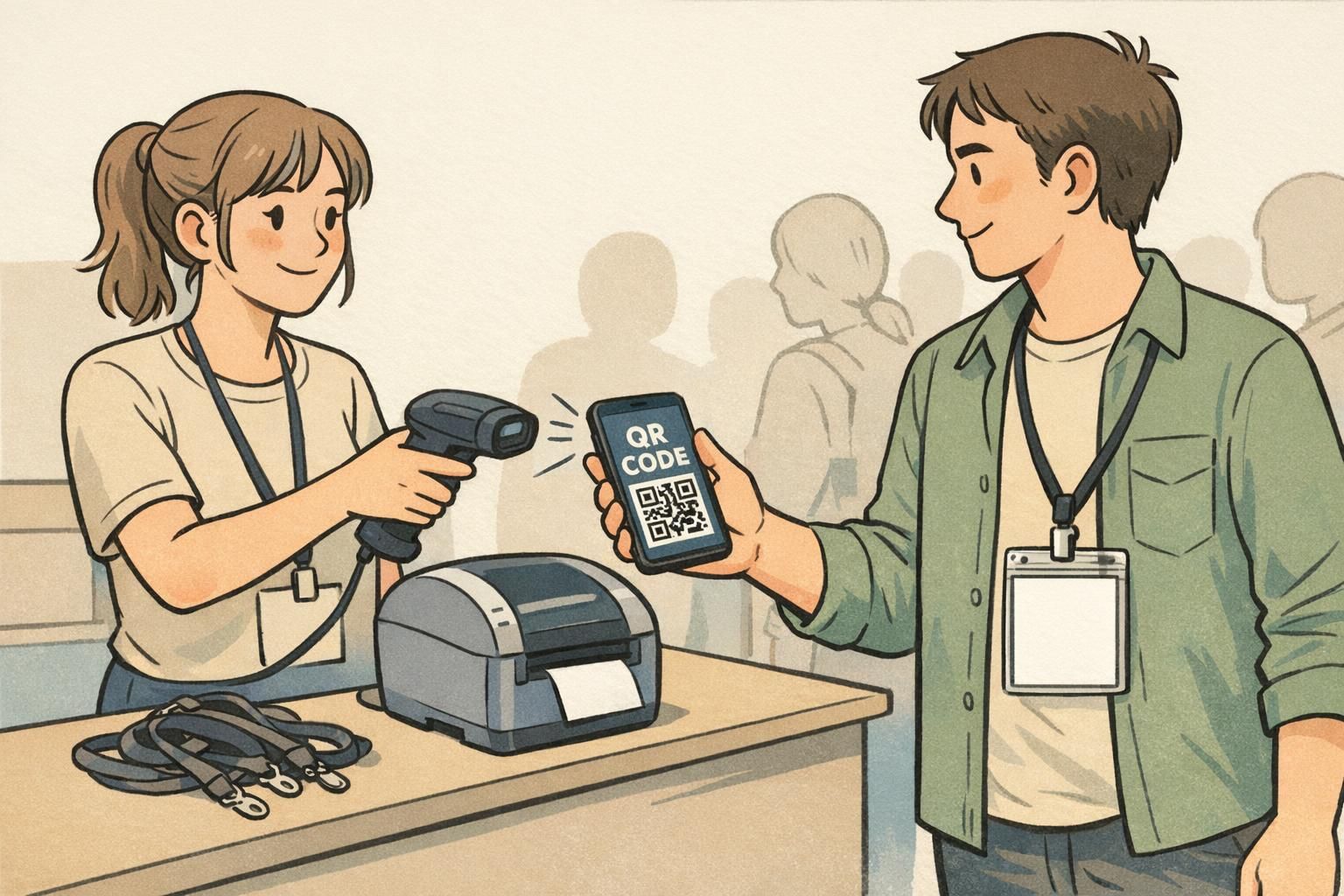
QR badge pickup assigns each attendee a unique code (usually delivered in a confirmation email or inside an event app). At arrival, staff scan the code to pull up the correct registration record, then either retrieve a pre-printed badge or trigger print-on-demand. Compared with manual lookup, scanning reduces the time spent searching and can cut down on “wrong badge” mistakes when names are similar.
A QR code is a type of two-dimensional barcode designed for fast machine reading and quick retrieval of information, which is why it’s widely used for check-in and ticketing workflows (source). In practice, the code should point to a secure attendee record rather than displaying personal details on its face.
There are two common setups: staffed scan-and-print stations (high accuracy, good for exceptions) and self-service kiosks (fast for straightforward arrivals, but still needs nearby staff to assist). Either way, QR workflows depend on having working devices, sufficient power, and a plan for connectivity—plus a clear backup if a phone is dead, an email can’t be found, or a scan fails.
- Best fit: mid-size to large events, especially with heavy peak arrivals
- Strength: fast record retrieval and fewer manual search errors
- Bonus: pairs well with print-on-demand when many last-minute updates are expected
- Watch-outs: device readiness, power, and connectivity planning matter
Speed, Staffing, and Space: Practical Throughput Expectations
When planners talk about “faster event check in,” they’re usually solving for the busiest 30–60 minutes—when arrivals cluster and lines can grow quickly. Your throughput will be shaped by how long each attendee interaction takes (including exceptions) and how efficiently you can keep lines moving toward available staff.
Alphabet lines often move at a moderate pace because staff may need to confirm spelling, search within a larger range, resolve duplicates, or find a badge that was filed incorrectly. Those small delays add up as the list grows, and they’re most noticeable when many attendees arrive at once.
QR scanning can be faster because scanning and record retrieval are quick when the system is stable and staff are comfortable with basic troubleshooting. Just as importantly, QR-based layouts can simplify queues: instead of routing people into letter ranges, you can run multiple “any line” scanning stations. That reduces decision friction at the door and makes it easier to flex staffing—opening another station when the line spikes.
- Alphabet lines need: clear lane separation, large signage, and staff who can search quickly
- QR stations need: charged devices, tested scanners, printing supplies (if printing), and a defined fallback lane
- Both need: a dedicated “exceptions” path so complex issues don’t block the main flow
If you expect a sharp arrival surge, the biggest performance gain usually comes from reducing exception time in the main line—regardless of whether you choose alphabet ranges or scanning.
Decision Guide: Choose by Event Size and Attendee Data Quality
A practical way to choose a badge pickup method is to start with your peak arrival volume, then pressure-test your attendee data quality. The more arrivals you have in a short window, the more valuable rapid record retrieval becomes. The messier your attendee data, the more you must plan for exceptions (and the more a dedicated help desk matters).
- If your peak arrivals are light to moderate and your list is stable: alphabet lines can be simple, low-stress, and effective.
- If your peak arrivals are heavy (crowds arriving together): QR badge pickup typically scales better because it avoids manual searching.
- If your attendee data is inconsistent (name variations, missing emails, duplicates): plan for more exceptions with either method, and budget staffing for a help desk.
- If you expect lots of on-site edits (substitutions, role changes, walk-ups): scan + print-on-demand can reduce waste and handle changes cleanly.
Also think about what “accuracy” means for your event. If sessions, meal access, security zones, or role identification matter, you want a workflow that reliably connects the right person to the right badge record. Scanning helps remove ambiguity, but only if your system and staffing are prepared for the real-world cases: dead batteries, forwarded registrations, and attendees who show up under a different company name than what’s in the database.
Duplicates tend to slow alphabet lines because staff must verify details and carefully match the correct record. QR scanning usually reduces that risk because each code maps to a unique attendee record. Either way, keep a quick verification step (company name or confirmation number) to prevent mix-ups.
Treat that as a data-quality issue and plan a help desk process. QR-based flows can still work well, but you’ll want an easy way to search by multiple fields (name + company) and a consistent policy for updating the record without stalling the main line.
Hybrid Setup: QR Fast Lane + Name Lookup Help Desk (Best of Both)
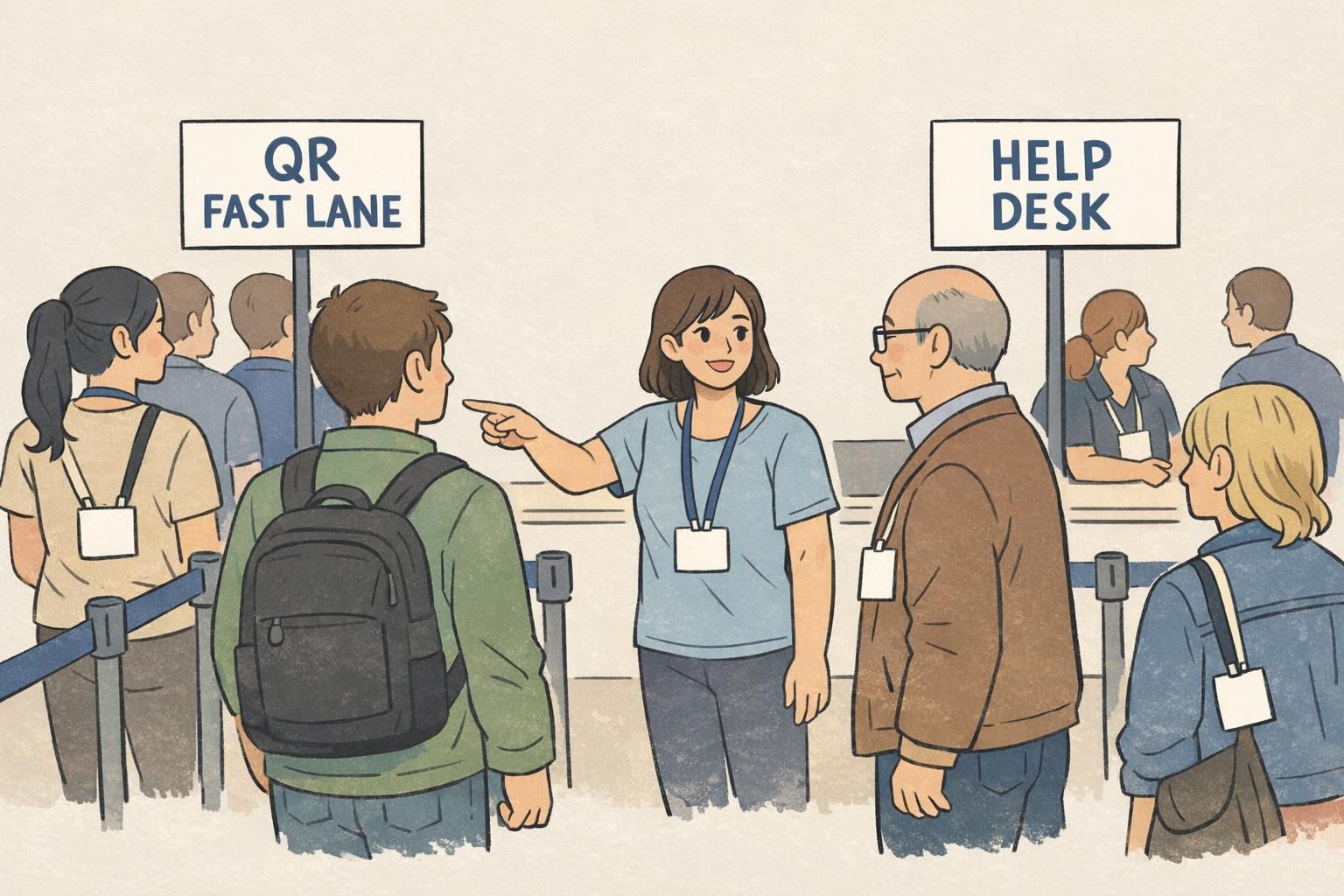
For many events, the most reliable approach is a hybrid: a primary QR Fast Lane for the majority of attendees and a separate Help Desk for exceptions. This is less about adding complexity and more about protecting throughput. When complicated issues are handled off to the side, your main line stays predictable.
In a hybrid setup, the QR lane focuses on quick scans and straightforward badge handoff or printing. The help desk handles missing QR codes, name changes, substitutions, payment or registration issues, and walk-ups. Staff in the help desk can take the time they need without blocking everyone else.
- QR Fast Lane: scan → confirm record → print/retrieve badge → handoff
- Help Desk: search by name/company → confirm identity per your policy → update record → print/reprint → resolve special access needs
- Traffic control: one greeter at the front can direct attendees to the correct line in seconds
“We stopped trying to solve every problem in the main line. Once we separated fast check-in from exceptions, the entire entrance felt calmer—even when arrivals peaked.” – Event Registration Lead
Privacy, Accuracy, and Fallbacks (No-Phone, No-Signal, Duplicate Names)
Check-in is operational, but it’s also a moment where privacy and accuracy matter. You’re handling attendee identity information, and you’re issuing the item people will wear all day. Building a few safeguards into your process helps you avoid misidentification and reduces the stress on staff.
For alphabet lines, be thoughtful about printed lists. Only include the details staff actually need to confirm a match, and plan how lists will be stored during the event and disposed of afterward. A neat, controlled check-in table is part of maintaining professionalism.
For QR workflows, avoid putting sensitive details directly into the QR code. A better practice is using a random identifier that resolves to the secure attendee record in your check-in system. That way, if someone screenshots or shares a code, it doesn’t expose private information on its own.
- No phone / dead battery: route to help desk for name/company lookup and confirmation
- No signal / Wi‑Fi issues: use a cached or offline attendee list when possible; keep a manual lookup option ready
- Duplicate names: add a secondary confirmation step (company, email domain, or confirmation number) before printing/handing off
- Wrong badge issued: have a clear reprint policy and a fast way to invalidate the incorrect badge if access levels matter
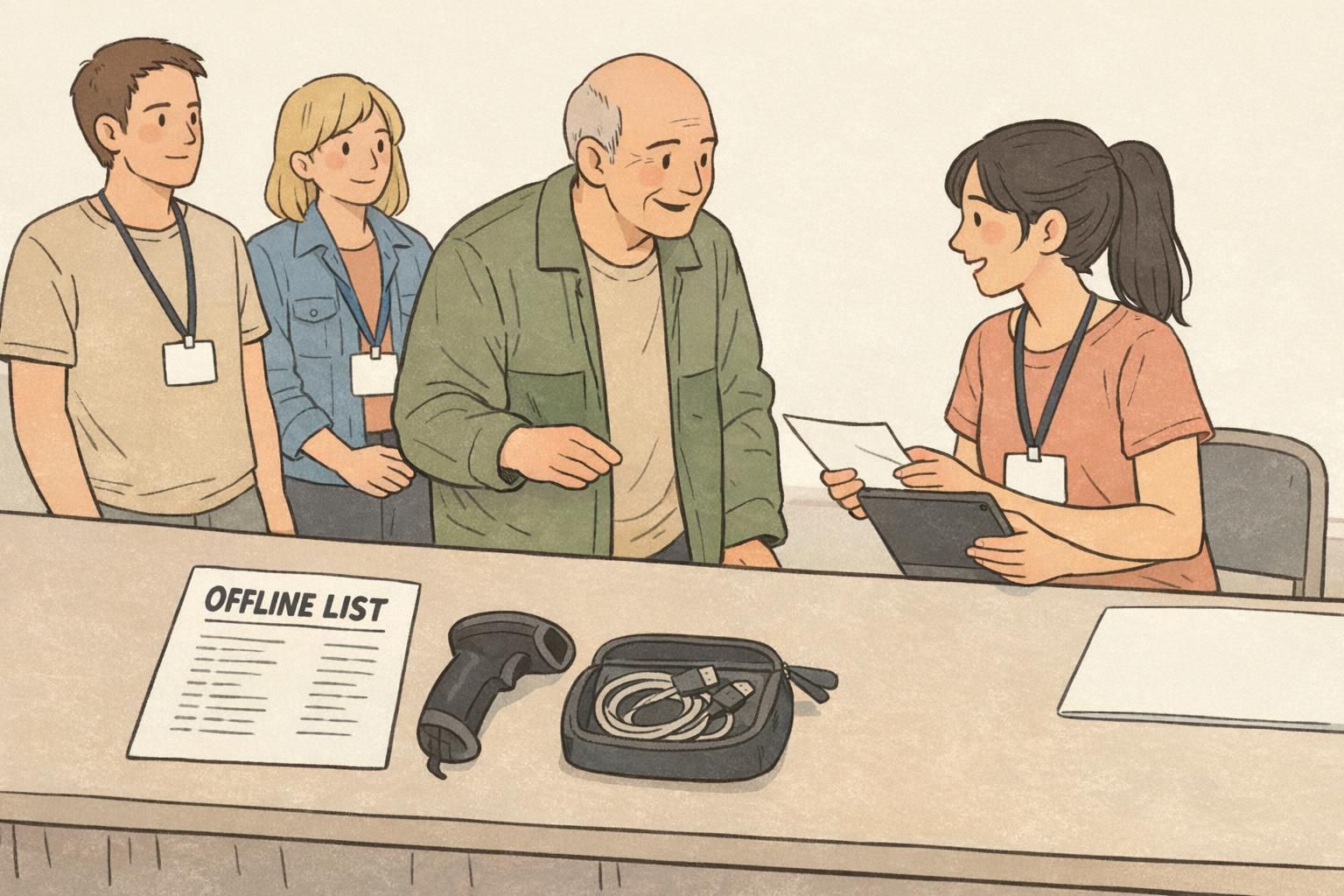
A fallback path isn’t a “nice to have.” It’s what keeps your check-in experience consistent for attendees who arrive without a QR code or who need a last-minute change.
Badge Materials That Support Smooth Distribution (and Faster Fixes On-Site)
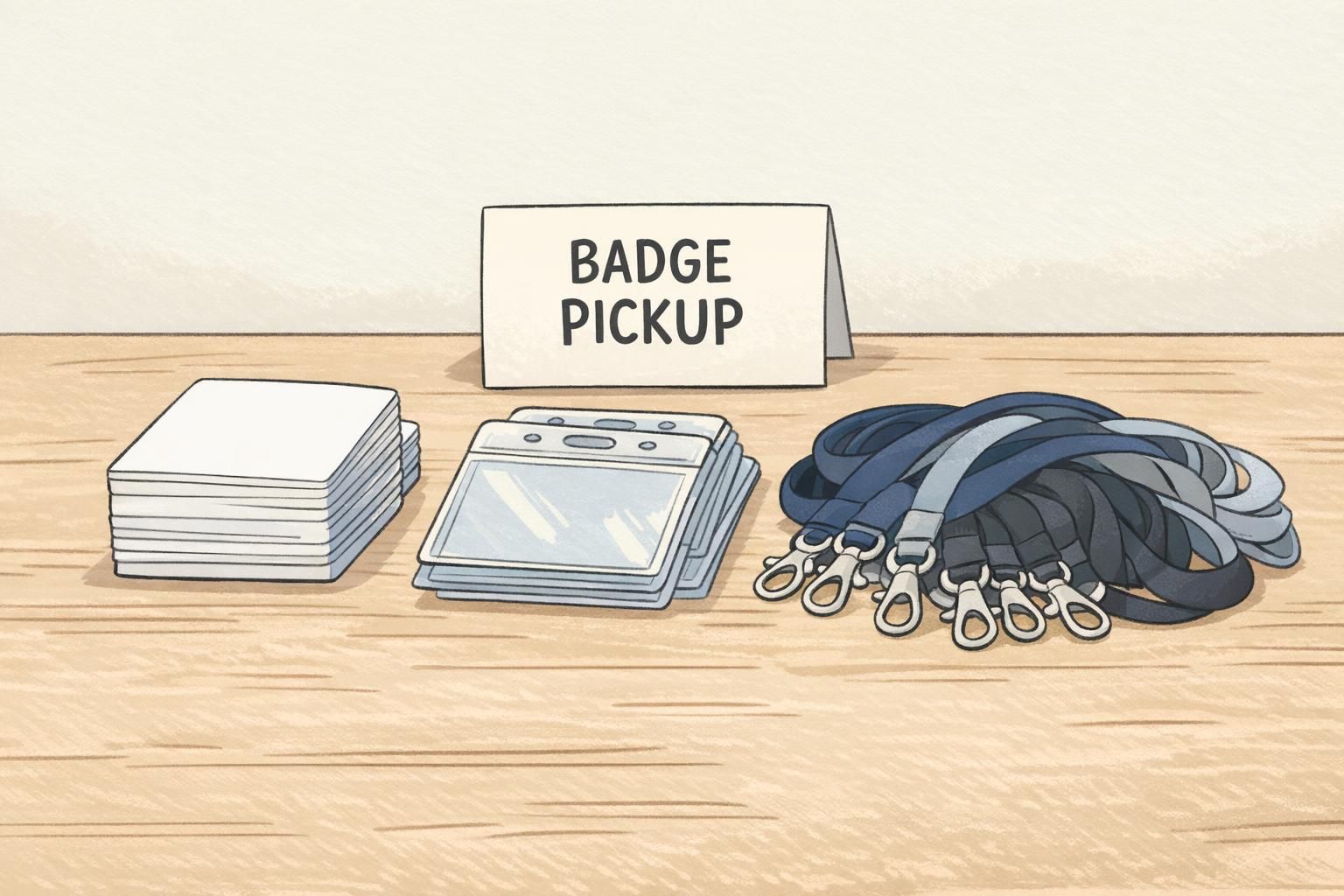
No matter which workflow you use, the physical badge still does a lot of work: it helps staff confirm identity at a glance, it supports access control (formal or informal), and it reduces awkwardness in introductions. When badges are easy to read and consistent in format, check-in stays faster because staff can quickly verify they’ve handed out the right one.
Design choices matter here. Prioritize large names, clear organization, and a layout that leaves room for any scannable elements you may need. Consistent sizing also matters because it keeps holders and lanyards uniform—helpful when staff are assembling or swapping badges during a rush.
If you’re using print-on-demand, plan your blank stock like you plan your staffing: have enough on hand, use a format your printers handle reliably, and keep materials organized so reprints don’t cause slowdowns. If you’re sourcing materials for a conference or multi-day event, BadgeZoo’s event badges and name tags can be produced in consistent formats that work with common holders and lanyards, which helps operations stay predictable.
- Make the attendee name the most visually prominent element
- Use consistent badge sizes and holder styles across the event
- Keep a small “reprint-ready” area so fixes don’t interrupt distribution
- If scanning is part of your flow, ensure the scannable area isn’t crowded or too close to edges
Pre-Event Checklist: Emails, Signage, Device Readiness, and Staff Scripts
Most check-in problems are preventable if you prepare for how attendees actually arrive: some will be in a hurry, some won’t have the email handy, and some will walk up needing changes. A simple, consistent plan keeps the front door calm.
- QR delivery: send QR codes with brief instructions (save to phone wallet or take a screenshot) and include what to do if the email can’t be found
- Signage: make “QR FAST LANE” and “HELP DESK / No QR / Changes” highly visible from the entrance
- Device readiness: test scanners, tablets/laptops, printers, and power strips; confirm you have charging cables and backup batteries if appropriate
- Connectivity plan: confirm Wi‑Fi details, and prepare an offline or cached attendee list if your system supports it
- Staff scripts: train a greeter to triage in one sentence (for example: “Do you have your QR code ready?”) and train desk staff on how to handle duplicates and edits
- Dry run: check in a sample set of real attendee records before doors open, including at least one “problem case”
If you want faster event check in, design for the busiest moment: clear routing, a protected fast path, and a separate place where exceptions get resolved without blocking everyone else.