Hybrid Work Badges: Keeping Identity Consistent Across Remote and Office Days
Why consistent identity matters in hybrid teams
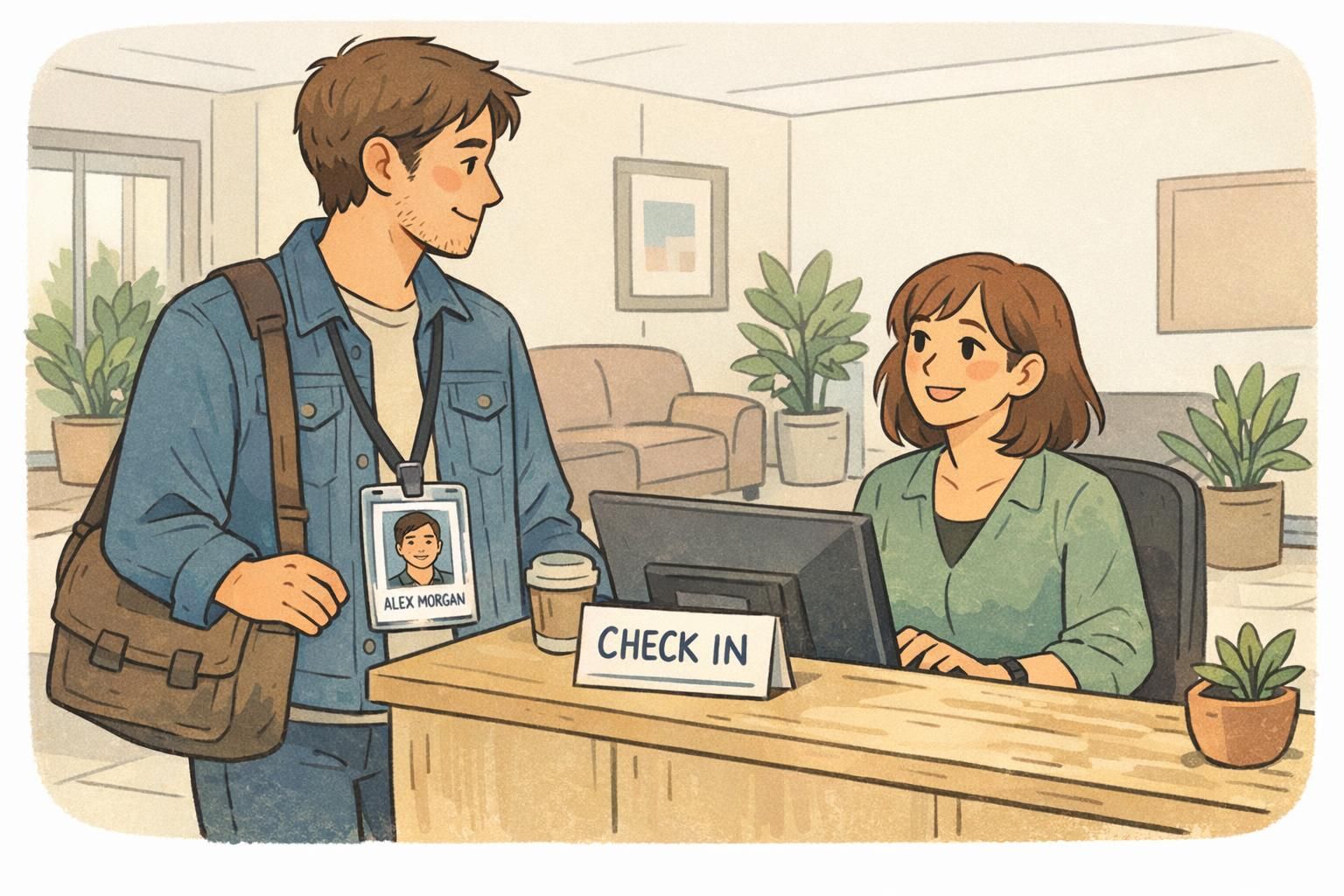
Hybrid work badges do more than show a name—they help people recognize each other quickly and confidently when work happens across home offices, coworking spaces, and headquarters. In a hybrid schedule, you might collaborate daily online but only see teammates in person once a quarter. When someone walks in for an onsite day, consistent identification reduces the “Wait—who is that?” moments that slow everyone down.
In practice, “consistent identity” means the same person looks and reads the same across systems and physical credentials: matching name format, photo, department or team, access level indicators (when used), and role signals that help coworkers and reception understand context. When those elements align, check-in is smoother, introductions feel more natural, and occasional visitors can move through the workplace without repeated interruptions.
A consistent identity approach supports professionalism (clear introductions), safety (fewer unknown-person interruptions), and organization (predictable check-in and access workflows) across remote and office days.
Define your hybrid badge program goals and use cases
A strong hybrid badge program starts with clarity about when identity needs to work flawlessly. For many teams, the most important moments are the ones that create friction: a first-day onboarding visit, a quarterly onsite day after months remote, a cross-site meeting where people only know each other from video calls, or a training day with mixed employee and contractor attendance.
It also helps to separate policies by audience so the experience stays fair and consistent. Employees, contractors, and visitors often need different badge types, different access levels, and different return expectations. Clear lanes prevent last-minute exceptions that lead to mismatched badges, delays at reception, and confusion on the floor.
- Onboarding and re-onboarding: first onsite day, equipment pickup, orientation
- Planned office visits: quarterly gatherings, team offsites, training days
- Cross-site meetings: traveling employees who need a consistent identity at another location
- Visitor-host interactions: guests who need quick, obvious identification
- Contractor and vendor days: limited access and clear labeling to reduce confusion
Good targets are practical: faster front-desk processing, fewer “unknown person” interruptions on the floor, and fewer reprints caused by mismatched records.
Remote employee ID: keep one profile across digital directories and physical badges
A remote employee ID works best when it maps to a single “source of truth” profile. That way, the same name format, photo, pronouns (if your organization uses them), title, and department appear everywhere employees are introduced—whether that’s a chat directory, an org chart, a meeting invite, or a printed badge at reception.
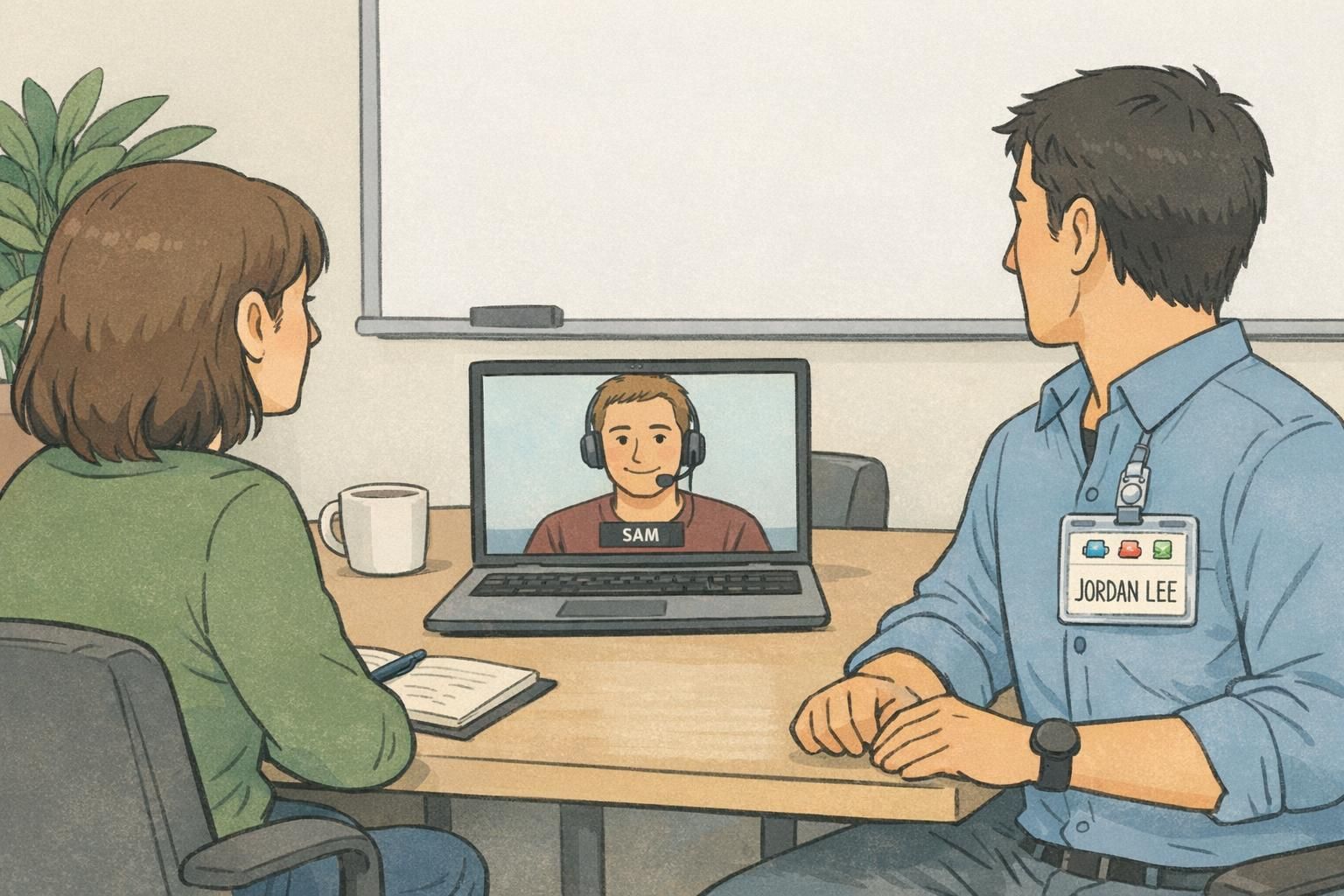
This matters because hybrid teams often meet in person after long gaps. If someone’s directory name is “Jordan Lee” but the printed badge says “J. Lee,” or the headshot is years old, coworkers hesitate, security double-checks, and admins end up reprinting badges that should have been correct the first time. Consistency is the easiest way to reduce delays at the front desk and avoid rework.
Standardized digital credential concepts also emphasize consistent, portable identity metadata—reinforcing the idea that profiles and credentials should stay aligned across contexts (source). Even if your workplace relies on simple tools, the principle is the same: one person, one identity record, reliably represented.
- Name: decide on full legal name vs. preferred name (and keep it consistent everywhere)
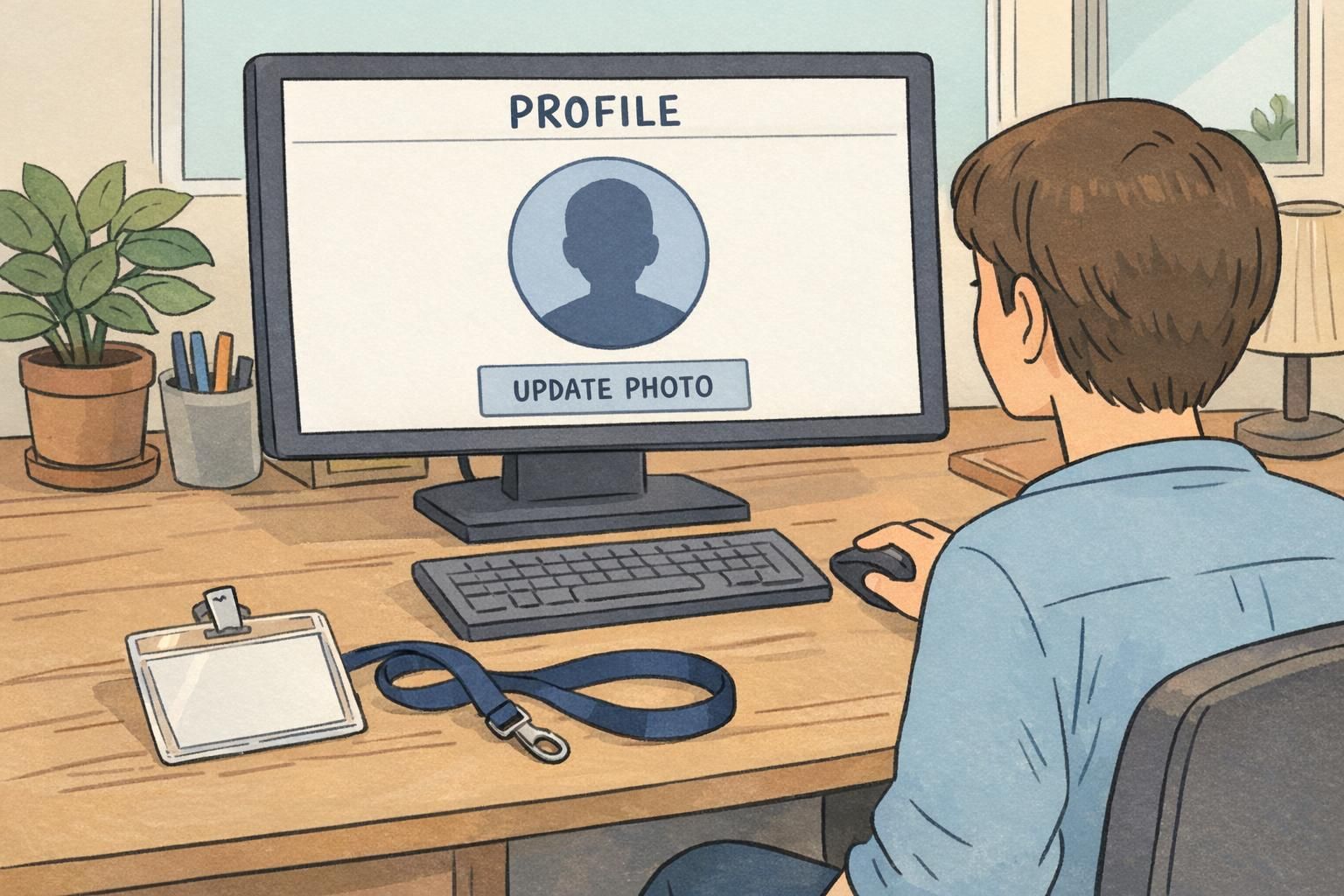
- Photo: set basic standards (clear face, neutral background, current enough for recognition)
- Team/department: match HR and directory labels so the badge doesn’t introduce a new category
- Title (optional): include only if it reliably stays current and helps on-site interactions
- Pronouns (optional): include only if your organization supports it consistently across systems
If you can only standardize a few fields, prioritize: photo + name format + team/department. Those reduce the most day-to-day friction during onsite visits.
Use a simple cadence and stick to it—many teams choose a regular refresh interval plus updates triggered by major appearance changes. The key is predictability, so reception and coworkers can rely on the photo for recognition.
Mismatched names (preferred vs. legal), outdated photos, and inconsistent departments or locations. Aligning these across directories and the printed badge prevents avoidable check-in delays.
Issuing physical IDs for occasional visits (without creating admin headaches)
For mostly remote staff, physical IDs can still be a smart part of a predictable onsite experience. The goal is not to create a complex system—it’s to ensure that when someone comes in, they can check in quickly and move through the office with clear identification that matches their profile.
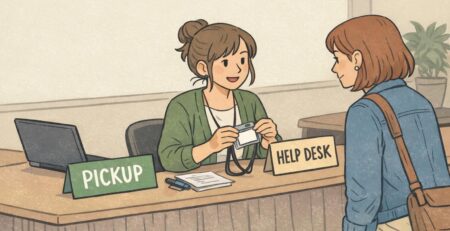
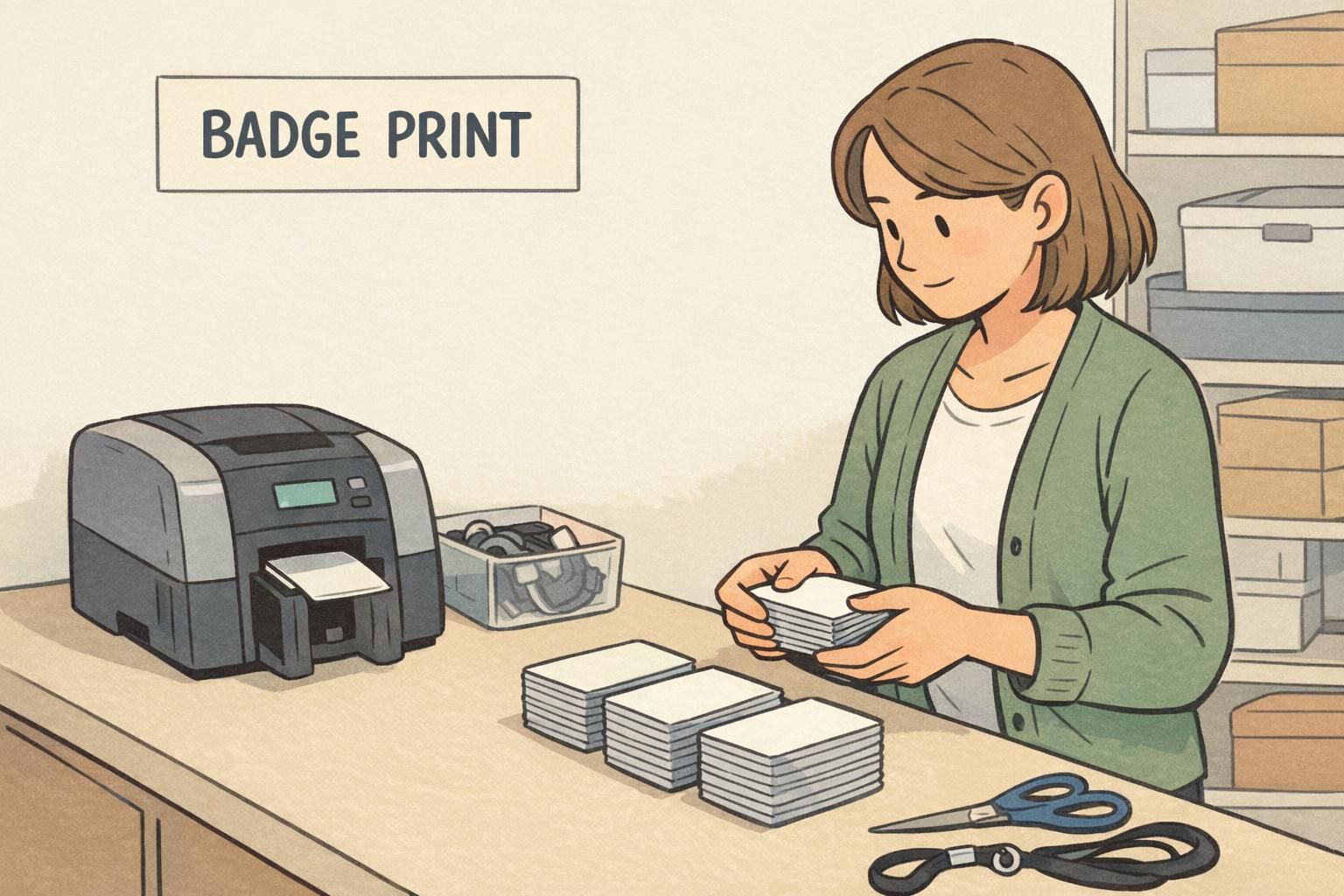
A practical workflow usually falls into one of three models: pre-print a badge before scheduled onsite days, store badges securely onsite for pickup, or ship a badge to the employee when appropriate. Which option works best depends on visit frequency, security preferences, and how distributed your team is.
- Pre-print before scheduled onsite days: generate a list of expected visitors and print ahead so reception can hand badges over quickly
- Secure on-site storage: keep remote staff badges in a labeled, access-controlled location for easy retrieval on arrival
- Ship to the employee: useful when they visit multiple sites or when check-in should be self-serve, with clear rules for replacement
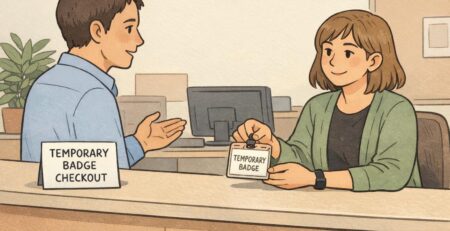
Forgotten badges happen. The best way to handle them without lowering standards is to use a temporary badge process that still matches your identity rules: confirm the person’s profile, issue a temporary credential with the same name format and a clear photo (if your process supports it), and then resolve the permanent badge situation after the visit.
- Choose durable materials for badges that live in bags or drawers between visits
- Use a readable photo size so recognition works at conversational distance
- Add scannable barcodes or QR codes when your workplace uses scanning for access or attendance
Office visit badge workflows: check-in, visibility, and return
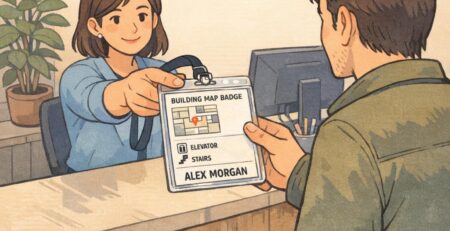
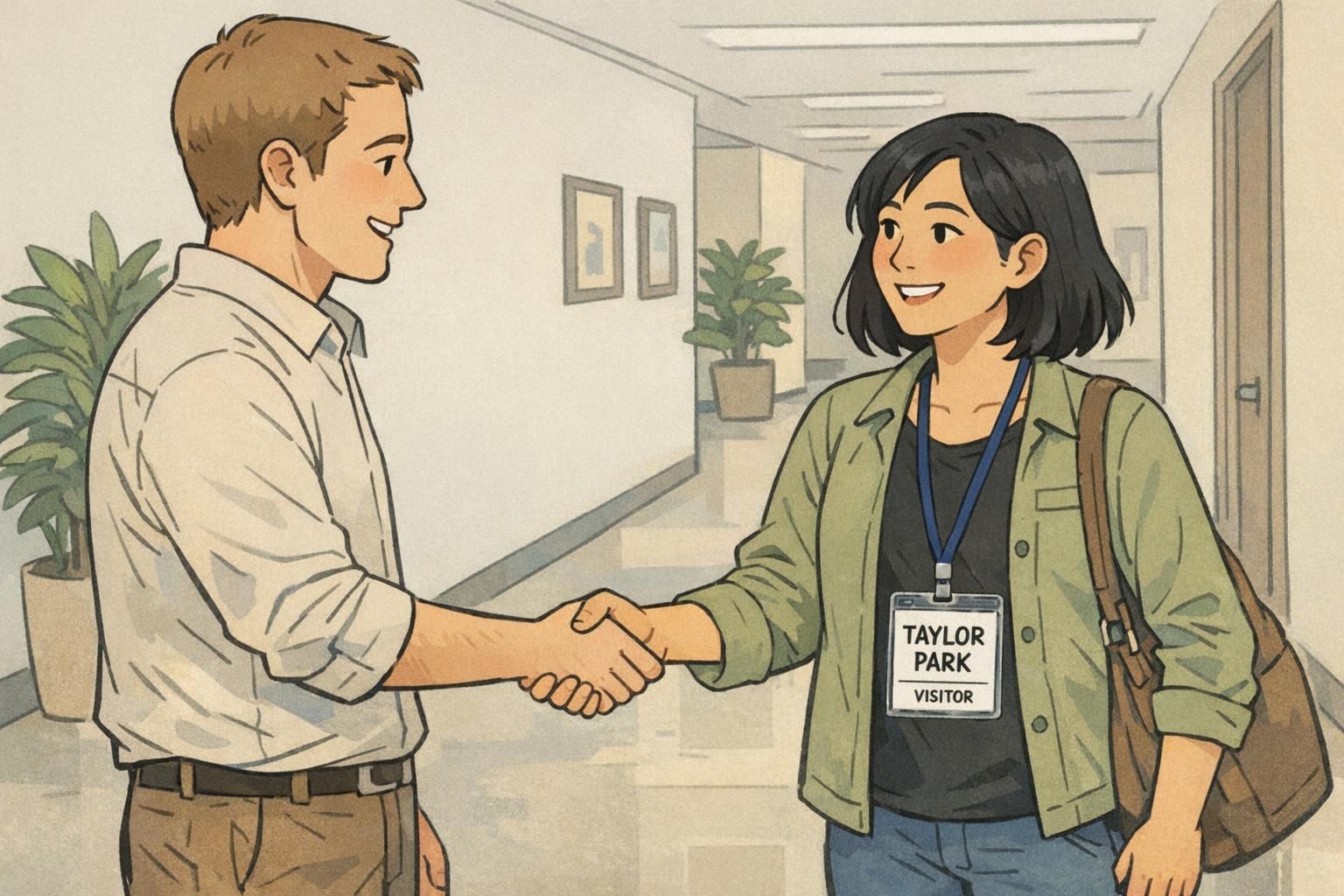
An office visit badge workflow should be fast for reception and clear for coworkers—especially when people don’t recognize each other in person. The smoother the first five minutes of arrival, the smoother the rest of the day tends to be. That means verifying identity quickly, handing off a badge that’s easy to read, and setting an obvious end-of-day process when badges are meant to be returned.
Many organizations use two patterns depending on visit frequency. For short visits, daily expiring, event-style badges reduce the risk of outdated credentials floating around and can be simple to issue. For people who come in regularly, a standard employee badge reduces repeat check-in steps and supports familiarity across the workplace.
- Check-in verification: confirm the visitor/employee profile and photo, and validate any scheduled appointment or host
- Badge handoff: provide a badge that’s immediately readable (large name, clear photo) and easy to wear
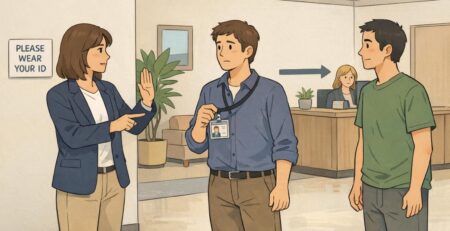
- On-floor visibility: use consistent visual cues (photo treatment, color bands by site/team) so coworkers can orient quickly
- Return process (if applicable): set a clear drop-off spot or reception hand-back to avoid loss and uncontrolled reuse
If people are repeatedly stopping someone to ask, “Who are you here with?”, the issue is usually visibility: name prominence, photo clarity, or a missing role/site cue—not the check-in itself.
Design standards that keep identities consistent across locations
Hybrid teams often operate across multiple offices. Without design standards, each location can drift into its own badge style—different fonts, different name formats, different colors, and different placement of key details. That drift makes people feel like separate sites rather than one organization, and it increases confusion when employees travel or rotate onsite schedules.
A simple design system keeps identities consistent while leaving room for small location-specific details. Standardize the layout, typography, and photo treatment first. Then define a few rules for what can vary, such as a site code or a subtle color band for a location. The goal is to make the badge readable at conversational distance and quickly scannable by security or hosts.
- Name rules: decide full name vs. preferred name and keep it consistent across locations
- Photo rules: same crop, same placement, and consistent size for quick recognition
- Hierarchy: make the name the most prominent element; keep secondary fields clearly smaller
- Color rules: use consistent brand colors with optional site/team bands only if they stay standardized
- Location details: add small site codes only when they help wayfinding or access decisions
“When we standardized our badge layout, introductions got easier overnight. People stopped squinting at tiny text, and the front desk had fewer exceptions to manage.” – Workplace Operations Lead
Optional role signaling with badge buddies (when teams need quick context)
Badge buddies can add helpful context in hybrid environments—but only when that context genuinely improves the onsite experience. They’re most useful when people rotate onsite, when teams come together for cross-functional project weeks, or when certain roles need quick recognition so others know where to go for help.
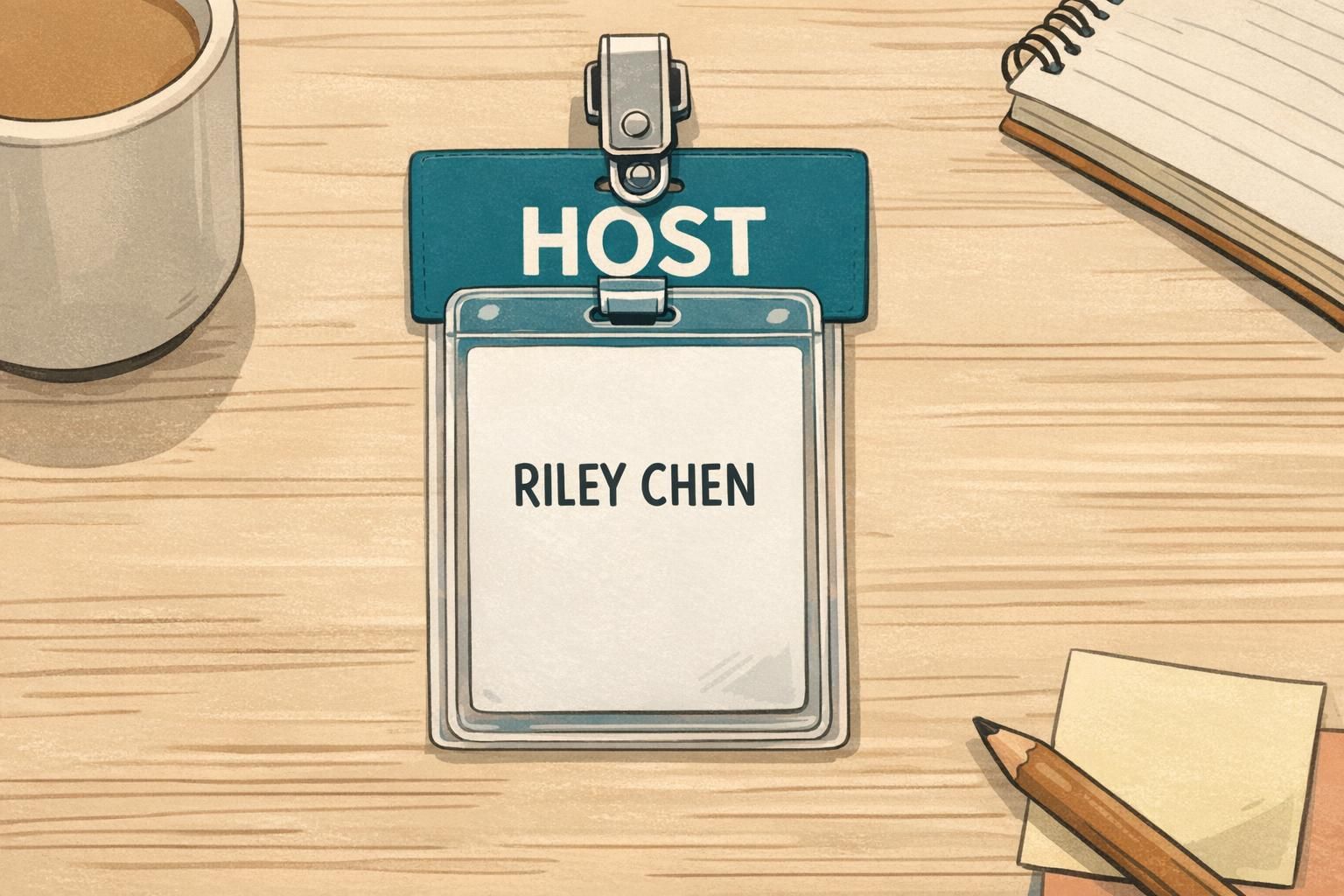
Examples include clearly labeling a host during an office visit day, identifying a speaker during a training session, or marking IT support during an equipment refresh. The key is keeping labels simple and consistent so they help rather than distract. Badge buddies work best as an add-on behind a consistent primary ID design, not as a replacement for it.
- Use role labels that are short and universal (e.g., HOST, SPEAKER, IT SUPPORT)
- Limit the number of role categories so people can learn them quickly
- Keep visual rules consistent (same placement, same color approach) across sites
- Use role add-ons only when they reduce interruptions or speed up wayfinding
Operations checklist: governance, privacy, and reprint control
Once a hybrid identification approach is working, the biggest long-term challenge is keeping it consistent. A lightweight governance plan prevents template sprawl, inconsistent exceptions, and frequent reprints caused by small differences in names, photos, or departments. The goal is reliable identification with minimal administrative burden.
Privacy matters too. Most teams don’t need sensitive information on a badge. Focus on what helps people recognize each other and what supports your check-in/access workflow. If employee ID numbers are used, apply them thoughtfully and avoid exposing more than necessary for everyday identification.
- Ownership: define who maintains badge templates and who approves changes (HR, IT, security, workplace ops)
- Source of truth: document which system controls name, department, and photo
- Exceptions: create a simple process for edge cases so they don’t become one-off designs
- Privacy: limit fields to what’s needed for recognition and operations; avoid sensitive personal data
- Reprint control: add a quick audit step before printing (name format, photo quality, department label)
- Change triggers: set clear rules for when badges are updated (name changes, department changes, role changes)
The easiest way to cut reprints is to standardize photo rules and run a short pre-print audit. Most “badge problems” are avoidable at the proofing stage.
Product fit: ID badges, holders, and event badges that support hybrid programs
Once your workflows are defined, the right mix of credentials and wear options makes the experience feel effortless. Durable employee ID cards are a good fit when someone visits often enough to benefit from a standard credential. For short office visits or multi-day meetups, event badges can be a practical option—especially when you want a clear visit date, a specific access window, or an obvious visitor label.
Wear method matters more than many teams expect. Lanyards can be convenient for conferences or large gatherings, while clips can feel more natural on an office floor where people want a lighter setup. Holders are useful when badges need protection from wear and tear, particularly for occasional visitors whose credentials may be stored between visits.
If you’re building or refreshing a program, you can start with a small run, iterate on the template, and expand as the workflow stabilizes. BadgeZoo offers no minimum order quantity, which can help teams pilot a consistent design without overcommitting. For teams that want a reliable, photo-forward credential, you can review options for custom photo ID cards and align the print layout to your profile standards.
The best hybrid badge setups are boring in the best way: predictable check-in, consistent identity fields, and credentials that are easy to wear and easy to read.