Temporary Staff Badge Programs for Interns, Contractors, and Seasonal Teams
Why a Temporary Staff Badge Program Matters
A temporary staff badge program solves a common workplace problem: short-term people need to move quickly, but staff still need a reliable way to confirm who they are, what they’re here to do, and how long they should have access. When identification is inconsistent—or handled informally—teams lose time, supervisors field more questions, and security has a harder job distinguishing authorized visitors from unauthorized ones.
For interns, contractors, and seasonal workers, clear credentials reduce “Are you with us?” moments at reception, in back-of-house areas, or on a busy floor. They also support smoother onboarding because expectations are visible right away: the badge signals role and status, while the underlying workflow ensures the right approvals, training confirmation, and access settings are in place.
- Faster identity checks: staff can verify role and status at a glance
- Better safety alignment: onboarding steps and access controls stay tied to the assignment
- Reduced confusion in busy environments: supervisors and coworkers know who to contact and who oversees the work
- Cleaner offboarding: access can end on time, with fewer lingering active credentials
- Easier extensions and changes: re-issue a badge or update access without rebuilding the entire process
The best programs treat temporary credentials as a normal operational process—not a one-off exception—so issuing, verifying, and ending access happens consistently every time.
Temporary Staff Badge Design Basics: Clarity, Dates, and Visibility
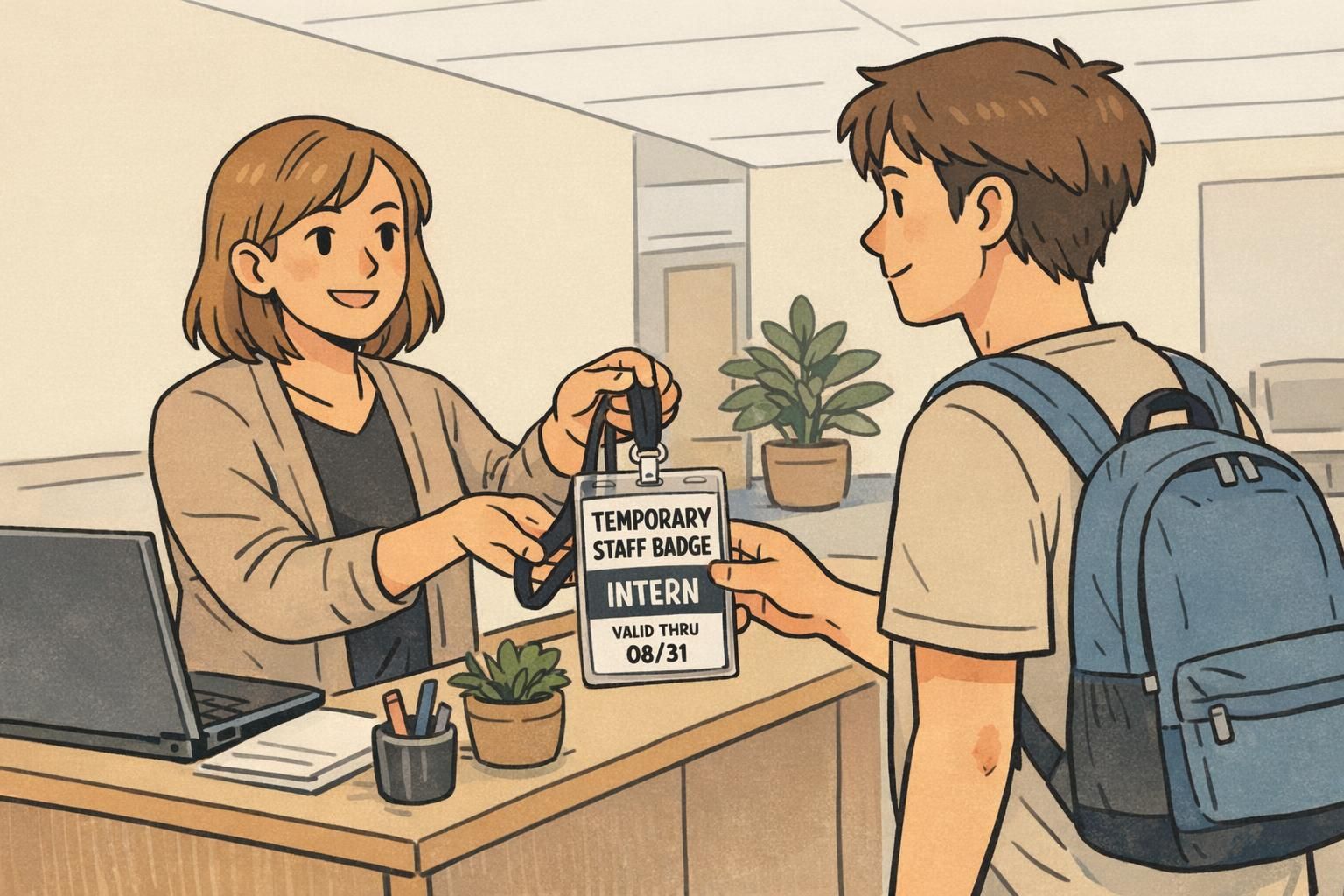
A temporary staff badge should be easy to interpret in one glance from a normal conversation distance. Start with role clarity: use large, bold role text such as INTERN, CONTRACTOR, or SEASONAL. Pair that with consistent visual cues—like a color bar or a repeated label placement—so staff recognize temporary credentials quickly across departments and shifts.
Expiration details are the core design feature for short-term credentials. Including “valid-from” and “valid-through” dates helps managers and security teams spot outdated badges immediately. For best results, match printed dates to your access system so a badge that shows an end date also deactivates automatically on that date.
- Make the role label the most visible element (INTERN / CONTRACTOR / SEASONAL)
- Print valid-from and valid-through dates in a consistent location every time
- Use readable fonts and high contrast so text stays clear under indoor lighting
- Keep the layout clean so the key information is not competing with extra elements
- Require visible wear (lanyard, clip, or holder) in controlled areas
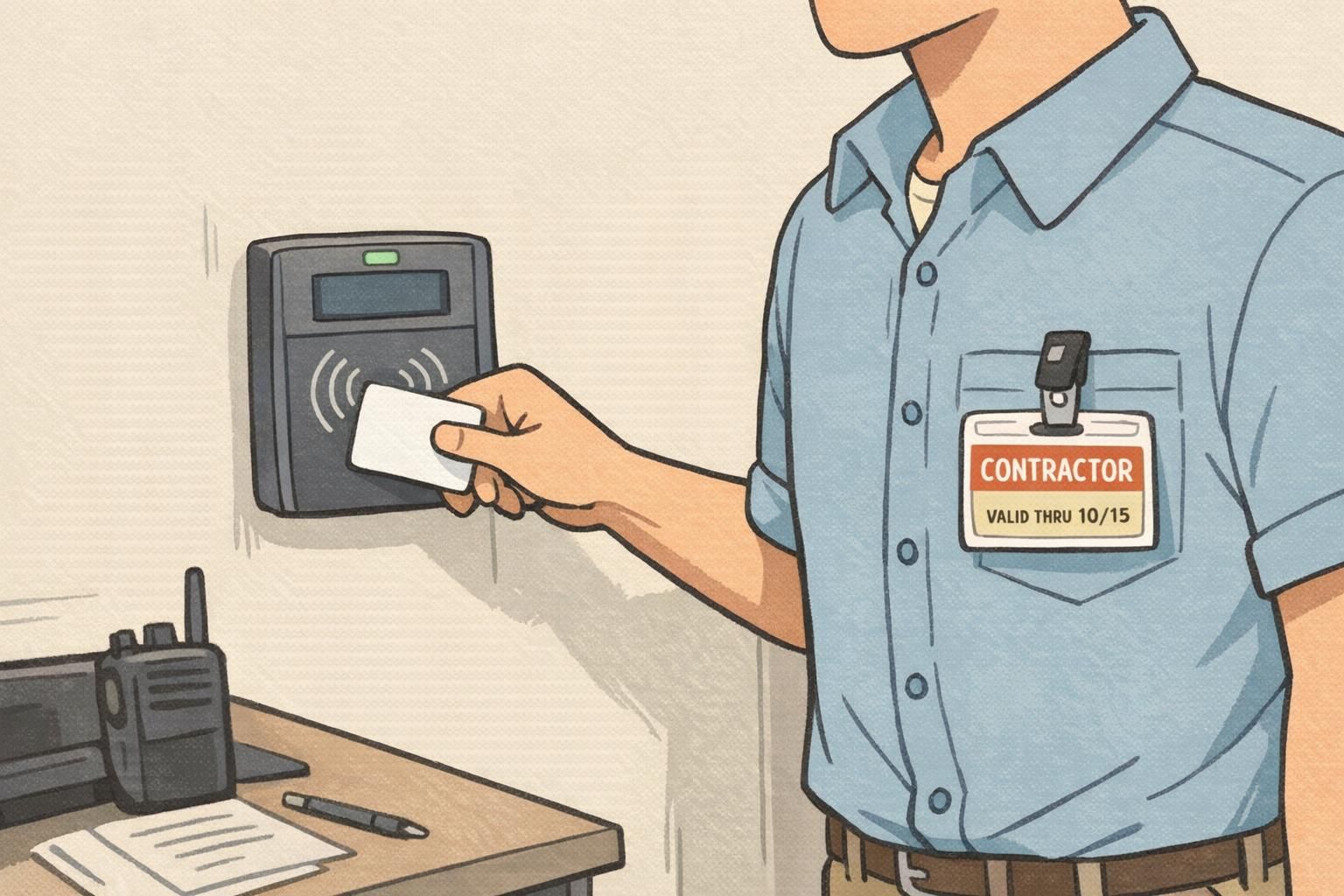
If your environment includes controlled areas, a “wear it visibly” rule only works when badges are designed to be readable while worn—role and dates need to be prominent, not buried.
Access Controls for Short-Term Roles (Least Privilege + Time Bounding)
Short-term assignments are exactly where access settings can drift: someone needs a door for one task, a supervisor grants broad access to “keep things moving,” and the badge stays over-permissioned long after the need has passed. A solid program prevents that by using least privilege (only what’s needed) plus time bounding (only for as long as needed).
Instead of assigning permissions solely based on the worker category, match access to tasks and locations. For example, two contractors may need different doors depending on whether they’re doing network work in a server room or painting in a public corridor. Time bounding then reduces risk by aligning access with end dates, shift hours, and after-hours lockouts.
- Define access by task: locations and systems required for the assignment
- Use shift-based schedules when appropriate (e.g., weekday daytime only)
- Tie badge expiration to the assignment end date and schedule deactivation
- Create a simple escalation path for temporary access changes (supervisor request + approval)
- Review extensions as a normal event: update access and re-issue if the badge date no longer matches reality
Usually no. Least privilege works best when access matches the person’s tasks, not just their category. A limited default with supervised escalation is typically easier to manage than broad access for everyone.
Yes. Printed dates help people spot an expired credential immediately, including in areas where electronic checks aren’t happening at every step.
Contractor Badge Workflows: Company Identification, Approvals, and Deactivation
A contractor badge works best when it answers three questions quickly: Who is this person? Who do they work for? And how long are they authorized to be here? Clearly marking CONTRACTOR status reduces confusion and sets expectations for supervision and site rules. In many workplaces, adding the contractor’s company name also helps staff route questions and know who oversees the work.
On the process side, the strongest contractor badge workflow ties the request to a project, specific location(s), and an end date. That makes approvals more consistent and makes offboarding easier because deactivation can be scheduled to align with the project timeline. Keeping a record that links a badge ID to the contractor’s employer and any site-specific requirements also supports renewals and audits without starting from scratch each time.
- Request: project name, site/location(s), sponsor or supervisor, and end date
- Approve: confirm scope and where the contractor should and should not go
- Issue: print CONTRACTOR status prominently, plus company identification when appropriate
- Activate: apply least-privilege access and time bounding (date + schedule)
- Deactivate: scheduled end-date deactivation, plus immediate termination option if needed
- Recordkeeping: badge ID linked to employer and assignment details for renewals and audits
“The simplest win for us was making contractor status obvious and tying each badge to a project end date. It cut down on hallway confusion and made deactivation routine instead of reactive.” – Facilities Coordinator
Intern ID Badge Tips: Onboarding, Limited Access, and Easy Re-Issuance
An intern ID badge should support learning while still protecting sensitive spaces and systems. Interns are often new to workplace norms and may rotate through teams, which makes visual clarity and consistent onboarding especially important. A visually distinct intern credential helps staff know when to provide guidance, who to contact for supervision, and where questions should go.
From an access perspective, start with limited access by default and expand only when the intern’s responsibilities require it. That reduces risk without slowing down real work, because changes can be made deliberately as duties become clearer. Finally, plan for re-issuance: interns may extend their term, change departments, or lose a badge. Standardized templates and consistent photo/data requirements make replacement fast while keeping control in place.
- Make INTERN clearly visible and consistent across all intern badges
- Pair issuance with an onboarding checklist (safety basics, confidentiality expectations, who to contact)
- Default to limited access and expand with supervisor confirmation
- Use standardized templates so replacements match the original format
- If an internship is extended, update the badge date and align it with access deactivation settings
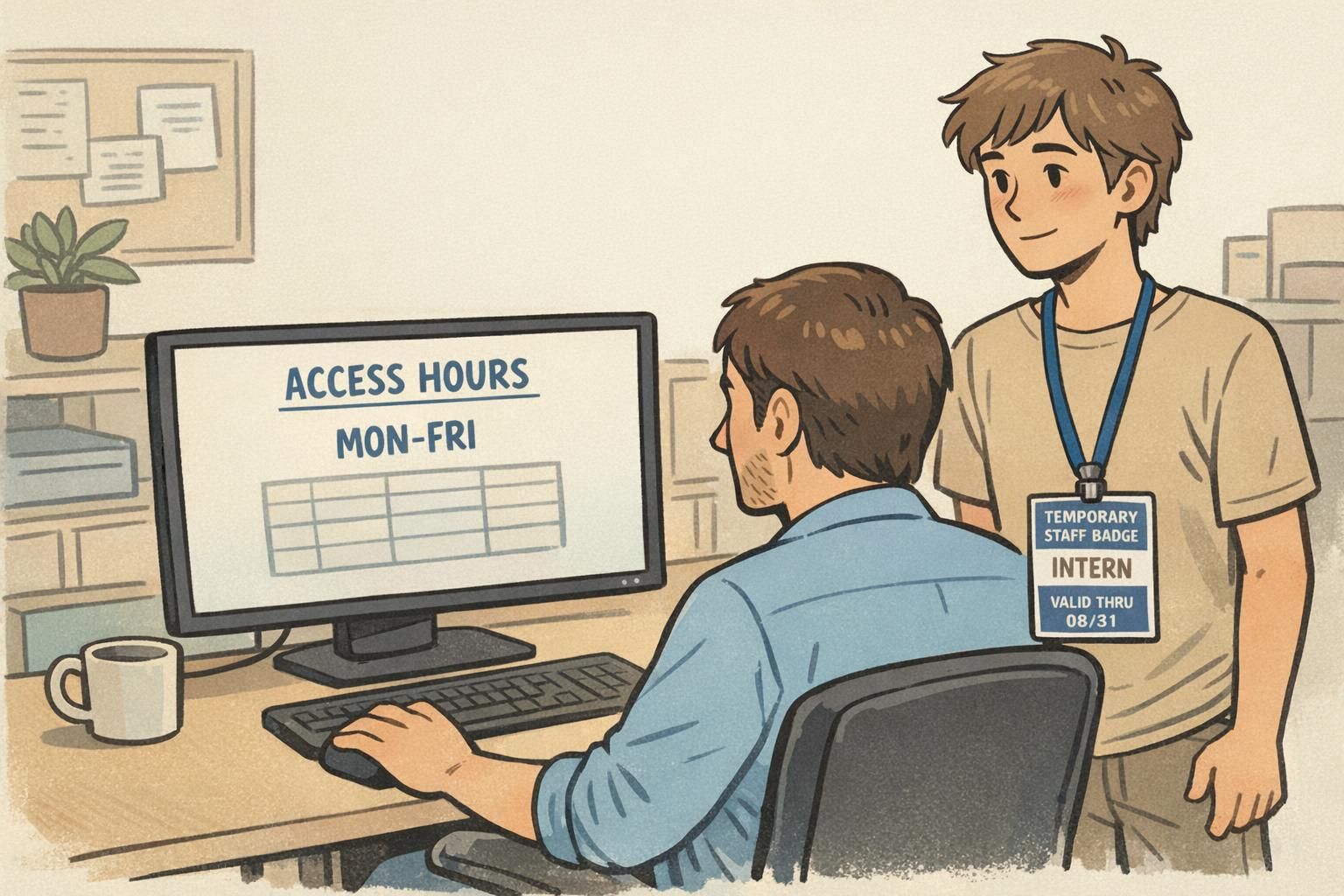
If the printed valid-through date no longer matches the assignment, re-issuing helps everyone verify status at a glance. It also reduces confusion when interns move teams or extend beyond the original plan.
Use one template (same role text placement and date fields) and one set of photo/data requirements, even if departments request the badges.
Seasonal and Event Teams: Batch Printing, Fast Activation, and Crowd-Friendly Roles
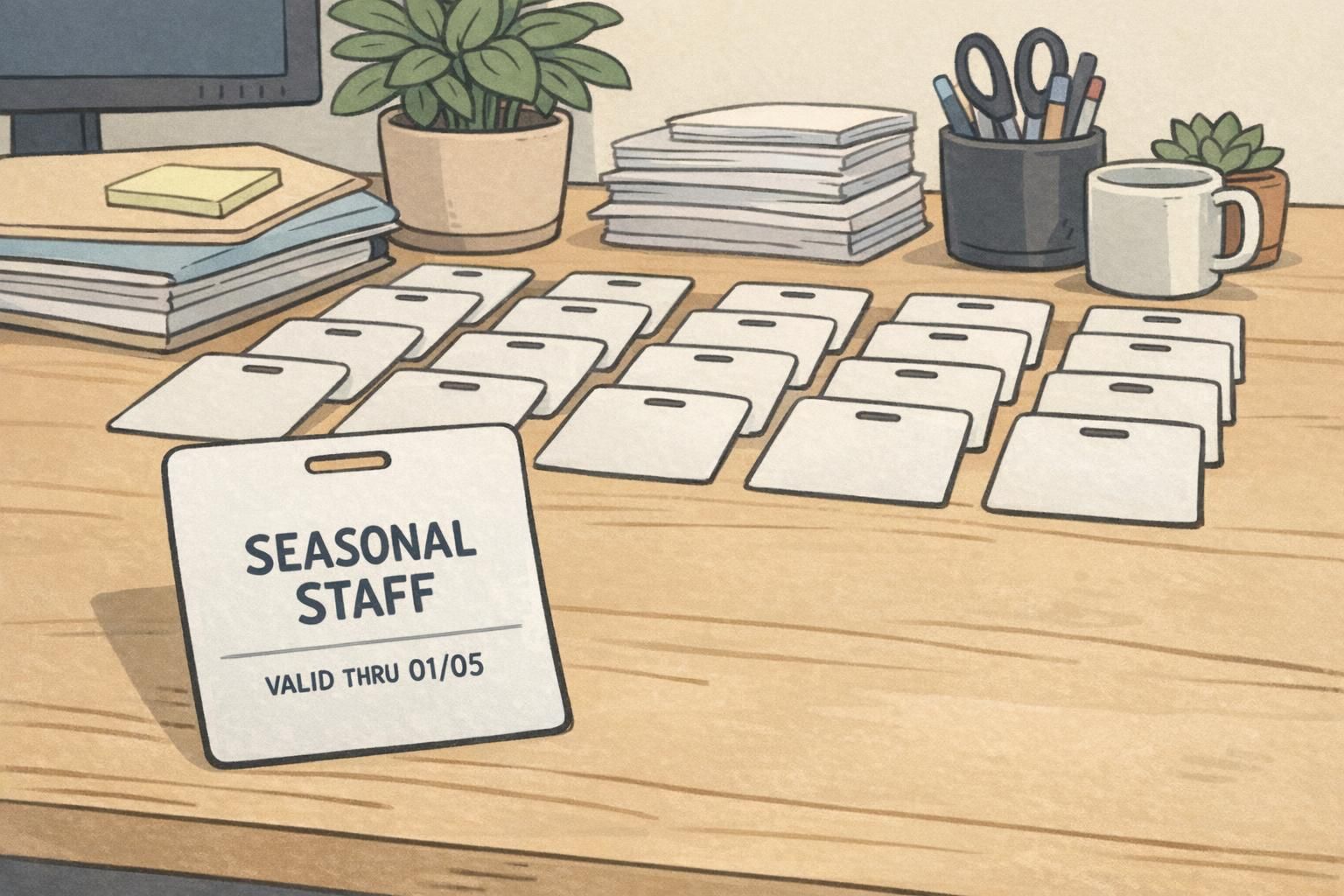
Seasonal hiring and event staffing create a different challenge: volume and speed. You may need dozens—or hundreds—of credentials issued quickly, sometimes within a tight schedule. Planning for batch enrollment and batch deactivation makes the whole operation more predictable and prevents leftover active badges after a season ends.
In crowded environments, role labels do real work. Clear text like SEASONAL STAFF, EVENT STAFF, or VOLUNTEER helps guests, managers, and security quickly identify who should be in staff-only areas. It also supports faster issue resolution when something looks out of place—without relying on people recognizing faces.
- Collect data in batches (names, photos if required, start/end dates, location needs)
- Pre-print using a consistent template with prominent role labels
- Activate credentials quickly, ideally tied to a start date or first shift
- Limit access outside scheduled shifts to protect inventory and restricted areas
- Batch deactivate at the end of the season or event, then handle exceptions (extensions) individually
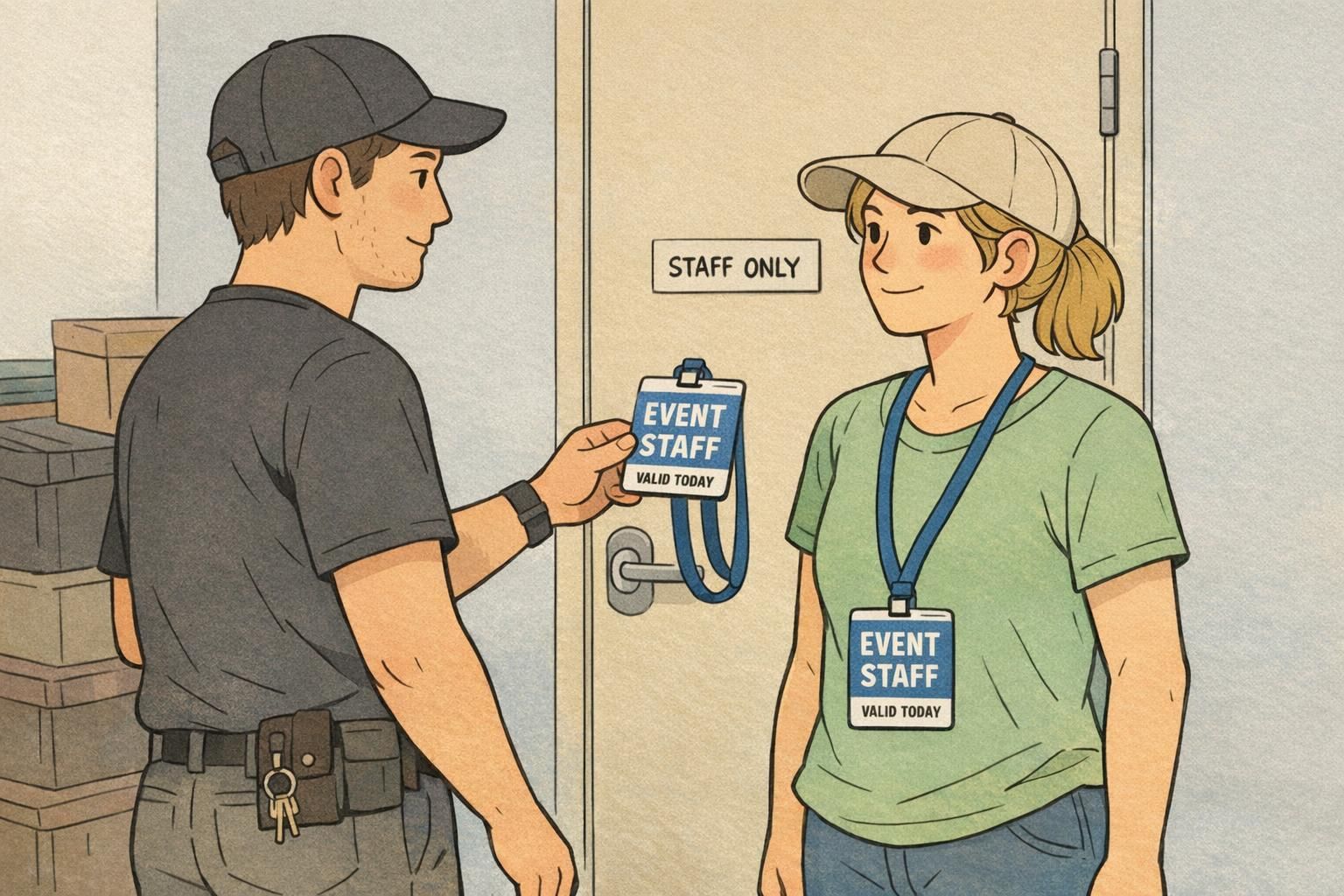
For high-traffic settings, the simplest design usually performs best: big role text + short validity window (like “valid today”) + visible wear.
Printing and Materials That Support Short-Term Badge Use
Temporary programs work better when the badge format matches the environment. A multi-week contractor assignment in an industrial space may need a durable plastic card that can handle daily wear. A short campaign or conference may be better served by event-style badges that are lightweight, quick to print, and easy to visually scan in a crowd.
Consistency matters as much as material choice. Standardizing photo sizing, role text placement, and date fields makes badges easier to verify—especially when you’re producing them quickly. Wear options are also part of the system: lanyards, clips, and holders can reduce loss, support visibility, and align with safety needs and job tasks.
- Durable plastic cards: good for multi-week roles and frequent access checks
- Event-style badges: good for short campaigns, conferences, and high-volume issuance
- Standard template fields: role label, name/photo (if used), valid-from/valid-through dates
- Wear method: choose lanyard, clip, or holder based on visibility needs and the work being done
BadgeZoo Products for Temporary Credential Programs
If you’re building a repeatable program, choosing a consistent credential format helps you issue, replace, and visually verify temporary badges across interns, contractors, and seasonal teams. BadgeZoo supports quick-turn identification options like ID badges, name tags, and event badges that can be designed with role identifiers and expiration dates.
For example, teams often standardize on one card style and layout for a temporary staff badge program, then swap only the role label and dates as needed. If you’re exploring formats, materials, or templates, you can review custom ID badges for temporary staff to see common options used for short-term credentialing.
A repeatable template reduces re-issue friction: when a badge is lost or an assignment extends, staff can replace it quickly without redesigning the credential every time.
Policy Checklist: Requests, Training Confirmation, Audits, and Re-Issues
A clear policy keeps the badge process fair, consistent, and easy to manage. Document who can request temporary badges, what approvals are required, and what must be completed before activation—such as orientation or site-specific safety training. Including temporary workers in routine safety and documentation practices helps align responsibilities and reduces gaps between “who has access” and “who has been prepared to work safely” (source).
Regular audits are the practical backstop. Comparing active temporary credentials against HR, scheduling, or contract records helps catch extensions that were never documented, badges that should have been deactivated, or access settings that no longer match job tasks. Finally, define a re-issue process that is fast but controlled: if a badge is lost or damaged, replace it quickly while promptly deactivating the old credential so it can’t be used.
- Request rules: who can request a badge and what information is required (role, supervisor, location, dates)
- Approval steps: confirm assignment scope, spaces needed, and end date
- Pre-activation checks: orientation and any required safety or site training confirmation
- Activation: least-privilege permissions plus time bounding (end date and/or schedule)
- Audit routine: reconcile active badges with current intern/contract/seasonal rosters
- Exception handling: extensions, transfers, and temporary access changes with clear sign-off
- Re-issue process: lost/damaged badge replacement with immediate deactivation of the old credential
Often enough that end dates and extensions don’t drift—many teams tie audits to regular HR or operations rhythms. The goal is to routinely confirm that active badges still match current assignments and documented training steps.
Deactivate the old credential promptly, then re-issue using a standardized template and the same approval rules. That keeps replacement quick without creating unmanaged duplicates.