One Day Visitor Badge Systems That Reduce Reuse and Confusion
Why One-Day Visitor Badges Get Reused (and Why That Causes Confusion)
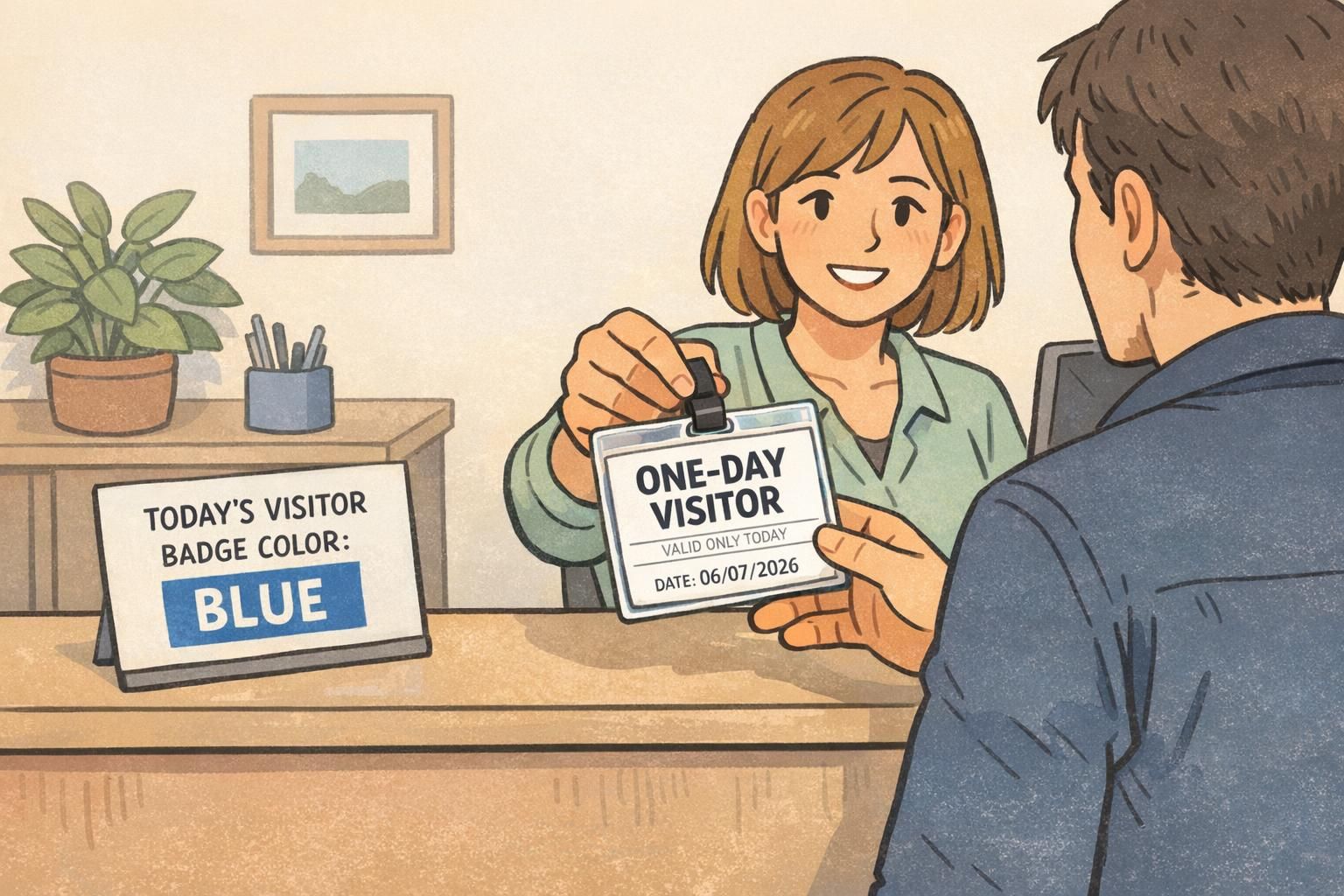
A one day visitor badge is supposed to answer two questions instantly: Who is this person, and are they authorized today? When those answers aren’t obvious, yesterday’s badge can quietly become today’s problem—either through accidental reuse or intentional pass-along.
In many workplaces, reuse happens for simple reasons: visitor badges look identical day after day, the date is missing (or too small to notice), and the badge resembles employee or contractor credentials. Once a badge “blends in,” staff must stop and ask questions—or they don’t ask at all.
The goal isn’t to make check-in harder. It’s to make validity and role obvious enough that anyone can verify from a few steps away.
- Reusability risk: A badge can be worn again later because nothing on it clearly expires (or the expiration cue is easy to miss).
- Ambiguity risk: A visitor badge looks like a staff ID, so people assume it represents an approved, ongoing relationship to the site.
- Operational drag: When staff can’t verify quickly, they interrupt each other, call the front desk, or ignore the badge altogether.
Simple visual rules reduce both risks: make “ONE-DAY VISITOR” unmistakable, choose a validity method (date, color, or expiring format), and keep those cues consistent across all entrances and teams. The rest of this guide breaks down the most practical systems for offices, clinics, warehouses, and multi-tenant buildings.
Make Validity Obvious: Date Stamps, Large Dates, and Visit Windows
Date stamping is one of the fastest ways to stop a temporary badge from blending into the next day. It works because it creates a direct, readable “today-only” cue that doesn’t rely on memory, policy knowledge, or a specific staff member being present.
- Pre-printed date field: Use a large “DATE:” line on the insert so reception always knows where to write or stamp.
- Bold validity statement: Add a clear line like “VALID ONLY TODAY” near the center of the badge, not at the bottom edge.
- Reception date stamp: A self-inking stamp is quick, consistent, and more legible than rushed handwriting.
- Visit window: For higher-control environments, include a time range (for example, 9:00 AM–3:00 PM) so the badge doesn’t silently remain “valid” late into the evening.
Design for distance. Most real-world verification happens while someone is walking down a hall, entering a lobby, or passing through a doorway. A date that’s technically present but tiny isn’t doing the job.
- Use large numerals (think: readable at arm’s length).
- Place the date in an open area that won’t be covered by a clip, lanyard swivel, or badge buddy.
- Prefer high-contrast blocks (dark text on light background, or light text on a dark color bar).
- Avoid decorative fonts; a simple sans-serif is faster to recognize.
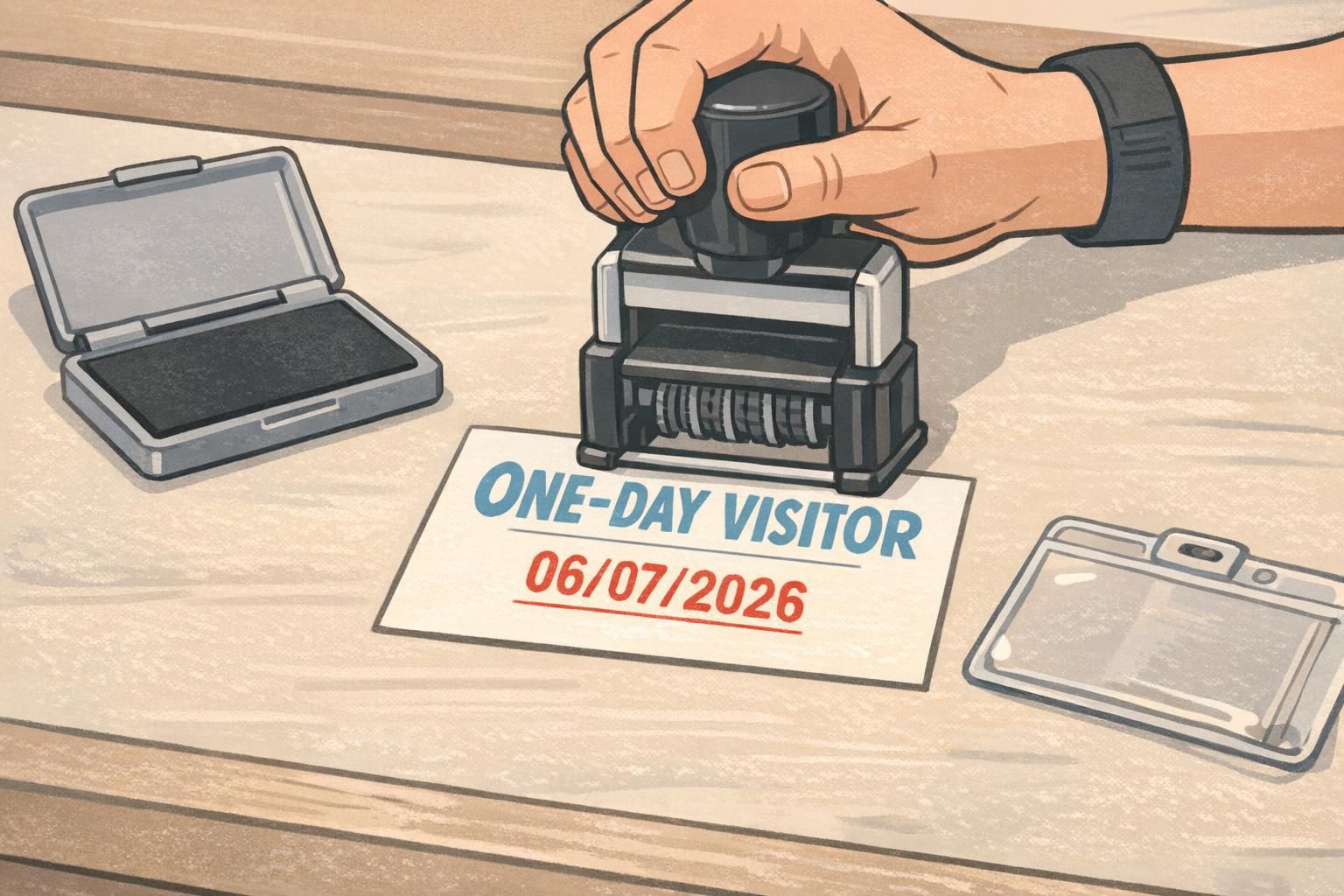
It can be, but handwriting often becomes illegible at a glance. A stamp (or large pre-printed date field with clear block writing) is usually easier for busy teams to verify quickly.
Not always. Time windows are most useful when visitor access needs tighter control than “sometime today,” such as evening shift changes, shared facilities, or areas with restricted hours.
Color-of-the-Day Systems: Fast Visual Checks for Busy Teams
A color-of-the-day system is a simple way to make an out-of-date badge obvious without reading anything. If the daily visitor badge is blue and someone walks in wearing yesterday’s green, staff can spot the mismatch instantly—even in a crowded lobby or during shift change.
This works especially well for busy environments where many people interact with visitors: clinics, schools, multi-tenant buildings, distribution centers, and offices with frequent interviews or vendor visits.
- Rotate colors on a predictable schedule (daily or weekly), and keep the pattern simple enough that reception can follow without guesswork.
- Post the daily color at reception and at any security or main entry point so staff can confirm the rule quickly.
- Choose colors that are clearly distinct from employee credentials to prevent role confusion.
- Use matching lanyards only when it improves clarity; a color bar on the badge often does more than a lanyard that can be tucked under a jacket.
Color rotation is less about “looking nice” and more about reducing the time it takes for a staff member to decide: valid today or not?
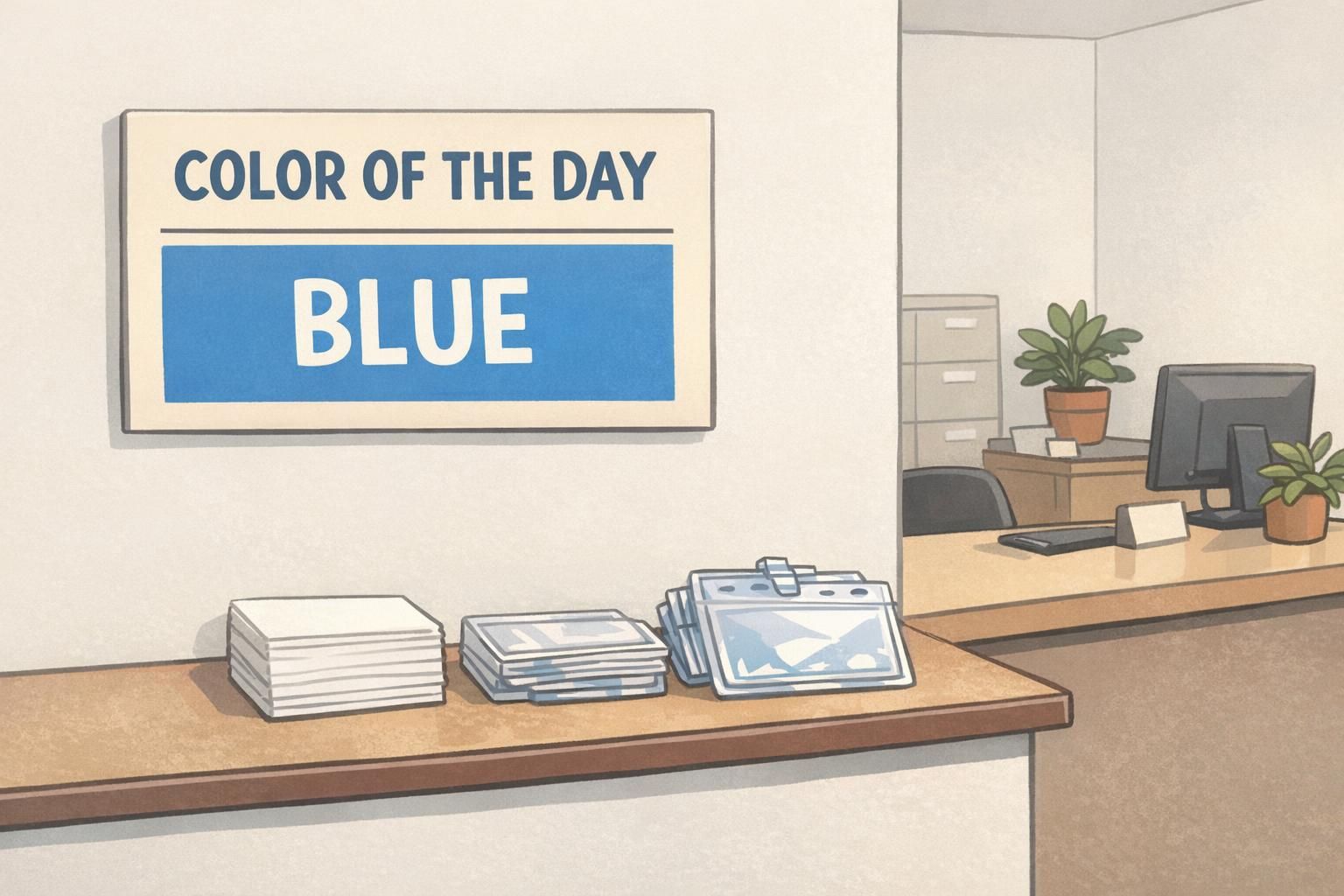
- Operational tip: Keep a small “color calendar” at the front desk so substitutes and part-time staff can issue the correct badge without asking around.
- Operational tip: If you use printed inserts, store each day’s inserts together (stacked or clipped) to reduce mistakes during rushes.
- Operational tip: If you have multiple entrances, mirror the same daily color at each check-in point to avoid conflicting signals.
Expiring Formats: Single-Use Adhesives and Tamper-Evident Options
When you need stronger controls than a reusable holder and paper insert, expiring formats can reduce pass-along and “I found this badge” reuse. The right choice depends on environment, wear method, and how quickly staff must recognize visitor badge expiration.
Unlike a reusable card insert, single-use solutions are designed to be discarded, removed, or rendered unusable after the visit. This can be a better fit for higher-risk areas, open campuses, or workplaces where visitors move around without a host at all times.
- Disposable adhesive visitor labels: Quick to issue and easy for staff to spot. Best for indoor use and short visits; can be less ideal on heavy outerwear or textured fabrics.
- Destructible materials: Designed to tear or break apart when removed, reducing the chance of re-wearing the same badge later.
- Holder + printed insert with collection at exit: Still uses a reusable holder, but relies on a reliable collection process and clear end-of-day controls.
If the environment includes heat, outdoor movement, or uniforms, test the wear method first. The most secure badge is the one visitors will actually wear correctly.
- Wear method fit: Adhesives suit shirts and smooth surfaces; clips and holders are better for jackets, scrubs, and layered clothing.
- Recognition speed: Bold “today-only” cues (large date, strong color bar) still matter even with tamper-evident formats.
- Exit flow: If you plan to collect badges, make the drop-off point unavoidable and easy to understand.
Clear Labels and Visual Hierarchy: Make the Badge Meaning Unmistakable
A visitor credential only works when people interpret it the same way—quickly and consistently. If the layout is cluttered, the role text is small, or the visual cues vary from day to day, staff may hesitate or make assumptions. Research on identification and presentation highlights how unclear or inconsistent assignment and display can create confusion and reduce trust, which is directly relevant to physical visitor credentials (source).
In practice, that means designing the badge so the “meaning” is obvious first, and the details are secondary. Your big, immediate cues should be: role, validity, and (if needed) access condition.
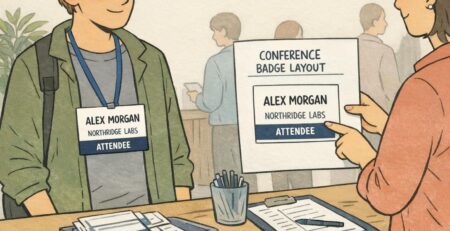
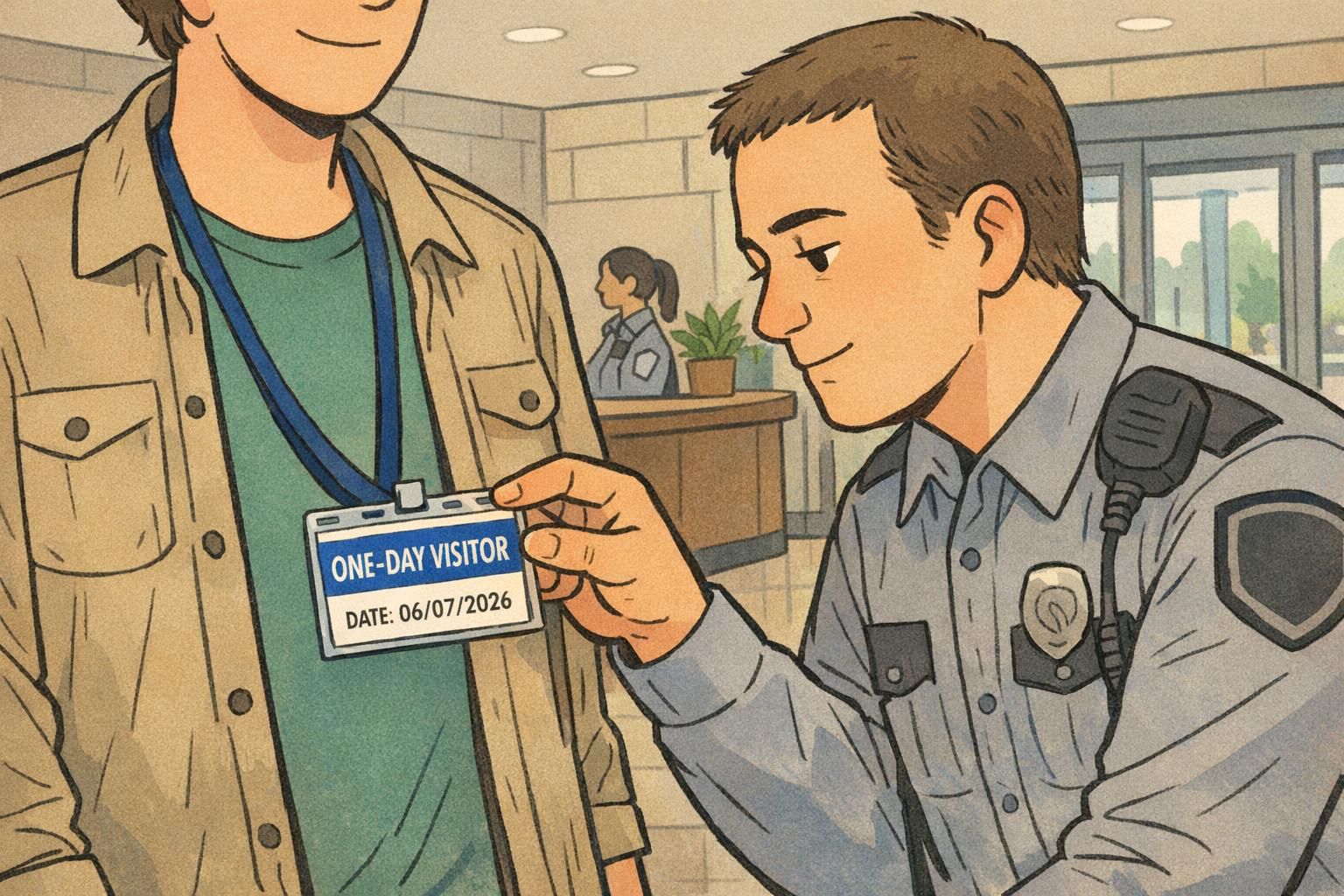
- Use large role text: “ONE-DAY VISITOR” should be the biggest thing on the badge.
- Separate visitor design from staff IDs: Different layout, different color band, and different typography hierarchy so it can’t be mistaken for an employee credential.
- Reduce clutter: Don’t compete with the date/color/expiry cue. If it isn’t helping verification, it’s slowing it down.
- Keep validity cues central: Put the date or “VALID ONLY TODAY” line where it will be seen even if the badge tilts or swings.
Photo capture can help in higher-security or larger sites where staff won’t recognize visitors by face, or where visitors move independently across zones. If you add a photo, keep it large and don’t shrink the date/color cues.
If escorting is required, make that status explicit (for example, “ESCORT REQUIRED”) and visually distinct from general visitors, so staff don’t have to remember policy details to interpret the badge.
“If you can’t tell in two seconds whether a badge is valid today, people stop trying—and the system becomes decorative.” – Facilities Coordinator
Practical Workflow: Check-In, Badge Issuance, and End-of-Day Collection
The best systems are the ones reception and security can run on a busy day without special effort. A consistent workflow reduces errors, speeds up check-in, and makes it easier for everyone to enforce the same rules.
- Check-in: Verify identity as required by your workplace (for example, confirm appointment details or a government ID if your policy calls for it).
- Issue: Provide the day’s badge format (date-stamped insert, color-of-the-day card, or single-use label).
- Point out the expiration cue: Briefly show the visitor the date/color/visit window so they understand it’s a same-day credential.
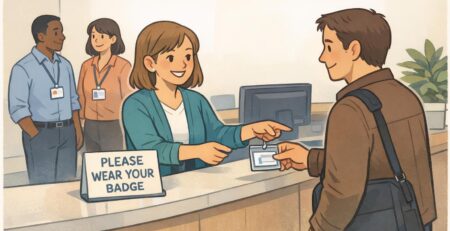
- Wear correctly: Hand the badge in a holder or on a clip so it stays upright and visible (not tucked in a pocket).
- Optional accountability: If you use numbered inserts, log the badge number and visitor name/company to help with end-of-day reconciliation.
End-of-day collection is where many programs quietly fail. If nothing happens at exit, yesterday’s badge can become tomorrow’s “maybe it still works.” Make return easy and expected.
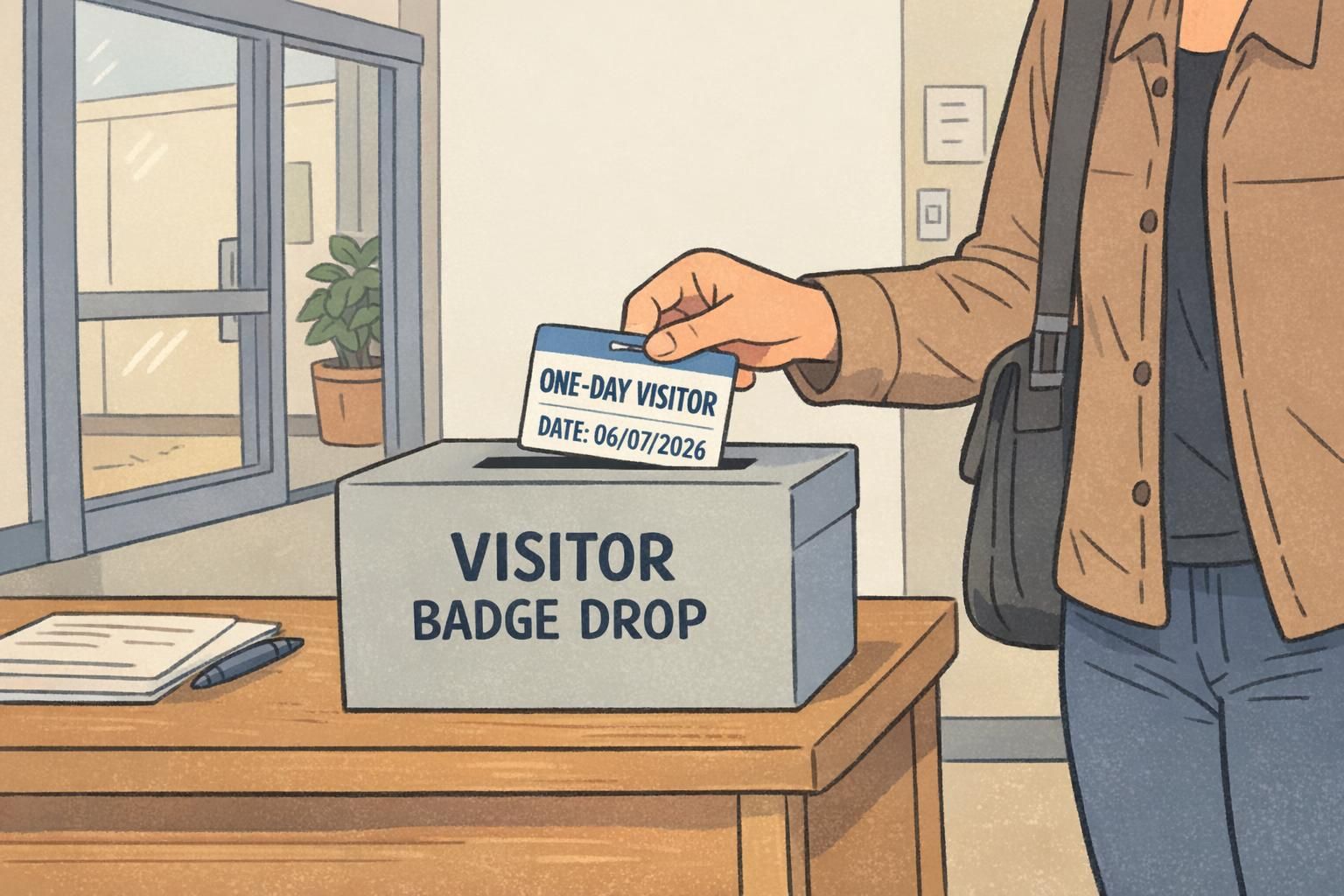
- Collection options: A clearly marked drop box near the exit, receptionist collection at checkout, or a security checkpoint return step.
- Visitors leaving and returning same day: Re-verify quickly (name/company) and re-issue only if the badge is missing or damaged. If you use a visit window, confirm they’re still within it.
- Lost badge handling: Treat it as expired immediately—issue a new badge with the same day’s validity cue and note it in the log if you keep one.
Consistency beats complexity. A simple routine that happens every time is more effective than a strict policy that only runs when the “right” person is on shift.
Choosing a Temporary Badge That Fits Your Facility
Choosing the right temporary badge comes down to balancing risk level, visitor volume, and how much time staff can spend on issuance. A calm office with a few daily guests can use lightweight controls, while higher-control environments need faster recognition and stronger anti-reuse features.
- Low-risk, lower volume: Date stamp plus a color-of-the-day bar provides quick verification without slowing reception.
- Moderate-risk or busy lobbies: Color-of-the-day rotation (posted at entrances) plus a large printed date gives both instant recognition and readable confirmation.
- Higher-control environments: Add single-use or tamper-evident formats to reduce pass-along reuse and clarify visitor badge expiration.
- Sites needing stronger verification: Consider photo capture or numbered logs—while keeping the badge layout simple and scannable.
Decision guide: Need fastest recognition? Use bold color rotation. Need strongest anti-reuse? Use single-use adhesive labels or destructible formats. Need auditability? Use numbered inserts and a simple log.
Whatever you choose, align visitor visuals with your broader ID program so roles don’t blur. When employees, contractors, and visitors each have clearly distinct credentials, staff can make correct decisions faster—without needing to memorize exceptions.
Badge and Holder Options That Support One-Day Visitor Programs
The badge design is only half the system. How the badge is worn affects whether validity cues stay visible and upright. A clear holder can protect printed inserts, while clips and lanyards help ensure the credential is displayed consistently across different clothing types.
- Clear holders for printed inserts: Helps keep dates, color bars, and “VALID ONLY TODAY” text readable throughout the day.
- Simple clips for quick issuance: Useful when visitors won’t wear a lanyard (interviews, short meetings, vendor drop-ins).
- Lanyards for higher visibility: Can improve compliance in large buildings where visitors move farther from reception—especially when paired with a badge that has a bold daily color bar.
If your daily visitors resemble event traffic (multiple check-ins, quick handoffs, and a need for fast scanning by staff), event-style formats and holders can be a practical fit. You can explore BadgeZoo’s event badges and credential holders for daily visitors as one option for readable, easy-to-issue visitor credentials.
Common Mistakes to Avoid (and Easy Fixes)
Most visitor systems don’t fail because teams don’t care—they fail because small design and process choices create avoidable ambiguity. The good news: these issues are usually easy to fix without changing your entire workflow.
- Mistake: Using the same color every day. Fix: Rotate a distinct daily color and post it at reception and entrances.
- Mistake: Printing dates too small. Fix: Increase numeral size and put the date in a high-contrast block near the center.
- Mistake: Placing the date where a clip covers it. Fix: Move the date away from corners and edges; test with your actual clips/holders.
- Mistake: Visitor badges that look like staff IDs. Fix: Use a clearly different layout and large role text like “ONE-DAY VISITOR.”
- Mistake: Too much text and branding competing for attention. Fix: Keep the hierarchy simple—role first, validity second, details last.
- Mistake: No return step at exit. Fix: Add a visible drop box or a standard checkout moment to support visitor badge expiration.
The most reliable programs rely on consistent rules that anyone can apply: clear role label, clear same-day validity, and a predictable process for issuance and return.