
Everyday wear and tear on student ID cards
Student ID cards need to stay readable through ordinary school days: trips between classrooms, repeated scans, crowded backpacks, and frequent handling. A card that looks clear when first issued may face scratches, bending, fading, and moisture as students carry and use it. Choosing durable materials and finishes starts with understanding those routines.
Consider where cards spend most of their time. A card carried loose in a backpack faces different stresses from one worn flat in a rigid holder. Pocket storage can involve repeated bending, while a lanyard leaves the card more exposed to contact with desks, bags, and other belongings. The right specification addresses the conditions students actually encounter.
Look beyond whether the card body stays intact. Photos must remain recognizable, names must stay legible, and scanning areas must continue working with the school’s readers. Durability is a combination of the card material, printed surface, holder, and everyday care—not simply a choice between a thin card and a thick one.
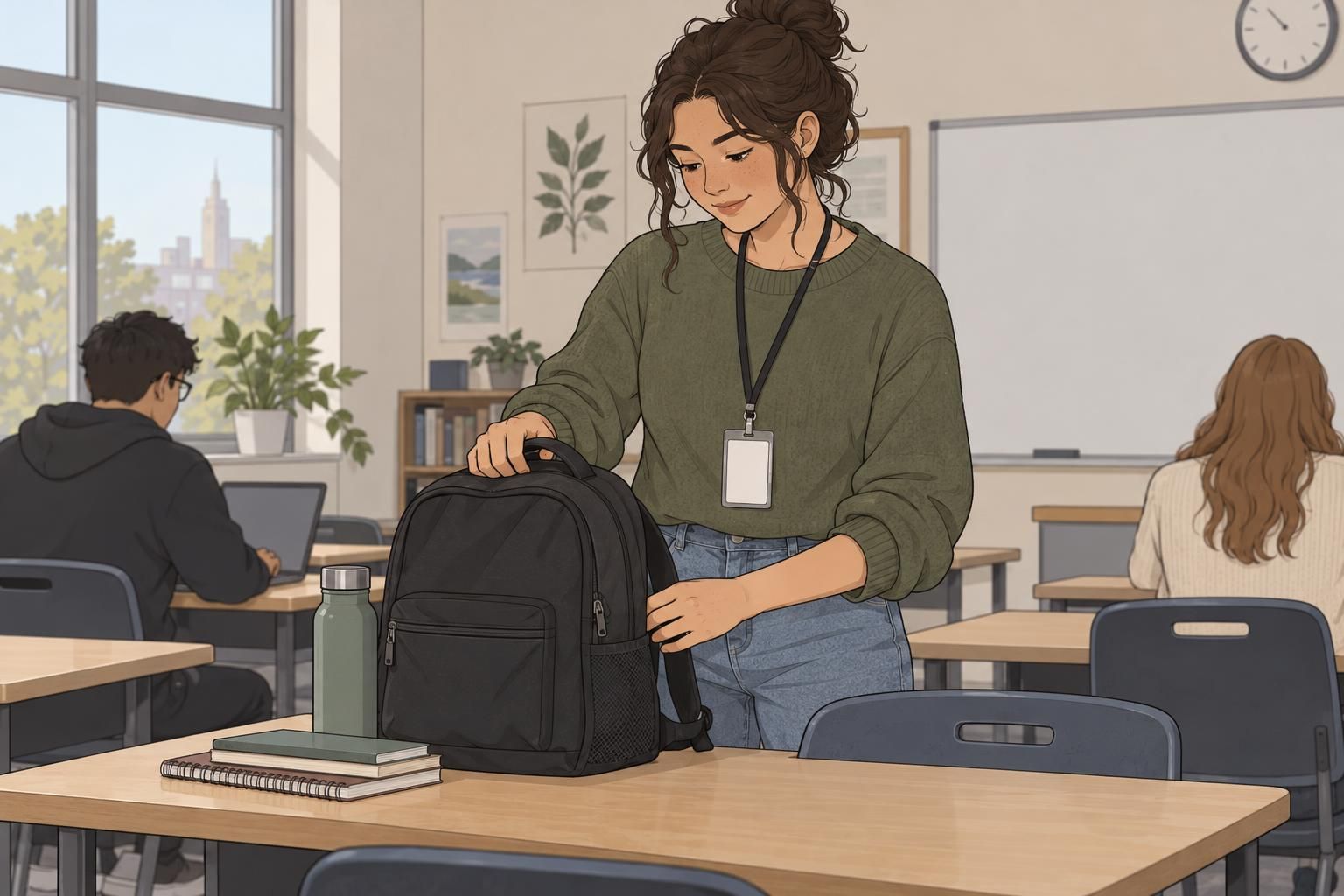
Choose a card body and thickness for the setting
Standard CR80 PVC is a practical starting point for many schools. A typical thickness is about 0.76 mm, making it a useful specification to discuss when checking compatibility with common holders and readers. Confirm the requirements of the school’s actual equipment rather than assuming that every holder or reader accepts the same card.
Thickness should support daily use without creating a fit problem. A card that seems sturdy in the hand still needs to sit correctly in its holder and work reliably wherever students present it. Evaluate the finished card, including any protective overlay, as a complete item rather than considering the card body alone.
For settings with more bending, heat, or outdoor exposure, PET or polycarbonate may be worth evaluating alongside PVC. Treat these as materials to compare against the school’s conditions, not automatic upgrades with a guaranteed lifespan. Request samples and assess how each option handles the combination of stresses your students are likely to encounter.
Protect printed details with the right surface finish
Even a suitable card body needs protection for its printed details. A manufacturer-compatible laminate or topcoat helps protect photos, barcodes, QR codes, and text from scratches, moisture, and the handling associated with repeated scanning. Laminated PVC student cards are a practical combination to consider when a school wants a familiar card body with added surface protection.
Surface finish and protective coating serve different purposes. A matte finish is an option for reducing glare, which can make visible information easier to view under some lighting conditions. A protective coating is intended to help shield the printed surface. Do not assume that a matte appearance alone means the card has a protective laminate, or that every coating provides the same protection.
General smart-card durability guidance discusses how heat, moisture, bending, UV exposure, and protective overlays can affect card performance (source). This provides useful context for comparing card bodies and surface protection, but it is not a guarantee of service life for every school card.
Choose appearance and protection separately, then test them together. Ask whether the proposed finish and protective overlay are compatible with the card, printing process, and readers the school will use.

Choose rounded corners, holders, and attachments for school badges
Rounded corners can help reduce snagging and corner wear as school badges move in and out of holders or brush against clothing and belongings. They are a useful part of a practical specification, especially when paired with a holder that keeps the card flat. Corners alone, however, will not prevent damage caused by repeated bending or rough storage.
Choose attachments around how students show and scan their cards. A suitable sleeve can help limit surface scratches, while a rigid holder can also help limit bending. A badge reel may make it easier to present a card without repeatedly removing the attachment. Check the whole arrangement during normal movement and at the reader.
- Sleeve: Check that the card fits properly and that its photo, text, and scanning areas remain visible.
- Rigid holder: Confirm that the card sits flat and can be presented to readers without awkward handling.
- Lanyard: Check how the attached holder rests during everyday school activities.
- Badge reel or clothing clip: Test whether the position and reach suit the places students need to show or scan identification.
Keep clips, holder edges, and attachment points clear of photos and scanning areas. A protective setup is only useful if staff can still identify the wearer and students can use the card without repeatedly taking it out.
Keep card technology and visible information practical
Where it suits the school’s system, contactless technology offers an option that avoids wear from repeatedly inserting a card into a reader. It does not remove the need for a suitable card body or protective finish: contactless student ID cards still travel in bags, encounter moisture, and face everyday handling.
Keep the visible layout focused on identification. Use clear printing, a recognizable photo where required, and only the information the school needs people to see. A crowded layout can make essential details harder to find, even when the printed surface is undamaged. Assess readability with the card inside its intended holder.
Also consider the data connected to barcodes, QR codes, or RFID. Physical durability and data protection are separate responsibilities. Keeping a code readable does not, by itself, protect the information or access connected to it. The school should manage that information and access alongside its choices about materials, printing, and attachments.

Care, testing, and replacement for durable student IDs
Before choosing a specification, test samples with actual readers, holders, backpacks, and typical school conditions. Include the proposed printing, finish, and protective overlay so the trial reflects the finished product. A blank sample can help assess fit, but it cannot show whether a printed photo remains clear or a code scans reliably.
- Check fit: Place the finished sample in the intended sleeve or rigid holder and confirm that it sits flat.
- Check use: Present it to the school’s readers while using the proposed attachment.
- Check readability: View photos and text under typical indoor and outdoor lighting, noting glare.
- Check everyday wear: Carry samples through representative routines and inspect for scratches, bending, fading, or moisture-related changes.
Simple care helps keep durable student IDs useful. Avoid prolonged heat, keep cards from being repeatedly bent, and use a soft, slightly damp cloth for gentle cleaning. Clean the outside of holders as needed so surface marks do not obscure the card. Follow the manufacturer’s care guidance for the selected materials and coating.
Build replacement into the plan. Lost cards should be reported and promptly deactivated where connected access is involved. Damaged cards that no longer identify the student clearly or work reliably should be replaced, with the old credential deactivated as appropriate. A clear process helps restore access while keeping identification dependable.

A practical durability checklist for schools
A balanced starting point is CR80 PVC at about 0.76 mm thick, clear printing, a compatible protective overlay, rounded corners, and an attachment suited to daily use. From there, adjust the specification to the school’s routines rather than choosing materials or finishes in isolation.
- Confirm the finished card fits existing holders and works with actual readers.
- Choose a manufacturer-compatible laminate or topcoat to protect printed details.
- Consider matte when glare is a concern, without treating it as a substitute for protection.
- Keep photos, text, barcodes, and QR codes unobstructed.
- Compare PET or polycarbonate samples if bending, heat, or outdoor exposure is a recurring concern.
- Set clear expectations for care, reporting lost cards, deactivation, and replacement.
The most useful student ID cards combine readable identification with materials and protection that suit real school life. Test samples before ordering, especially in harsher conditions, and use those results to choose a practical specification.