
Three credentials, three library needs
A library card ID, an employee badge, and a temporary visitor tag serve different purposes. A member card connects someone with library services. A staff credential identifies an employee and may support work-related permissions. A visitor tag helps identify a temporary guest and the scope or duration of their visit.
Keeping those purposes distinct makes identification easier for everyone. At a circulation desk, staff need a card that scans reliably. Across a service counter, a patron needs to read an employee’s name. For a scheduled visit, a host may need to recognize a guest and check when their pass expires.
- Member cards: prioritize account identification and dependable scanning.
- Staff name badges: prioritize readable names and useful role information, with encoded credentials where needed.
- Visitor name tags and public access IDs: prioritize temporary identification, permitted access, and a clear expiration.
A coordinated design can make these credentials recognizable without making them interchangeable. Clear labels and layouts should explain each credential’s purpose rather than leaving people to infer permissions from its appearance.
Library card ID: member cards and account access
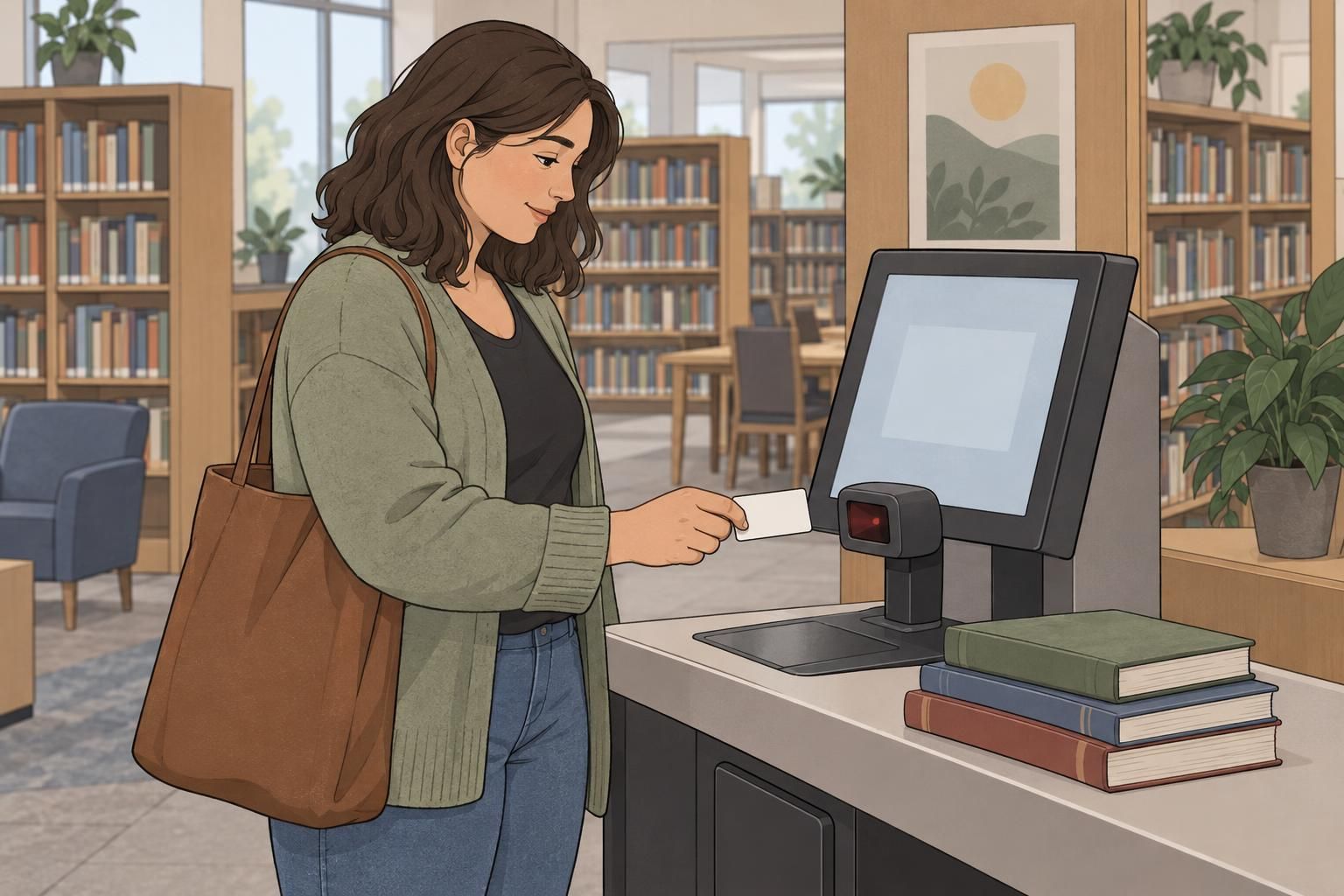
A member card may connect a person to borrowing, renewals, holds, and digital account services. The physical card or digital credential identifies the relevant account; the library’s systems and policies determine which services that account can use. Eligibility requirements, registration procedures, and borrowing privileges vary by library.
Physical cards provide a credential members can carry and present at a desk or checkout station. Digital formats can offer another way to retrieve membership details or display a scannable code where the library supports them. Neither format should be assumed to work with every scanner or service.
Keep printed information purposeful. A readable name or membership identifier can help staff confirm the correct account, while a clearly positioned barcode supports routine transactions. Avoid squeezing essential details around decorative elements or placing the code where a holder, clip, or card edge interferes with presentation.
For an institutional example relevant to card formats, visitor registration, and library-management-system integration, see this University of Edinburgh member-registration document: source. Use it as a planning reference, not as a substitute for local policy.
Before issuing a new library card ID format, test representative cards with the library’s actual equipment. For a supported digital version, also check scanning from a phone screen rather than assuming a successful printed-card test covers both formats.
Staff name badges and institutional IDs
Staff name badges help patrons recognize employees and know whom to approach. Institutional IDs may also support authorized entry, employee borrowing, or other staff permissions. A single credential can serve both purposes, provided its visual identification and scanning functions remain easy to use.
Give the employee’s displayed name enough space to read at a normal conversational distance. Add role information when it helps patrons find appropriate assistance. A concise role label is generally more useful than a crowded badge containing every department or responsibility.
If the badge includes a scannable credential, position it so staff can present it without covering essential details or repeatedly removing it from its holder. Check the finished badge with its intended clip or lanyard: an effective card layout can become awkward when worn.
Keep permissions linked to current employment and responsibilities. A printed job title does not establish access rights by itself. When an employee changes roles or leaves, review the associated permissions and deactivate or replace credentials as appropriate.

Visitor name tags, passes, and public access IDs
Visitor credentials identify people attending for a limited purpose or period. Depending on library policy, a pass might support a scheduled visit, access to a designated area, or a sign-in process. It should communicate the relevant limits without resembling a permanent member or staff credential too closely.
Useful details may include the visitor’s displayed name, their host or permitted area, and an expiration date or time. Give the expiration enough prominence that someone can check it without searching through small print. Where a visitor pass is scanned, keep the code separate from the most important visual details.
Public access IDs can support registration and entry processes, but their meaning should be clear. A visitor pass does not automatically establish borrowing privileges, and a member card does not automatically authorize entry to staff-only areas. Apply the library’s actual rules rather than relying on the credential’s appearance.
Display only what helps identify the visitor and understand the visit. Registration records can hold necessary administrative details without putting those details on a publicly visible tag.

Make every credential readable and reliable to scan
Readable identification and reliable scanning are related but separate design goals. A name badge must work when another person looks at it. A member card must also work when presented to the appropriate reader. Check both functions rather than treating a visually attractive layout as a finished design.
- Type size: make names, credential labels, and expiration details easy to find without crowding.
- Contrast: separate essential text from its background and keep patterns away from scanning areas.
- Materials: choose durability appropriate to repeated member-card handling, daily staff wear, or temporary visitor use.
- Encoded-data placement: keep barcodes and other readable elements clear of holes, clips, edges, and obstructing holder features.
- Holders and glare: test the complete credential, including any sleeve or holder, under the lighting where it will be used.
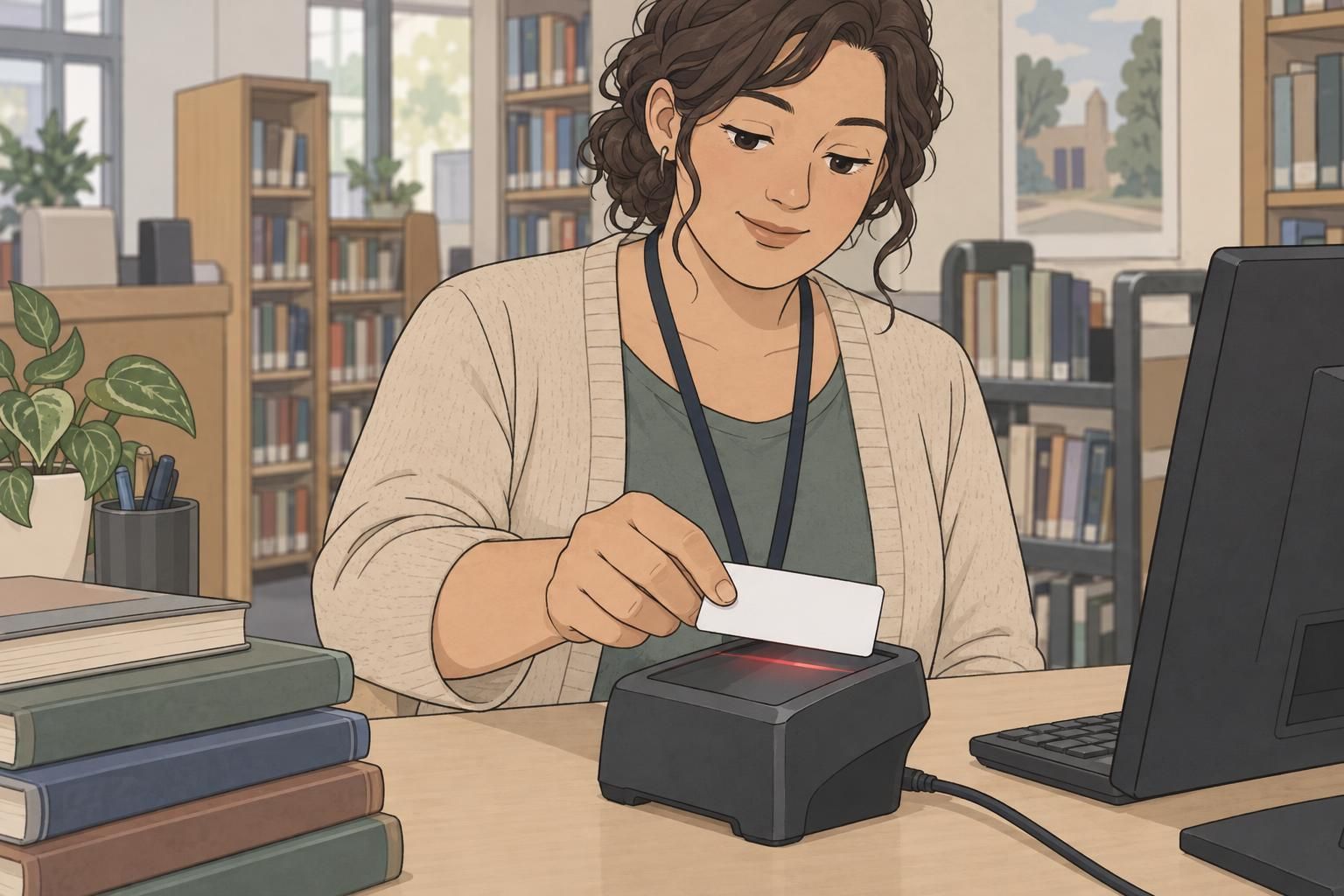
Run practical trials at circulation desks, self-service stations, and relevant entry points. Have staff present each credential as they normally would, rather than testing only a carefully positioned sample. Check whether people can locate the name, recognize the credential type, and scan it without repeated adjustments.
If a library card ID scans inconsistently, examine the layout, holder, surface glare, and equipment compatibility before producing the full set. Retest after changes. A design that works well at one station may still need adjustment for another reader or lighting condition.
Choose formats, manage access, and support users
Start with the task, then select the format. A carried card suits repeated account transactions. A worn name badge supports face-to-face recognition. A temporary tag or pass makes the most sense when identification needs to remain visible during a limited visit. Combine functions only when the result remains readable and practical.
- Define the purpose: account access, employee identification, temporary entry, or a clearly explained combination.
- Confirm compatibility: test the proposed card or badge with the systems, scanners, and holders already in use.
- Plan the lifecycle: establish renewal, replacement, return, expiration, and deactivation procedures.
- Support different users: provide accessible alternatives when someone cannot comfortably read, wear, carry, or digitally display the usual credential.
- Protect records: limit displayed personal information and keep registration records available only to appropriate personnel.
Replacement procedures deserve particular attention. When a credential is lost, staff should know how to address the old credential and connect the replacement to the correct record. Renewals should also prompt a check that membership status, employment responsibilities, or visitor permissions remain current.
Explain each credential in plain language when issuing it: what it is for, where to present it, and what to do if it stops working. A well-designed identification system pairs clear cards and badges with helpful procedures, making routine interactions easier for members, employees, and visitors alike.