How badge printing methods differ
Choosing between UV printing badges, dye sublimation ID cards, and retransfer printing starts with two questions: what is the badge made from, and what does it need to look like? Each method creates the image differently. That affects image sharpness, edge coverage, available finishes, and how much production is likely to cost.
UV printing places ink on a surface and hardens it with ultraviolet light. Direct-to-card dye-sublimation uses heat to transfer dye into a compatible card surface. Retransfer creates the image on clear film first, then bonds that film to the card. These differences matter more than choosing whichever technology sounds newest.
A specialty name tag may need a distinctive material or raised effect, while a standard employee ID may prioritize a clear portrait and economical production. The most useful comparison considers print quality, durability, and cost together—not as separate promises.
UV printing badges: best for specialty materials and effects
With UV printing, ink is applied directly to a rigid surface and cured, or hardened, using ultraviolet light. Rather than transferring color into a receptive plastic surface, the process builds the printed image on top of the material. This makes it a useful option when the badge itself is part of the design.
UV printing badges can suit specialty materials such as acrylic, metal, or wood, provided the specific surface is compatible with the printing setup. Options such as white ink can help designs stand out on a colored material. Raised or glossy effects can also give selected design elements a distinctive appearance.
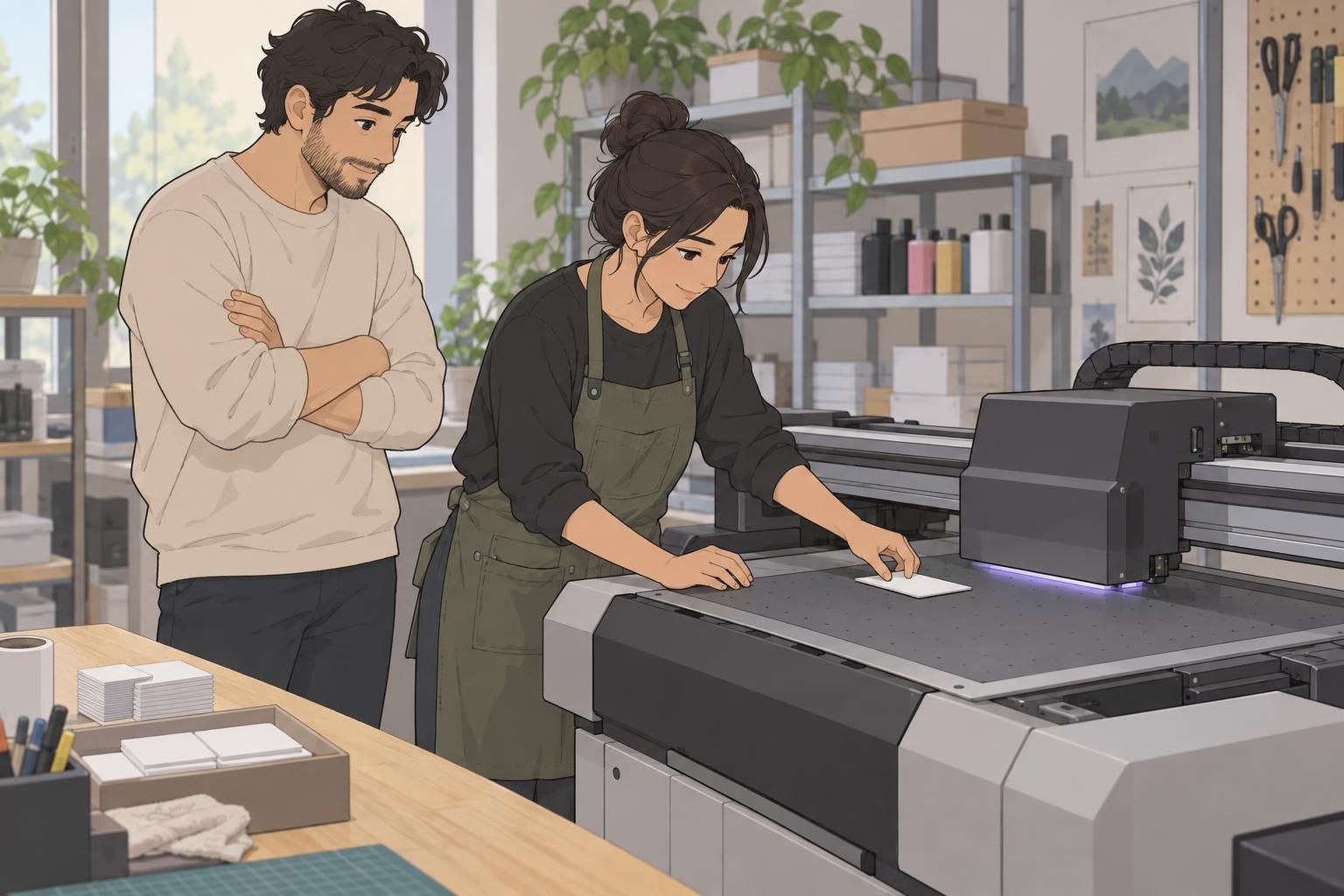
The main durability consideration is that the ink remains surface-applied. It can be vulnerable to scratching, so a successful result depends on the material, the finish, and how the badge will be handled. A visually striking sample is helpful, but it should also represent the conditions the finished badge will face.
Choose UV printing for a compatible specialty surface or a distinctive effect—not on the assumption that UV-cured ink is automatically scratchproof.
Dye sublimation ID cards: a practical standard for PVC
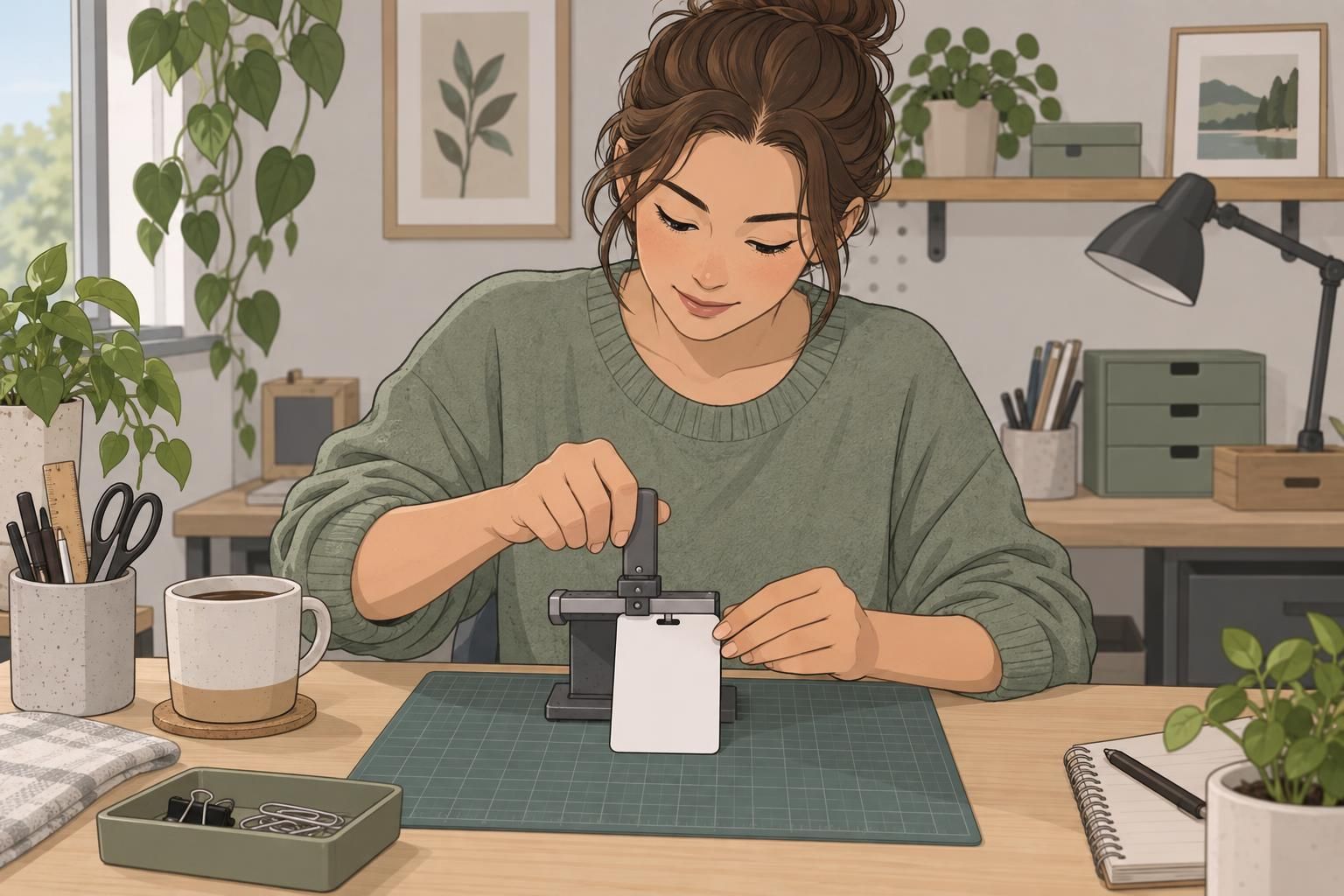
Direct-to-card dye-sublimation uses heat to transfer dye from a ribbon into the receptive surface of a compatible plastic card. In plain English, the printer creates the image directly on the card rather than preparing it on a separate film. Standard compatible PVC ID cards are a practical fit for this approach.
Dye sublimation ID cards are known for smooth, photo-friendly color. That makes the method useful for everyday identification where a recognizable portrait and a clean overall design matter. It is also generally an economical production choice for standard PVC cards, particularly when specialty materials or effects are not needed.
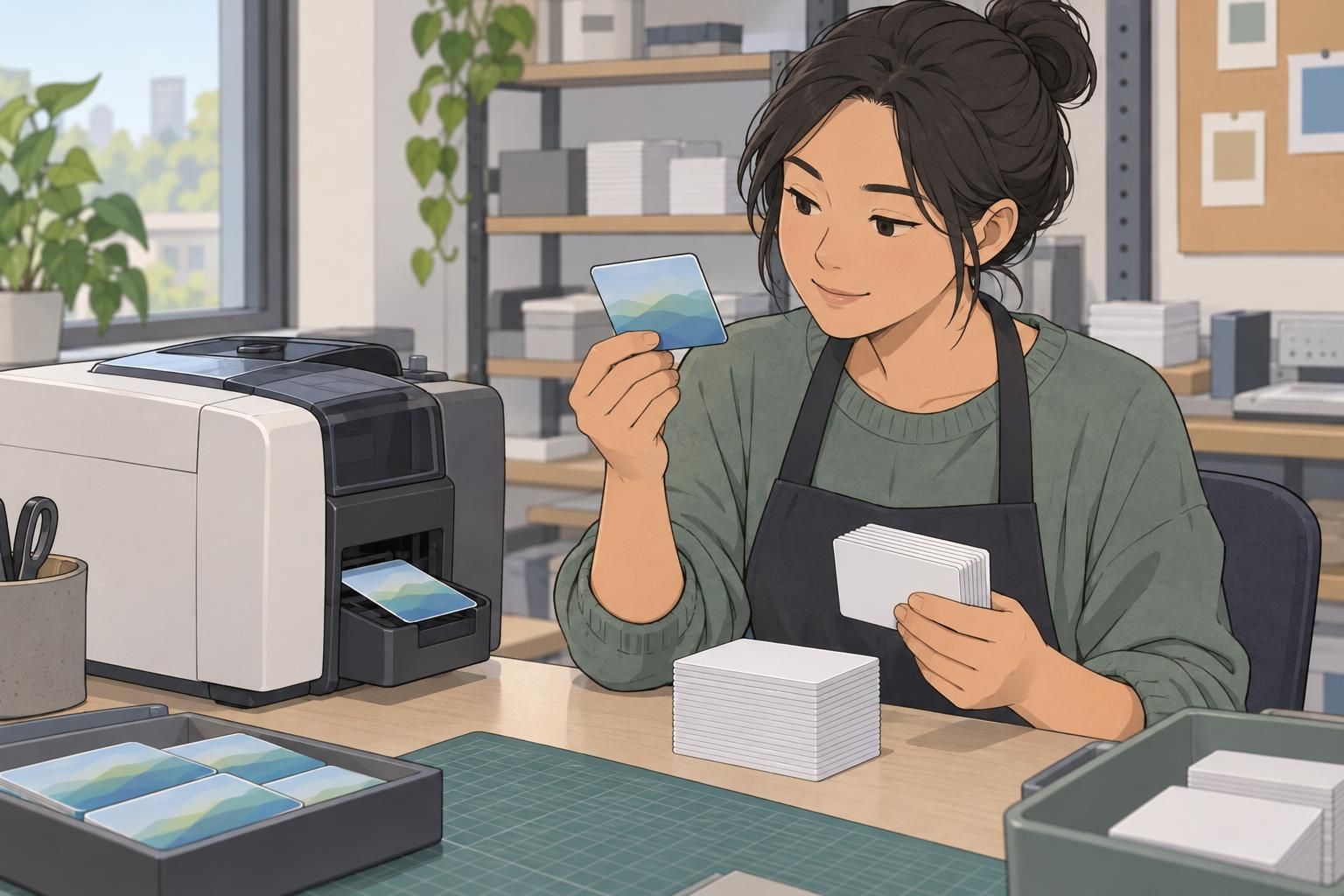
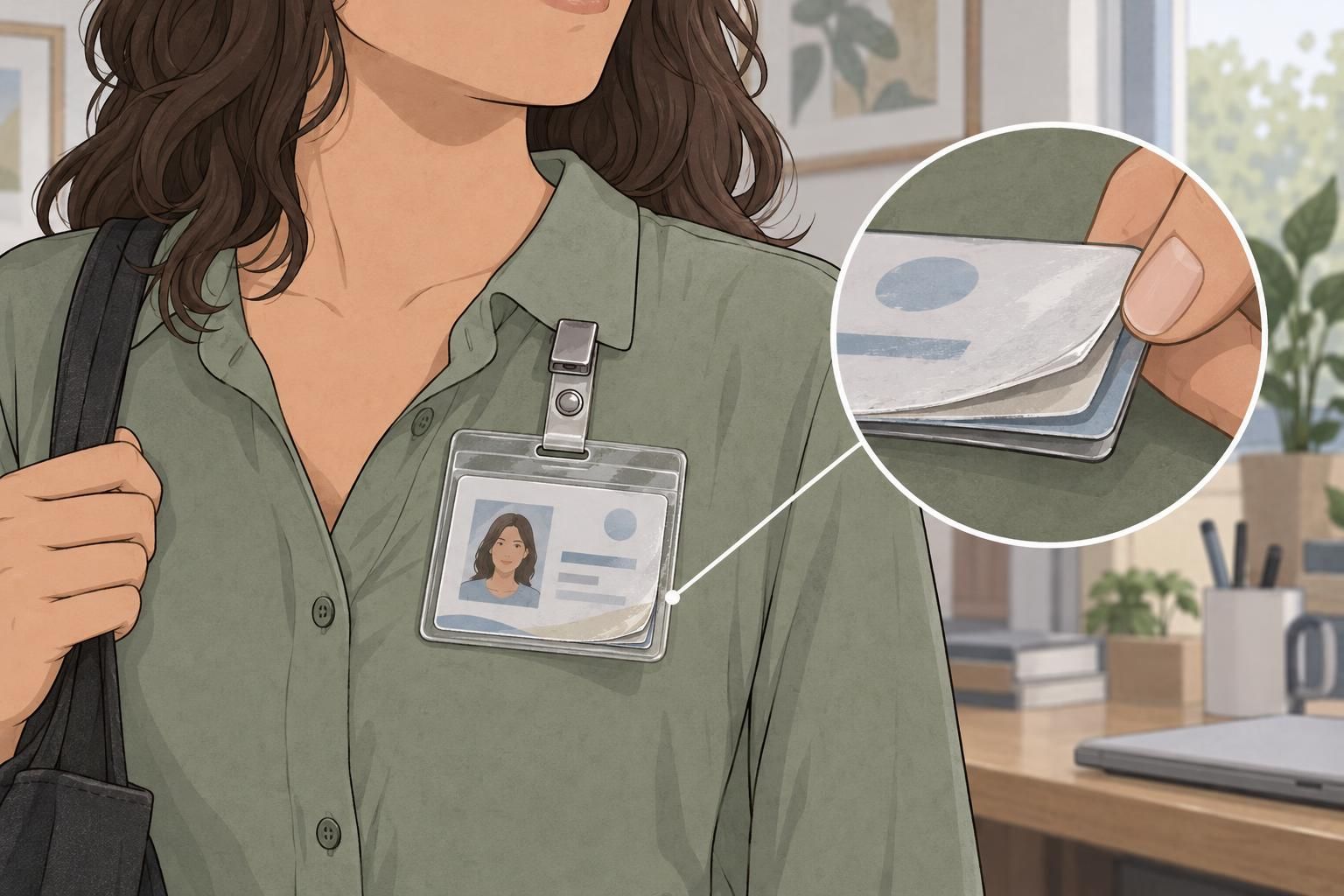
The trade-offs are material compatibility and edge coverage. The card needs a surface designed to receive the dye, so this is not a general-purpose method for wood, metal, or every plastic. Direct-to-card printing can also leave a narrow unprinted border. If the design depends on color reaching the perimeter, confirm the expected result before ordering.
Retransfer printing: when coverage and clarity matter
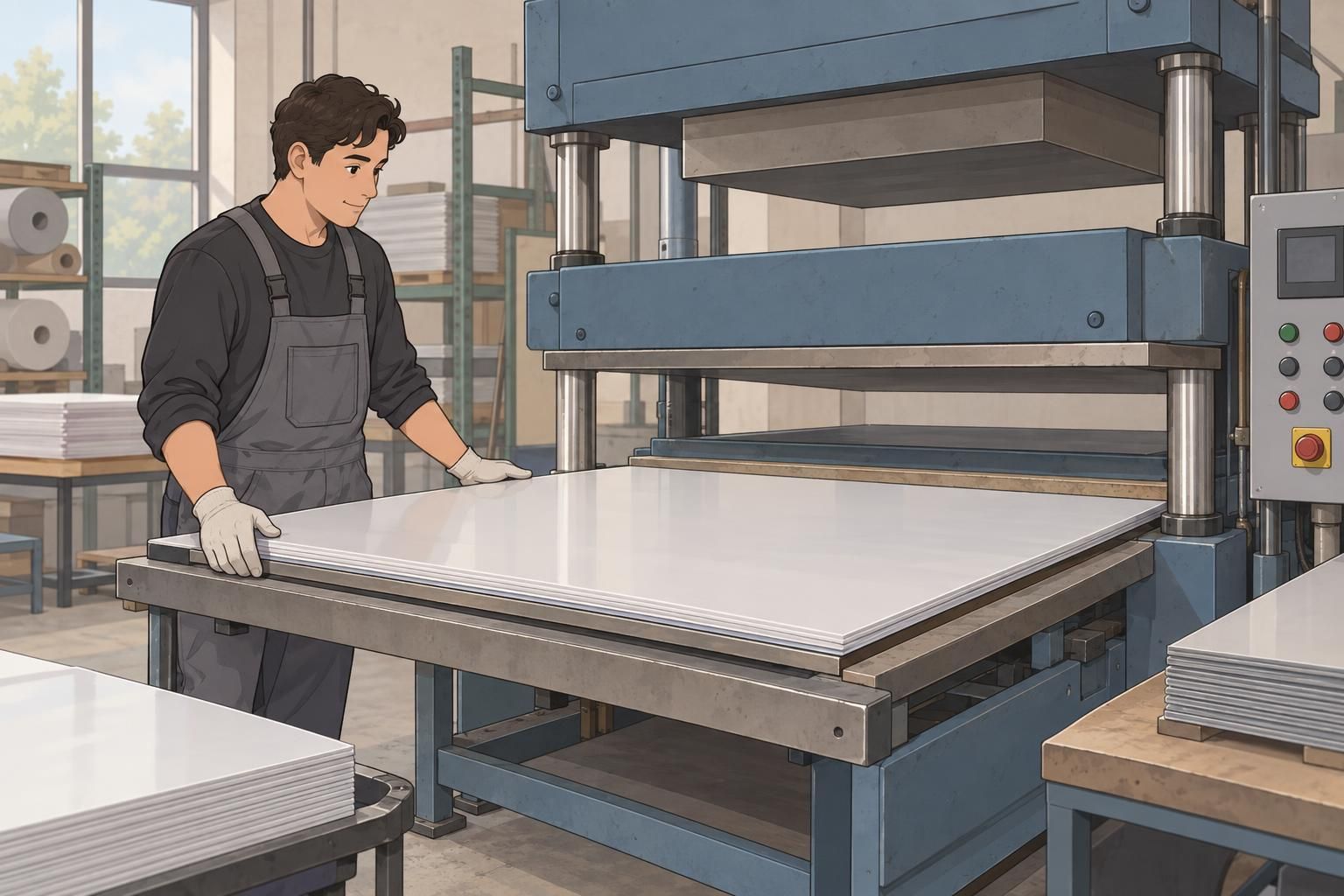
Retransfer printing separates image creation from application. The printer first forms the image on clear film, then bonds that film to the card. Instead of printing the image directly onto the card surface, it transfers the completed image layer.
This approach offers strong image clarity and near edge-to-edge coverage. It can be a good match for professional ID cards with detailed designs or backgrounds that should extend close to the perimeter. The film-transfer step can also accommodate some card-surface irregularities that make direct-to-card printing more challenging.
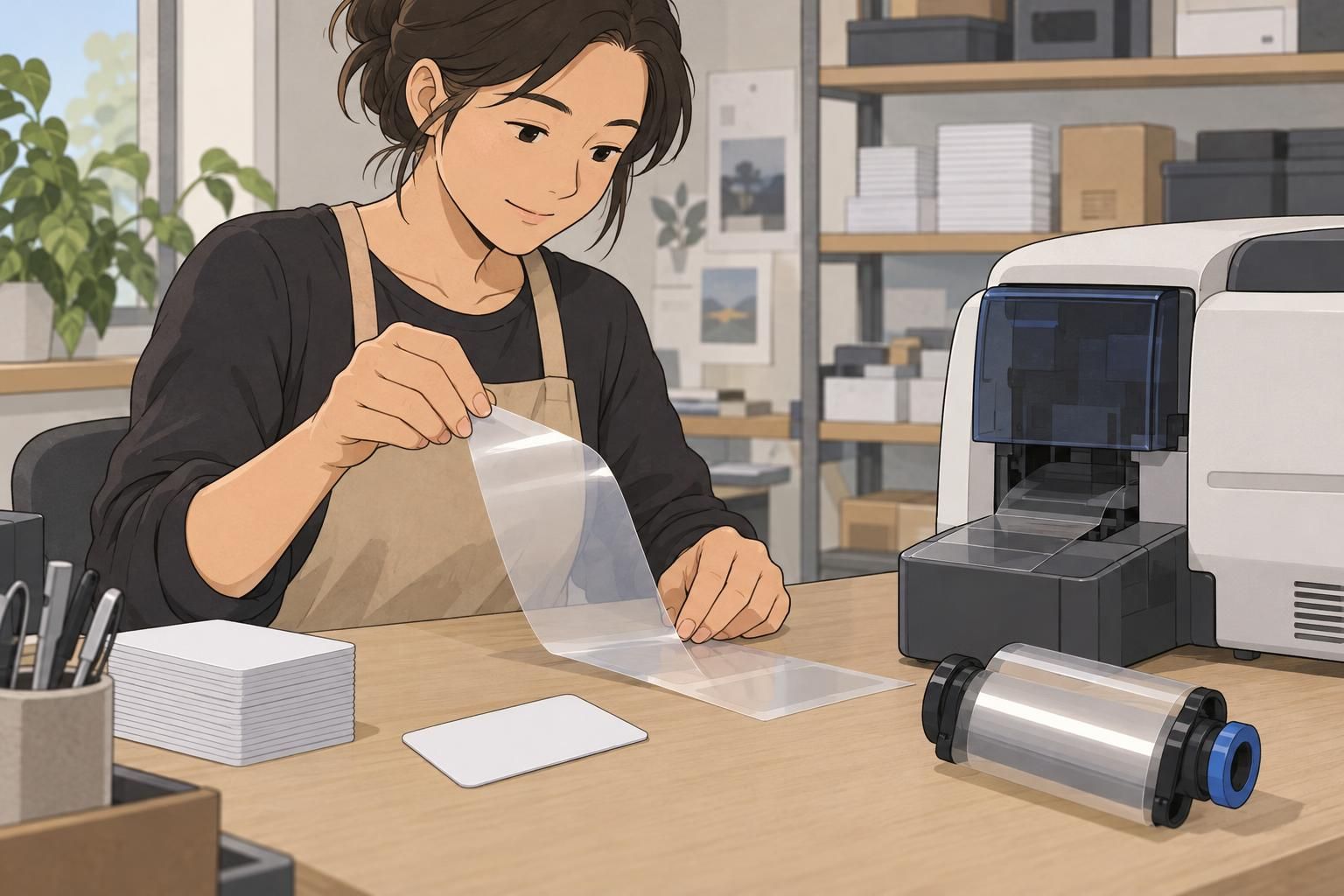
Those advantages come with trade-offs: retransfer typically costs more and takes longer than direct-to-card dye-sublimation. It is also not a guarantee that every card material or embedded feature will be compatible. Confirm the actual card construction rather than treating the film as a universal solution.
Compare print quality, durability, and cost
For a useful comparison, look at samples that resemble your intended badge. A large color area may reveal edge coverage, while a portrait and small design details help you judge photo ID clarity. A sample on a different material may not show how your finished badge will perform.
- Photo and detail clarity: dye-sublimation produces smooth, photo-friendly results; retransfer offers strong clarity for detailed cards. For UV printing, judge the result on the intended specialty surface.
- Edge coverage: direct-to-card dye-sublimation may leave a narrow border. Retransfer offers near edge-to-edge coverage. Confirm UV coverage for the chosen material and design.
- Surface durability: UV ink can be vulnerable to scratches. For any method, ask whether the intended use calls for an overlay, laminate, or substrate-specific finish.
- Production speed: direct-to-card dye-sublimation generally has a simpler, faster workflow than retransfer. UV timing should be assessed for the particular material and effects.
- Per-card cost: standard dye-sublimation is generally economical, while retransfer typically costs more. For UV, request pricing for the actual material, finish, and order quantity.
The direct-to-card and retransfer distinction is especially useful when comparing coverage, compatible cards, production speed, and cost. For background on these processes, see this source. Use the process comparison as a starting point, then confirm the specifications for your order.
Printing technology is only one part of durability. The card material and a suitable overlay, laminate, or substrate-specific finish may matter just as much in everyday use.
Choose a printing method for your badge material and needs
Start with the product you need, then match the printing approach to it. A standard plastic employee ID, a specialty name tag, and an event badge may have different priorities. Even when they share similar artwork, they do not necessarily need the same printing method.
- Choose direct-to-card dye-sublimation when you need economical standard PVC ID cards with smooth photographs and can accept the expected edge coverage.
- Consider retransfer printing when professional card presentation, image clarity, and near edge-to-edge coverage justify a higher cost and slower process.
- Consider UV printing badges when a compatible rigid specialty material, white ink, or raised or glossy effects are central to the design.

When considering BadgeZoo product categories, begin with whether you need an ID card, name tag, event badge, or another identification product. Then discuss the material and appearance required for that item. A category name alone does not establish which printing process is appropriate or available for a particular design.
Questions to ask before ordering badges
A clear brief helps turn the comparison into a practical choice. Describe where the badge will be used, how it will be handled, and which visual details matter most. That gives the printer a better basis for balancing appearance, durability, production time, and cost.
- What is the exact badge material, and is it compatible with the proposed process?
- How many badges are needed, and how does that quantity affect production timing and per-card cost?
- Does the design require near edge-to-edge color, or is a narrow border acceptable?
- How much portrait detail or small image detail must remain clear?
- Will the card contain a chip or another embedded feature that affects printing compatibility?
- What finish or protective treatment is suitable for the expected setting and handling?
For questions about a BadgeZoo order or a custom request, use the contact page at http://badgezoo.com/contact and describe the intended material, design, setting, and finish. The goal is not to select a universal winner. It is to choose a badge and printing approach that work well together for the people using them.