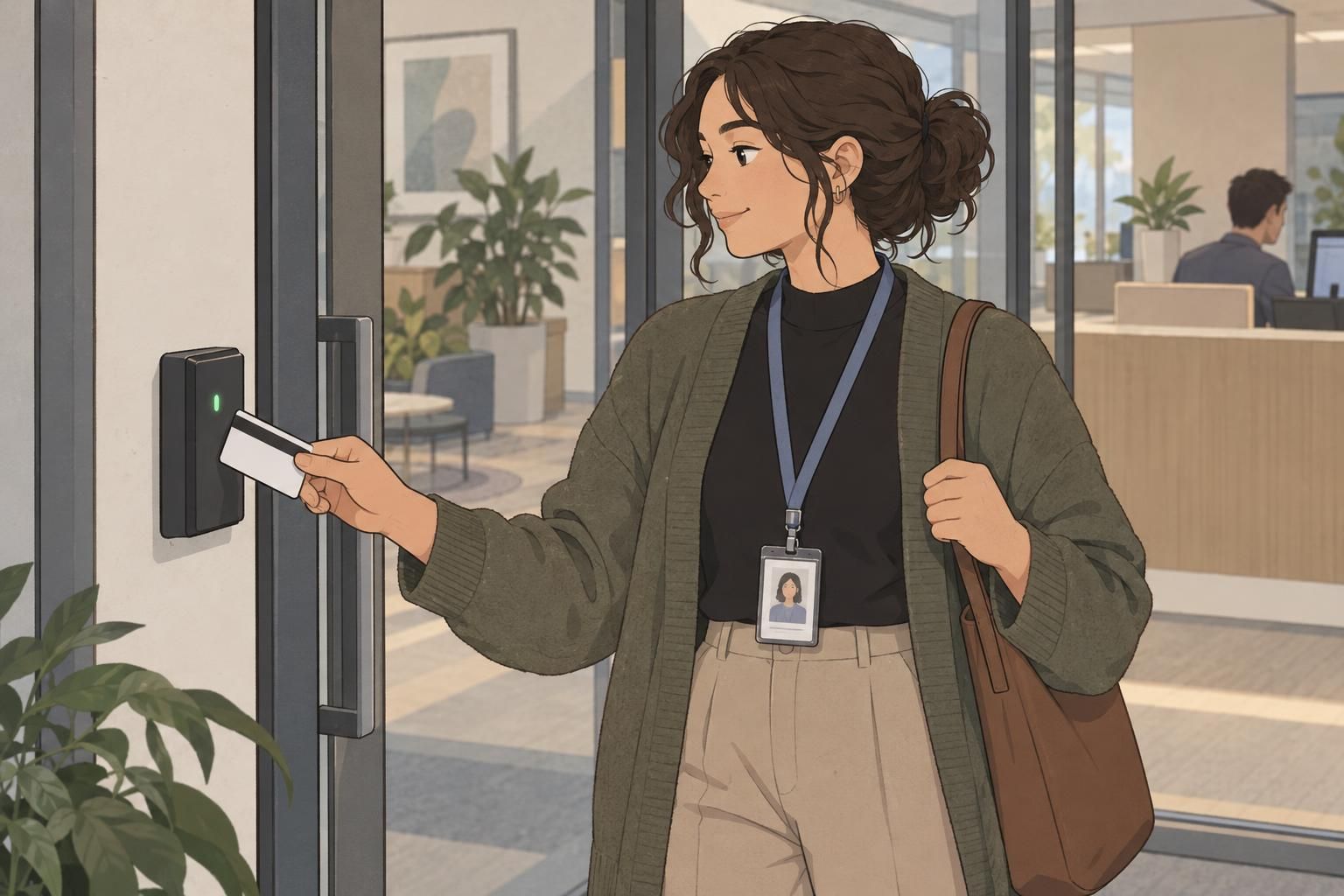
Why print both sides of an ID badge?
A double sided ID badge gives the reverse a useful job: keeping identification visible, providing quick-reference information, or supporting scanning and verification. The right choice depends on who wears the badge, who reads it, and what they need to do next.
Start with the front. It should carry the information people need for immediate recognition, such as a name, photograph, organization, or role, as appropriate to the setting. Then decide whether the back should repeat that identification or serve a different purpose. A badge that regularly turns on its lanyard may benefit from a repeated name and role. A conference badge may be more useful with essential attendee logistics on the reverse.
Printing both sides is most helpful when it solves a specific problem. If people repeatedly ask for the security number, look for a schedule, or turn a badge around to identify its wearer, the reverse can make that information easier to find. It does not need to become a miniature handbook.
Choose the back’s main purpose first: identification, quick reference, or scanning. Add other details only when they remain easy to read.
What belongs on a double sided ID badge?
The most useful reverse-side content answers a practical question quickly. Who is this person? Where should a lost badge go? Which contact should someone use? A double sided ID badge works best when its contents follow a clear priority rather than giving every detail equal space.
- Duplicate essential identification: Repeat the name, role, or other approved identifying details when recognition matters even if the card turns around.
- A QR code or barcode: Include an approved code for the scanning or information-access task the badge needs to support.
- A badge number: Give staff a clear reference for badge-related questions or verification.
- Emergency or security contacts: Label each contact by its purpose so readers know when to use it.
- Return-if-found instructions: State where a found badge should be taken or whom the finder should contact.
- A brief access reminder: Include a short, relevant instruction, such as returning a visitor badge at reception.
Not every badge needs all six elements. For example, repeating a large name may be more important than fitting several contact numbers. If a code is central to the badge’s function, give it sufficient space rather than squeezing it into a leftover corner.

Back of badge ideas for events and workplaces
The strongest back of badge ideas come from the wearer’s everyday tasks. An attendee needs different information from a visitor, and a healthcare team member may need a different balance of identification and contact details from an event staff member.
- Conference attendees: Repeat the attendee’s name for visibility, or provide approved Wi-Fi details, a simple venue map, a brief schedule, or a QR code for event information.
- Employees: Use a badge number, security contact, lost-badge instructions, and a concise access reminder. Repeat identification if the badge often turns during work.
- Visitors: Make return instructions prominent, with a reception or security contact and a short reminder about the visit’s access arrangements.
- Students: Include a campus security contact, a badge number where appropriate, and clear instructions for returning a found card.
- Healthcare teams: Consider repeating the wearer’s name and role, alongside an approved security contact or other brief operational reference.
- Event staff: Prioritize the staff role, the designated event contact, and a short access reminder relevant to their assignment.
Choose between printed logistics and linked information deliberately. A small, readable map may be useful at a glance; a detailed schedule may work better at a controlled QR destination. Keep the front focused on recognition rather than moving every useful detail onto it.

Keep the reverse clear, readable, and useful
Good ID card design makes the next action obvious. Group related details together, give the most important information visual emphasis, and use concise labels. “If found, return to reception” is easier to use than a paragraph explaining the full lost-badge process.
Use strong contrast between text and background, and choose type that remains readable at the actual printed size. If the wording only fits after shrinking it substantially, shorten the wording or remove a lower-priority item. A full-size mockup is more useful for this decision than an enlarged design on a screen.
- Keep contact labels beside their numbers so their purpose is clear.
- Leave safe margins around the edges and rounded corners.
- Separate codes from surrounding text and decoration.
- Use short lines and a clear reading order.
- Keep decorative content from crowding operational details.
Read the reverse as someone encountering it for the first time. Can they find the contact, understand the return instruction, and identify the code’s purpose without searching? If not, simplify the layout before adding anything else.
Check scanning, printing, and card orientation
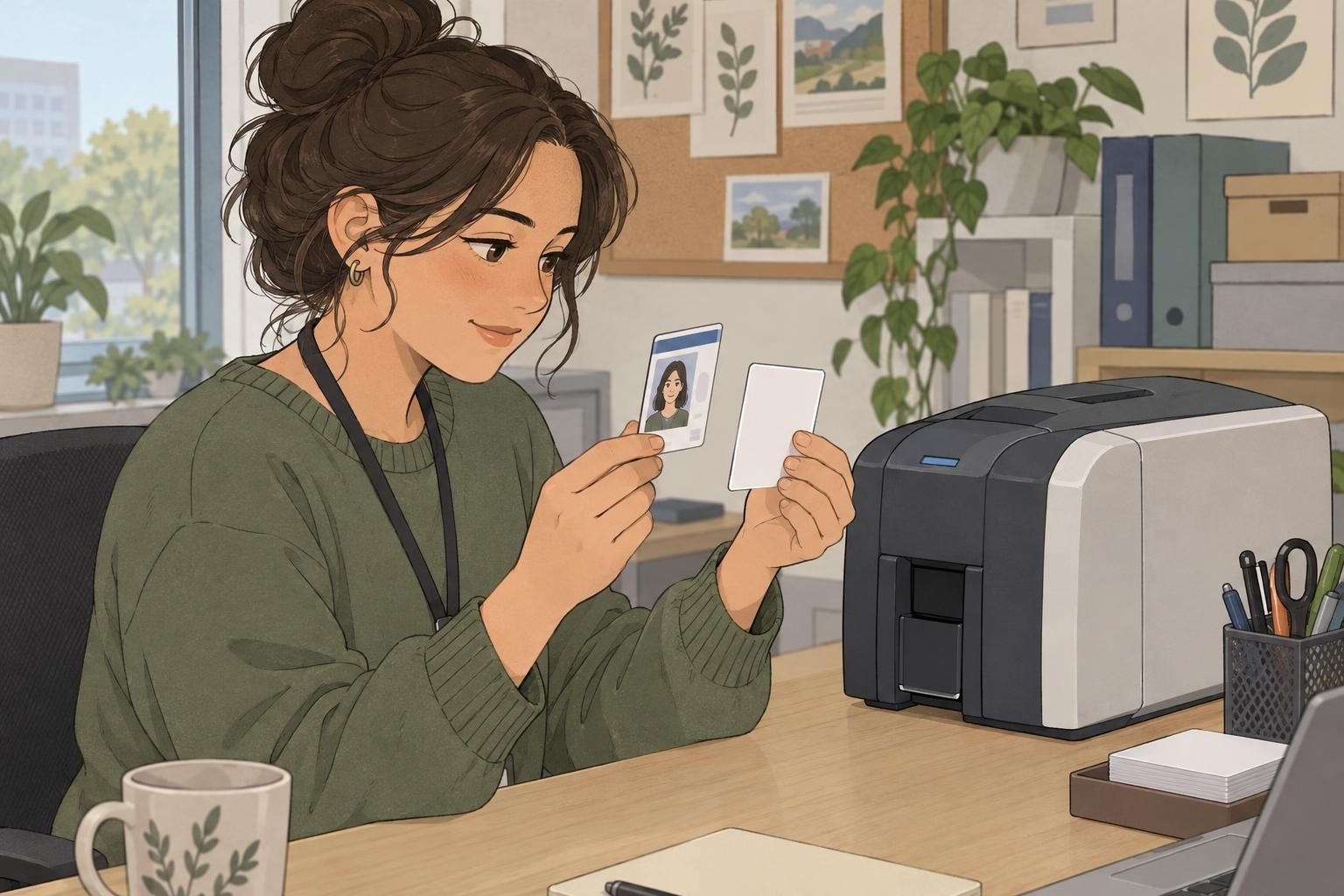
Before producing a batch, confirm how the printer handles reverse-side printing. Check its duplex capabilities, whether turning or refeeding the card is necessary, and which color options are available for each side. This source provides practical guidance on printing the back of an ID badge and checking the printer setup.
Print a sample and flip it the way the wearer or reader naturally would. The reverse should read in the intended direction, whether the layout is portrait or landscape. Check the relationship between the attachment point, the front, and the back rather than assuming the screen preview tells the whole story.
- Test QR codes and barcodes at their final printed size.
- Try scanning under realistic lighting and in the intended holder.
- Confirm that the code opens the approved destination or works with the intended scanning process.
- Check front-to-back orientation, alignment, and edge spacing on the physical sample.
For frequently changing details, a controlled QR destination may be more useful than fixed printed text. Event schedules are one example. Keep essential printed instructions understandable on their own, and make sure the linked information has a clear owner responsible for keeping it current.
Coordinate the reverse with the full badge setup
A printed card is only one part of the identification setup. Its holder, clip, and lanyard affect how it hangs, which areas remain visible, and how easily someone can turn it over. Review the design in the actual setup rather than checking the loose card alone.
Look for text hidden by the holder, a code that becomes awkward to scan, or an attachment that interferes with the reading area. If the reverse is intended for frequent reference, check that the wearer can view it comfortably without struggling with the holder or clip.
When a role uses a separate badge buddy, treat it as a distinct component rather than as the back of the ID card. Coordinate the information across both pieces, but keep the reverse of the ID badge readable in its own right. A badge buddy’s role label should not be used as a reason to crowd the card with unrelated content.
Approve the complete setup: printed card, holder, attachment, and any separate badge buddy. The information should remain useful when everything is worn together.

A practical default for the back of a badge
If you need a starting point, build the reverse around a small set of useful details. For a workplace double sided ID badge, that usually means a badge number or approved QR code, a clearly labeled security or emergency contact, lost-badge instructions, and one short access reminder.
- Reference: A badge number or approved QR code.
- Contact: The appropriate security or emergency contact, clearly labeled.
- Return instruction: A specific place or contact for a found badge.
- Access reminder: One concise instruction relevant to the setting.
For event badges, adjust that default to attendee needs. Repeating a name may be the most valuable choice when badges turn around often. Otherwise, use the reverse for essential logistics, such as a simple schedule, Wi-Fi details, or a QR code for current event information.
The final test is straightforward: does each item help someone recognize, contact, return, scan, or navigate? Keep what supports those tasks, remove what competes with them, and approve a printed sample before production.