Start with the basics when your badge won’t scan
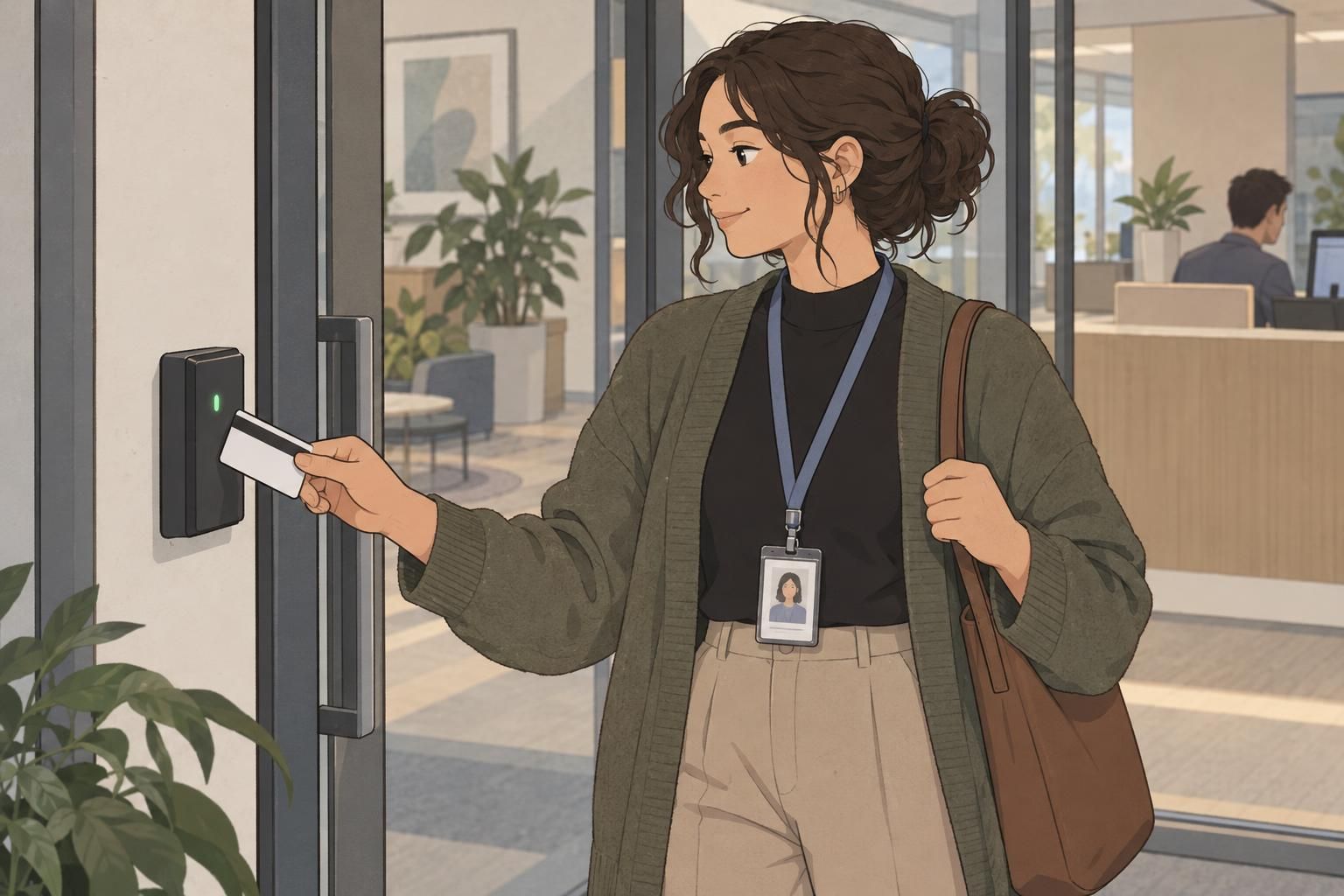
When your badge won’t scan, a few careful checks can help you work out what needs attention. The problem may be the badge itself, the reader you are using, or the access system behind it. Start by observing what happens rather than assuming you need a new card.
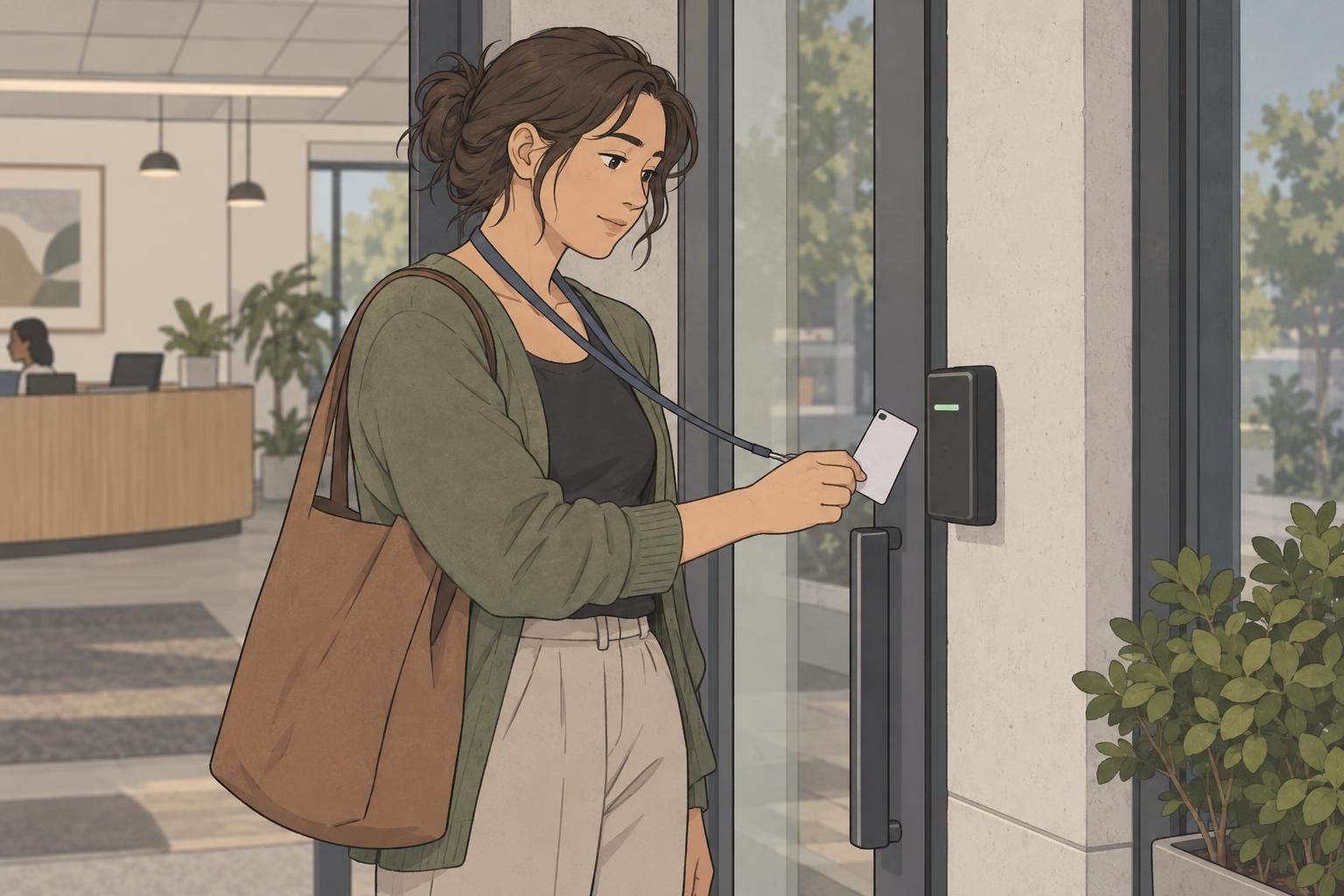
Hold the badge steadily in the reader’s intended position for several seconds. Give the device time to respond instead of moving the card repeatedly. Check whether the reader appears to have power, and note any light pattern or error message. These details will be useful if you need help.
- Present the badge in the reader’s designated scanning area.
- Keep it still for several seconds and watch for a response.
- Check whether other authorized users’ badges work at the same reader.
- Try another authorized reader or computer if one is available.
The goal is to separate a badge problem from a device problem. If several people have trouble at the same reader, report that observation. If only your badge fails, continue checking the card and its access record rather than assuming the reader is responsible.
Check for scratches, glare, and other visible damage
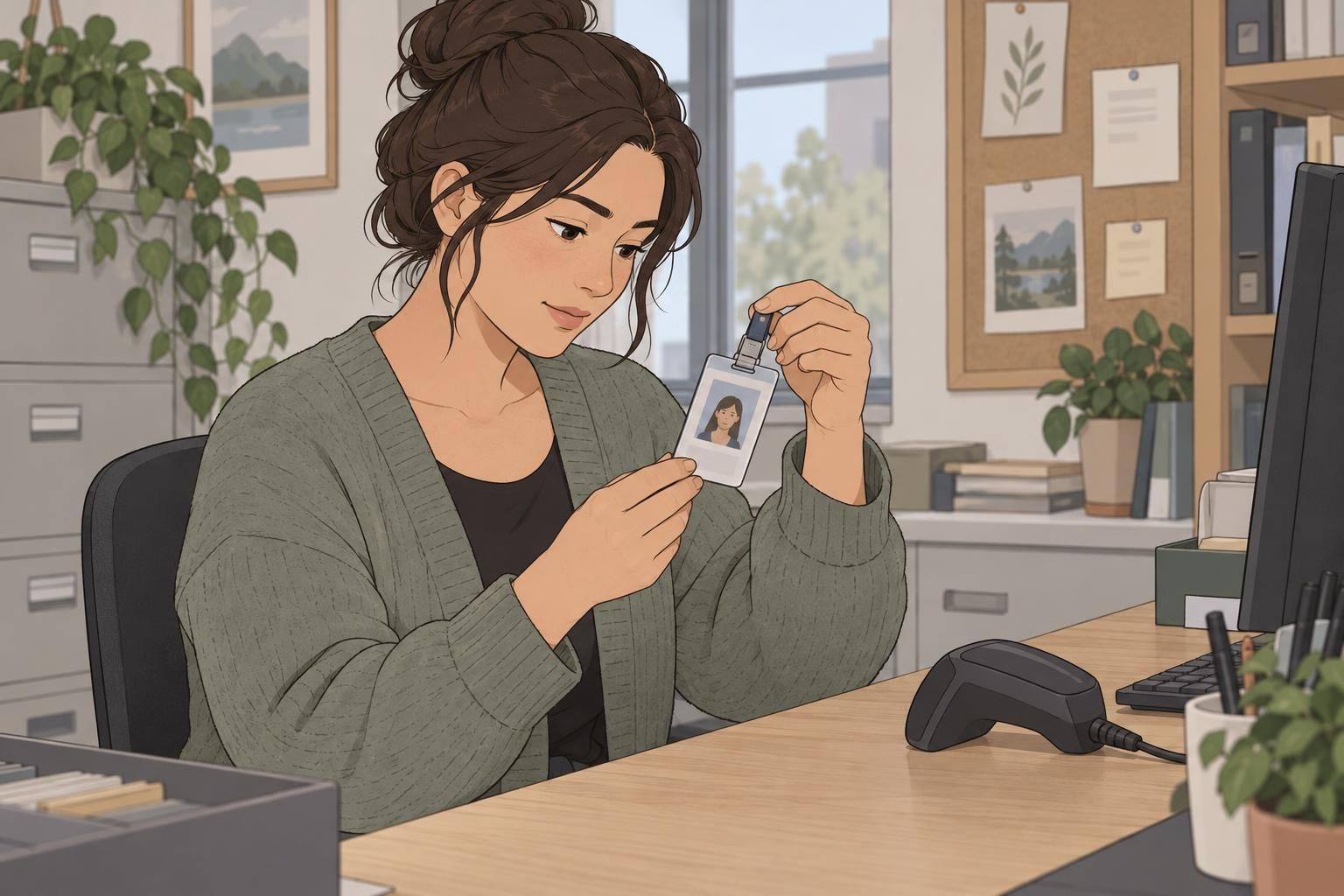
Look closely at both the condition of the card and the printed information it carries. Scratches, cracks, bends, heat damage, fading, and smudges are worth noting. Pay particular attention to a barcode or QR code that looks worn, partly missing, or difficult to see.
For barcode scanning issues, check the presentation of the code before deciding it is unreadable. Use even lighting, reduce glare by adjusting the badge’s angle, and make sure the full code is within the scanner’s view. Hold the card steady once you have found a clear position.
- Check that the entire barcode or QR code is visible to the scanner.
- Adjust the angle if reflected light obscures part of the code.
- Inspect the printed code for fading, scratches, smudges, or missing areas.
- Follow your organization’s cleaning instructions if the badge needs cleaning.
An event badge with glare may scan once its angle changes, while a card with a partly missing code may need reprinting. Keep those possibilities separate: positioning can improve visibility, but it cannot restore missing print. Report physical damage even if the badge still works occasionally.
Narrow down the cause by testing another reader
Testing another authorized reader is one of the clearest ways to narrow down the issue. If your badge works at another door, computer, or time clock, report the original device to security, facilities, or IT. Explain where it failed and where it worked so the team has a useful comparison.
NIH troubleshooting guidance supports checking another authorized computer or access point to help determine whether the badge or the reader is responsible: source.
If a computer login fails but door access still works, test another authorized computer before deciding the badge is defective. Describe the difference when you report the problem. A successful door scan is useful information, but it does not explain why a particular computer login failed.
If the badge fails everywhere you are authorized to test it, contact your badge office or security desk. Ask them to check for physical damage, expiration, deactivation, or setup problems. You do not need to identify the technical cause yourself; a clear account of your checks gives the appropriate team a starting point.
What to do about RFID badge problems
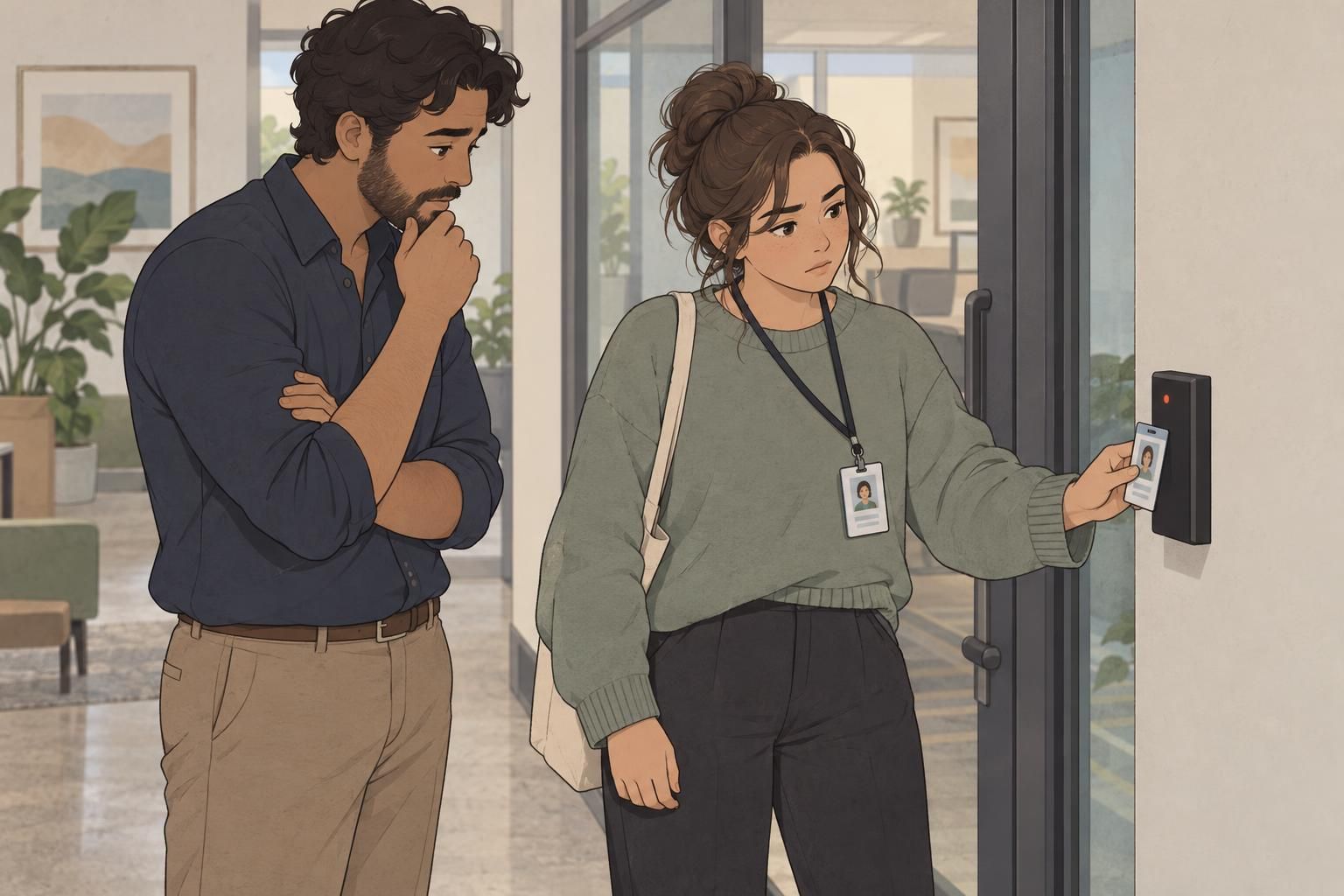
For RFID badge problems, begin with placement and patience. Hold the card near the reader’s designated area and keep it still while the reader responds. Note whether there is no response at all or whether the reader displays an error. Report exactly what you observe rather than guessing what the signal means.
If the reader gives no response or shows an error, try another authorized reader. Also note whether other badges work at the original location. These checks follow the same approach as other scanning problems: compare the badge’s behavior across devices and the device’s behavior with other badges.
An unsuccessful RFID scan does not, by itself, tell you which part has failed. Your organization’s access-control team can determine whether the badge, reader, or system configuration needs attention.
Visible damage is still worth reporting, but do not treat every RFID problem as a damaged-card problem. Share both the condition of the badge and the results of your reader tests so the team can assess the issue.
Know when a replacement badge may be needed
A visibly bent, cracked, scratched, or unreadable badge may need replacement. This is especially relevant when the printed barcode or QR code is damaged or faded. If careful positioning and better lighting do not help, ask the badge office whether a replacement or reprint is appropriate.
There is an important difference between a code that cannot be read and one that is read but rejected. If the system reports an invalid or unknown credential after a scan, ask the appropriate administrator to check your account or access record. Reprinting the same information alone may not resolve a system-record issue.
Should I request a new badge as soon as mine stops scanning?
Start with the basic checks unless your organization directs otherwise. A reader problem or access-record issue may need attention instead of a replacement card. Report visible damage and let the badge office advise you.
What matters when a replacement is needed?
A clear, durable badge design can help keep identification and scanning details legible. Follow your organization’s requirements for the replacement and its handling.
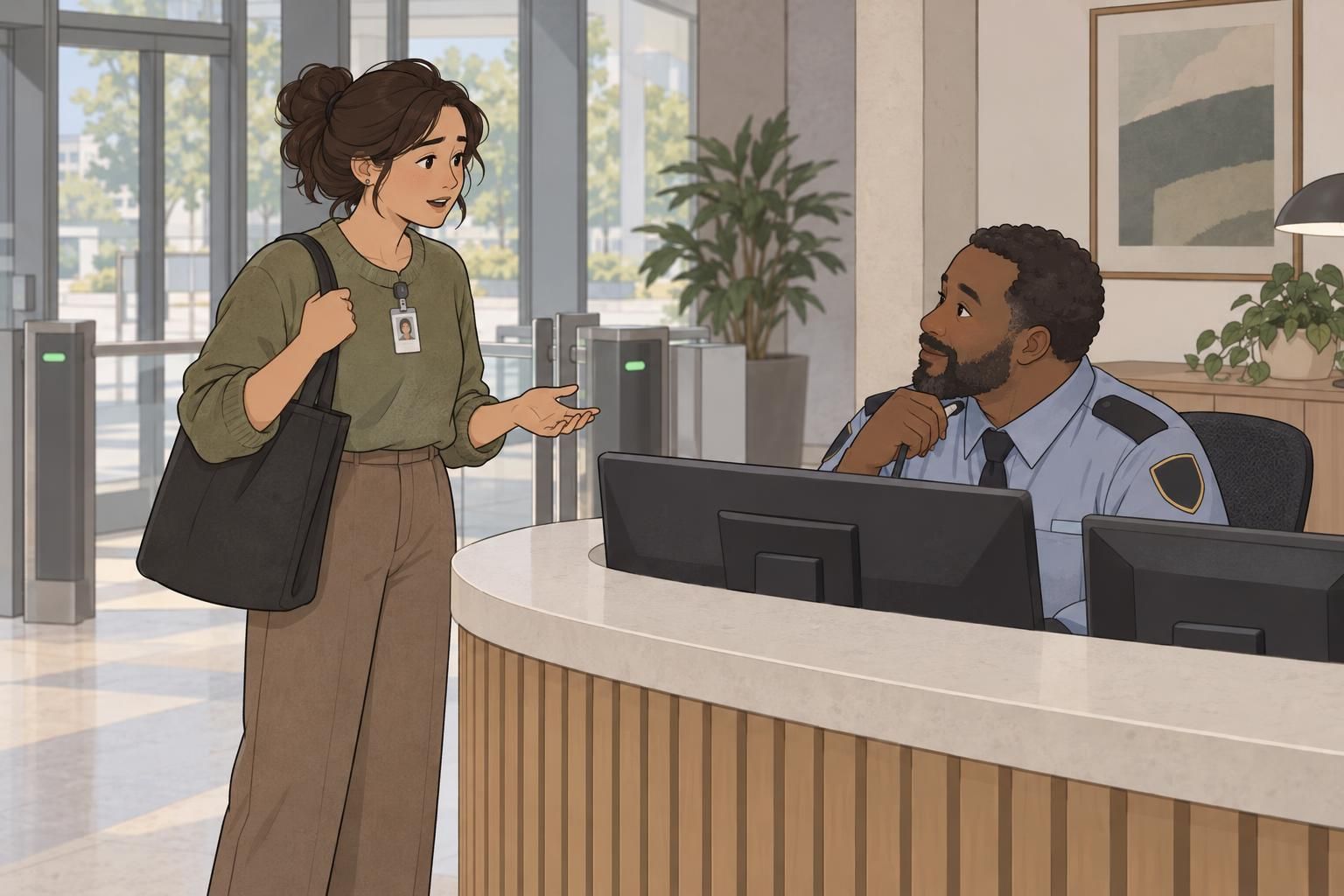
If you are locked out, use the approved help process
If your badge won’t scan and you cannot enter, stay in a safe, approved location such as reception. Contact security, your manager, or HR and explain what happened. For workplace or government credentials, use your organization’s official security or IT contact.
Ask how to obtain temporary access and, if a time clock is involved, how to document attendance. Follow the instructions you receive rather than improvising a way inside. Do not follow someone through a secure door or try to bypass the access-control system.
Troubleshooting should stay within your authorized access. If another reader is not available to you, stop testing and use the approved help process.
What information to report and how to prevent repeat issues
A specific report is more useful than simply saying the badge is broken. Record what happened while the details are fresh, including any differences between readers. Keep observations separate from assumptions so the support team knows what you actually tested.
- The reader, door, computer, or time clock involved.
- The time the problem occurred.
- The exact error message or light pattern, if any.
- Whether your badge worked at another authorized device.
- Whether other badges worked at the original reader.
- Any visible scratches, bends, cracks, fading, or damaged print.
Provide your name or badge number only through approved channels. For everyday prevention, store badges flat, protect printed codes from abrasion and glare, and follow your organization’s cleaning and handling instructions. These habits help preserve legibility and make visible wear easier to notice.
When your badge won’t scan, work through the basics, inspect its condition, compare authorized readers, and report what you find. That approach helps the right team decide whether the next step is a reader check, an access-record correction, or a replacement badge.