Why event teams use role-based badges
A vendor badge helps event teams identify who is working behind the scenes, what they are there to do, and where their assignment allows them to go. At a busy event, venue employees, production workers, catering crews, contractors, and partners may share service entrances while needing access to different spaces. Clear credentials make those distinctions easier to understand.
Role-based identification connects a person’s assignment to their approved access. Instead of asking access personnel to recognize every face or remember every company, a badge provides a consistent starting point for checking authorization. It also helps coworkers find the right person when they need assistance with production, catering, or another operational task.
The goal is straightforward: make legitimate work easier to coordinate while reducing uncertainty at controlled entrances. An event staff badge identifies a working role, while its access details explain the boundaries of that role. Backstage access should follow the person’s approved assignment, not simply the fact that they are wearing a credential.
Choose badge types for staff, vendors, and partners
Start with categories that reflect how people actually work at the event. A generic staff label may be convenient to print, but it does not explain whether someone belongs in a kitchen, production area, office, or dressing room. Distinct role names give access personnel and event teams more useful information.
- Staff credentials: Identify venue employees and event operations personnel, with access matched to their assigned duties.
- Vendor credentials: Identify outside organizations and their workers, such as catering crews, contractors, or production suppliers.
- Partner credentials: Identify participating organizations and each holder’s event role without implying unrestricted access.
- Media and temporary visitor credentials: Use clearly distinguished categories with approved areas and a defined validity period.
Within each category, keep the role specific enough to be useful. For example, production and catering workers may both hold vendor credentials but need different work zones. A partner representative may need office access without needing technical-room access. Neither the category nor the organization name should substitute for a clear statement of where the holder is authorized to work.

Map backstage access to work zones
Define work zones before assigning credentials. Back-of-house operations may include loading docks, production areas, kitchens, dressing rooms, offices, and technical rooms. Treat these as distinct areas rather than assuming that everyone working behind the scenes needs the same access.
For each role, identify the areas and hours required to complete the assignment. A catering vendor might need a loading dock and kitchen during an approved service window. A production worker may need production areas and designated technical spaces. These examples illustrate why access should be based on work requirements rather than on a broad staff or vendor category.
- List the operational zones that require controlled entry.
- Match each role to the areas needed for its assignment.
- Set the hours or dates during which that access is valid.
- Identify sensitive spaces that require stronger controls.
Use the same zone names in badge records, printed credentials, and staff references. Consistent terminology helps prevent a holder and an entrance team from interpreting the same authorization differently.
Design a clear vendor badge
A vendor badge should make the most important information easy to find. The holder’s identity, role, authorized zones, and validity should not compete with decorative elements. A clear layout helps access personnel review the credential and helps event teams recognize the person’s assignment.
- Holder’s name and organization.
- Role or assignment, using an established category.
- Event date and credential validity period.
- Unique badge number for matching the credential to its record.
- Authorized work zones or access level.
- Holder’s photo, where practical.
Color or other visual coding can make access tiers easier to recognize, but everyone checking badges needs a current reference explaining those codes. Keep role and access information readable rather than expecting color alone to communicate permission. This is especially important when several categories share an entrance.
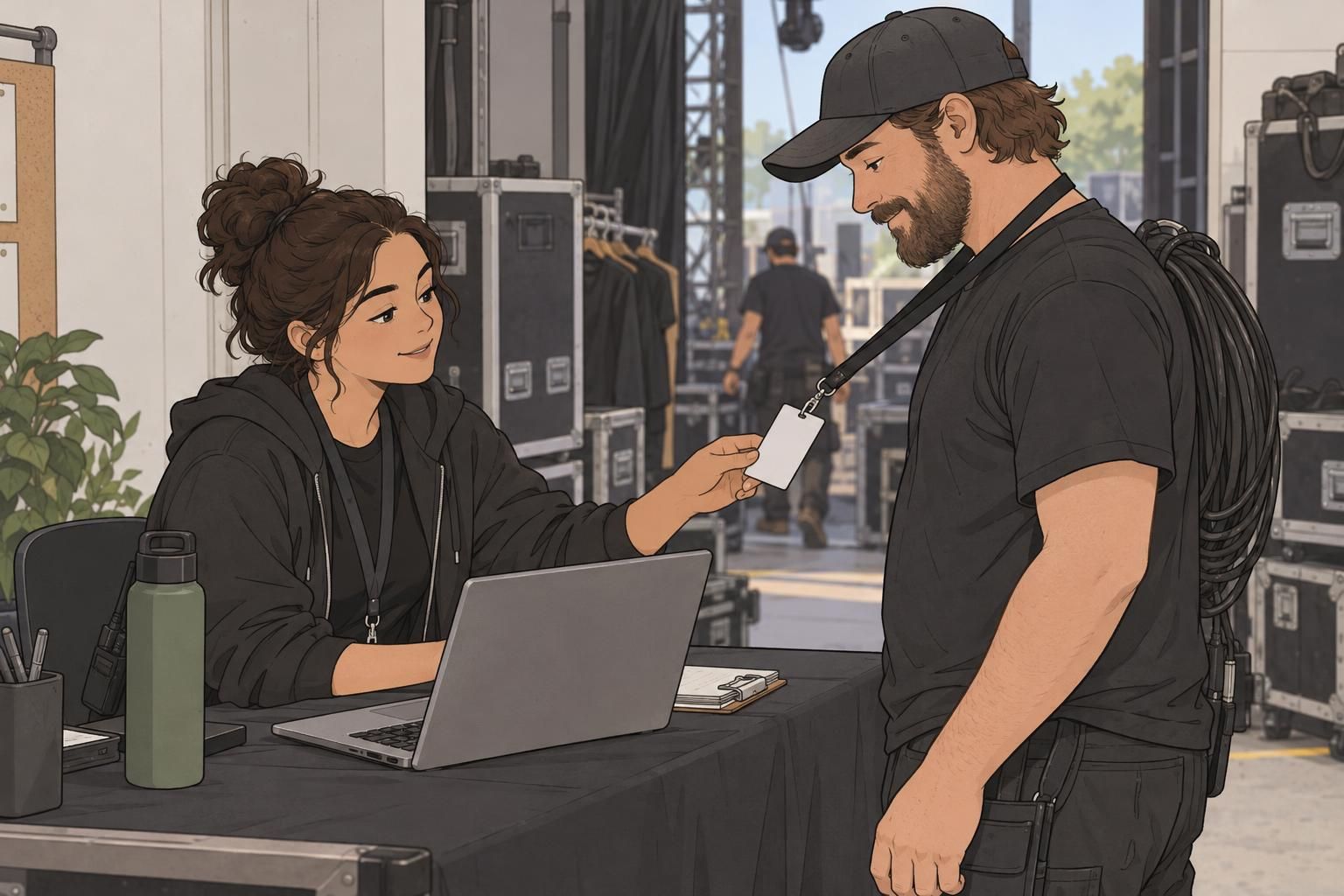
A clearly displayed badge supports quick recognition. Its role label, authorized zones, and validity period provide the details needed to resolve access questions.

Use badge buddies to make roles easier to spot
A badge buddy displays a short role label alongside an ID badge, making categories easier to distinguish at a glance. It can help teams recognize production, catering, staff, or partner roles without having to read every detail on the main credential.
Choose a readable design that complements the event badge and leaves its important information visible. A custom badge buddy can carry the same role wording used in credential records and staff references. Keeping those labels consistent helps avoid uncertainty about whether two different terms describe the same assignment.
The buddy’s role is visual clarification, not a separate grant of access. A catering label, for example, helps someone recognize the worker’s category, but access personnel still need to check the holder’s identity, approved zones, and validity. Pairing a prominent role label with a detailed individual credential makes each element useful without confusing their purposes.
Set up a consistent credentialing workflow
A consistent workflow connects the request, approval, and issued badge. Collect requests before the event so there is time to confirm each person’s identity and assignment. Apply the same review process to staff, vendors, and partners, even when their approved access differs.
- Collect the person’s name, organization, role, requested areas, and required dates or hours.
- Verify the person’s identity and confirm the event assignment.
- Approve only the areas and time period needed for that work.
- Issue a unique credential and record its badge number, authorized areas, and expiration.
- Brief the recipient on visible display, no badge sharing, lost-badge reporting, and where to ask for help at controlled entrances.
The CISA Public Venue Credentialing Guide supports role-based credential requests, recording authorized areas and validity periods, visible credential display, and identity verification (source). These practices help keep the issued badge aligned with the authorization recorded for its holder.
Before handing over a vendor badge, review the approved access with the recipient. This gives them an opportunity to identify an assignment mismatch before reaching a controlled entrance.

Combine visible badges with access checks
Ask staff, vendors, and partners to display their credentials in controlled areas. Visible identification gives access personnel a practical way to review authorization and helps coworkers recognize who is working nearby. Keep the badge positioned so its relevant details can be checked.
At designated entrances, access personnel should check the credential’s authorized zones and validity and match the photo to the holder when one is present. An active event staff badge does not automatically authorize every room. The check must relate to the particular entrance and the person’s approved assignment.
Continue screening people at designated entrances even when they hold an active credential. Sensitive rooms should also use appropriate access controls. Visible badges and entrance checks work together: the badge communicates identity and authorization, while the check confirms that the person’s current entry fits those permissions.
When access details are unclear, verify the authorization before allowing entry rather than guessing from a role label, organization name, or badge color.
Close out credentials and prevent confusion
Credential management continues until the authorization ends. Recover or deactivate credentials when a shift, contract, or event assignment is complete. Reconcile badge records with the people onsite so the event team can distinguish current workers from people whose access has ended.
Individual credentials keep responsibility clear. Shared crew badges make it harder to connect a credential to a particular person, while expired badges left in circulation create uncertainty at entrances. Unclear color codes and vendor permissions that extend beyond the agreed work area can also undermine an otherwise well-organized process.
- Confirm which authorizations have ended.
- Recover or deactivate the affected credentials.
- Update badge records to reflect the closeout.
- Check for shared badges, expired credentials, unclear codes, or access beyond assigned work zones.
A useful vendor badge program stays consistent from request through closeout. Clear categories, readable credentials, defined work zones, and reliable checks help staff and partners understand where they belong. That clarity supports smoother coordination without treating every backstage role as interchangeable.