A school visitor badge system should make arrival straightforward: visitors know where to go, staff can complete check-in efficiently, and school employees can recognize authorized guests. Visitor identification is already common practice. According to NCES school safety data for the 2021–22 school year, 97% of public schools required visitors to sign or check in and wear badges (source).
The practical challenge is making those steps work when several people arrive together. A useful guest management workflow combines clear arrival instructions, visible identification, and a quick departure step. Start with the front office process itself, then choose tools that support it rather than adding unnecessary work.
Plan a visitor flow that works during busy mornings
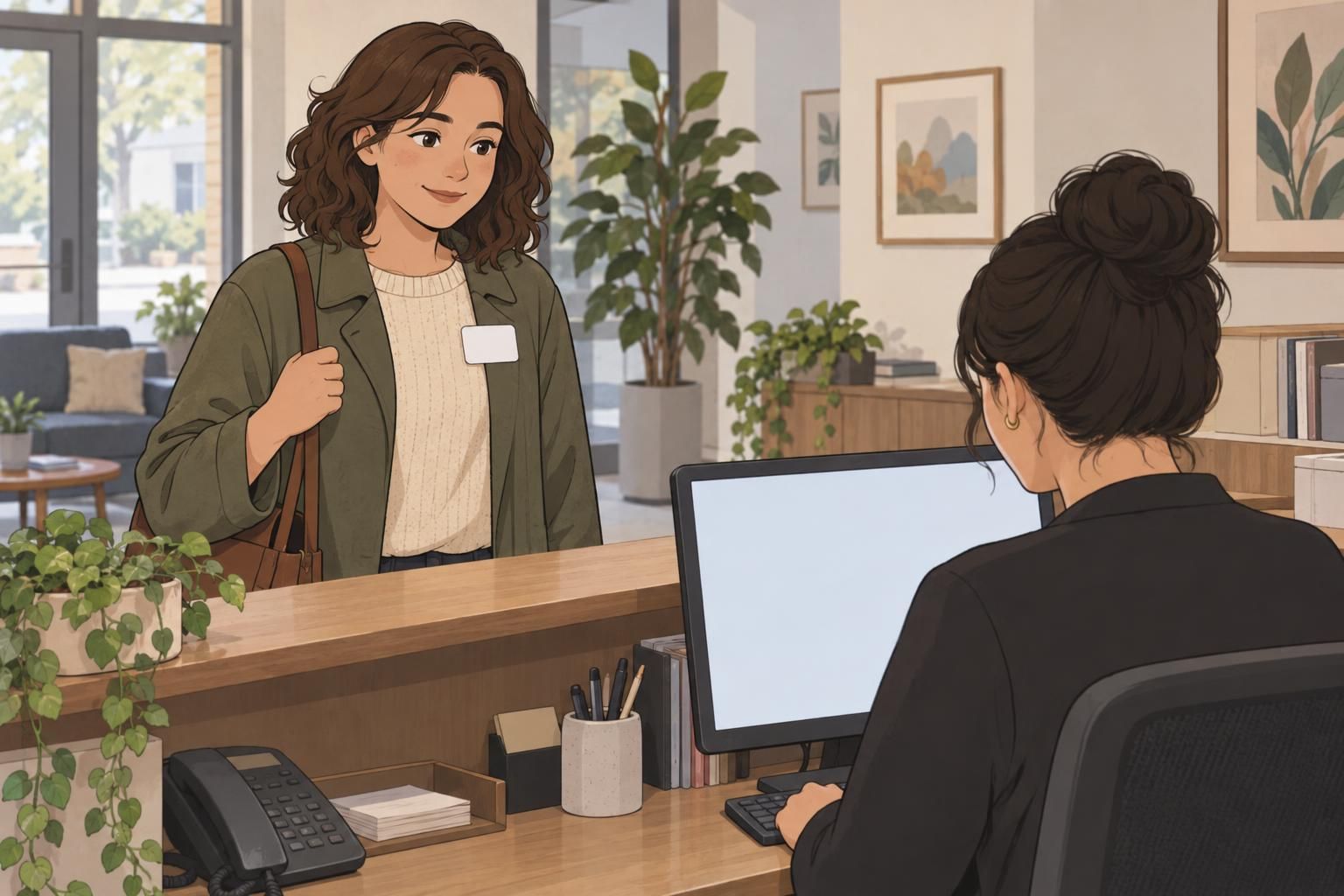
Map the visitor’s journey from the entrance to departure before choosing equipment or changing badge designs. Include welcoming the visitor, collecting details, completing the school’s screening steps, issuing identification, notifying the host, and recording sign-out. Identify where visitors wait and where staff must interrupt another task.
Review ordinary morning arrivals alongside higher-volume occasions, such as a volunteer gathering or school event. The aim is a clear path that can handle both without requiring visitors to guess which counter to approach or whether they may proceed.
- Make the route from the entrance to check-in easy to understand.
- Separate people waiting for help from those completing routine check-in where space allows.
- Keep badge collection and destination instructions at the end of check-in.
- Make the return route for sign-out clear before visitors leave the office.
Assign responsibility for each handoff. A visitor should know whether to wait for a host or follow the school’s directions to an approved destination. A school visitor badge supports that handoff by making the visitor’s status visible after they leave the counter.
Offer pre-registration and two check-in paths
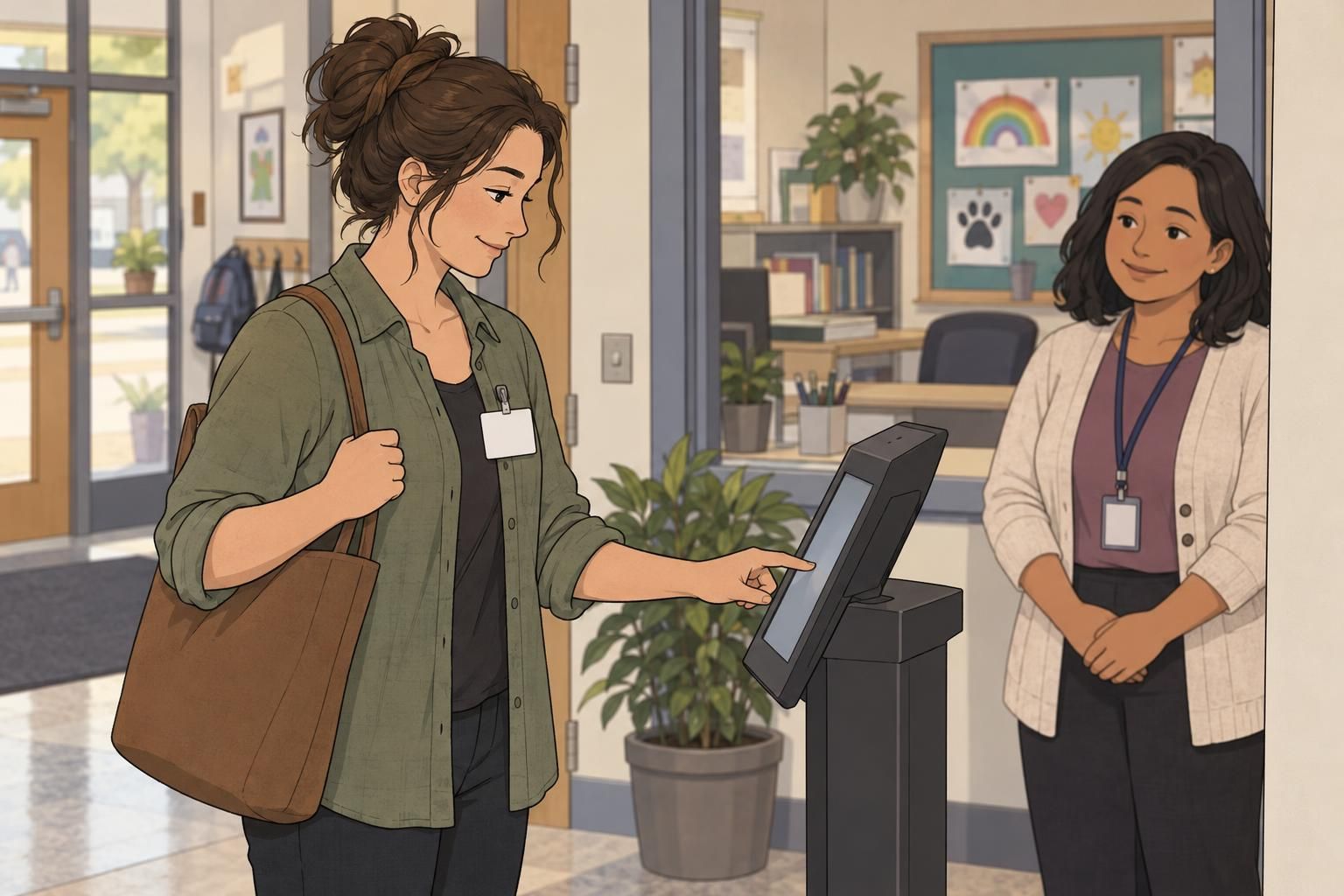
Pre-registration can move routine information gathering out of the morning queue. Recurring volunteers, parents with scheduled visits, and event guests can submit details before arrival or receive a QR code for check-in. Explain what they should have ready and where they should report.
Provide two paths that lead to the same completed check-in: a self-service option for routine visits and a staff-assisted option for first-time visitors or anyone needing help. These are different ways to complete the process, not different standards for permission to enter.
- Routine path: retrieve the submitted details, complete required checks, and receive a badge.
- Assisted path: have a staff member collect or clarify details and guide the visitor through check-in.
- Exception handoff: move unresolved questions to staff rather than leaving visitors stuck at a kiosk.
Keep assistance available even when most visitors use self-service. For larger events, test whether pre-registered guests can move through the routine path without blocking visitors who need a longer conversation.
Make the school visitor badge easy to recognize
The school visitor badge should be easy to spot and easy to read. Use a consistent temporary badge layout showing the visitor’s name, destination or purpose, and expiration information. Keep those details prominent instead of crowding the badge with information that belongs in the check-in record.
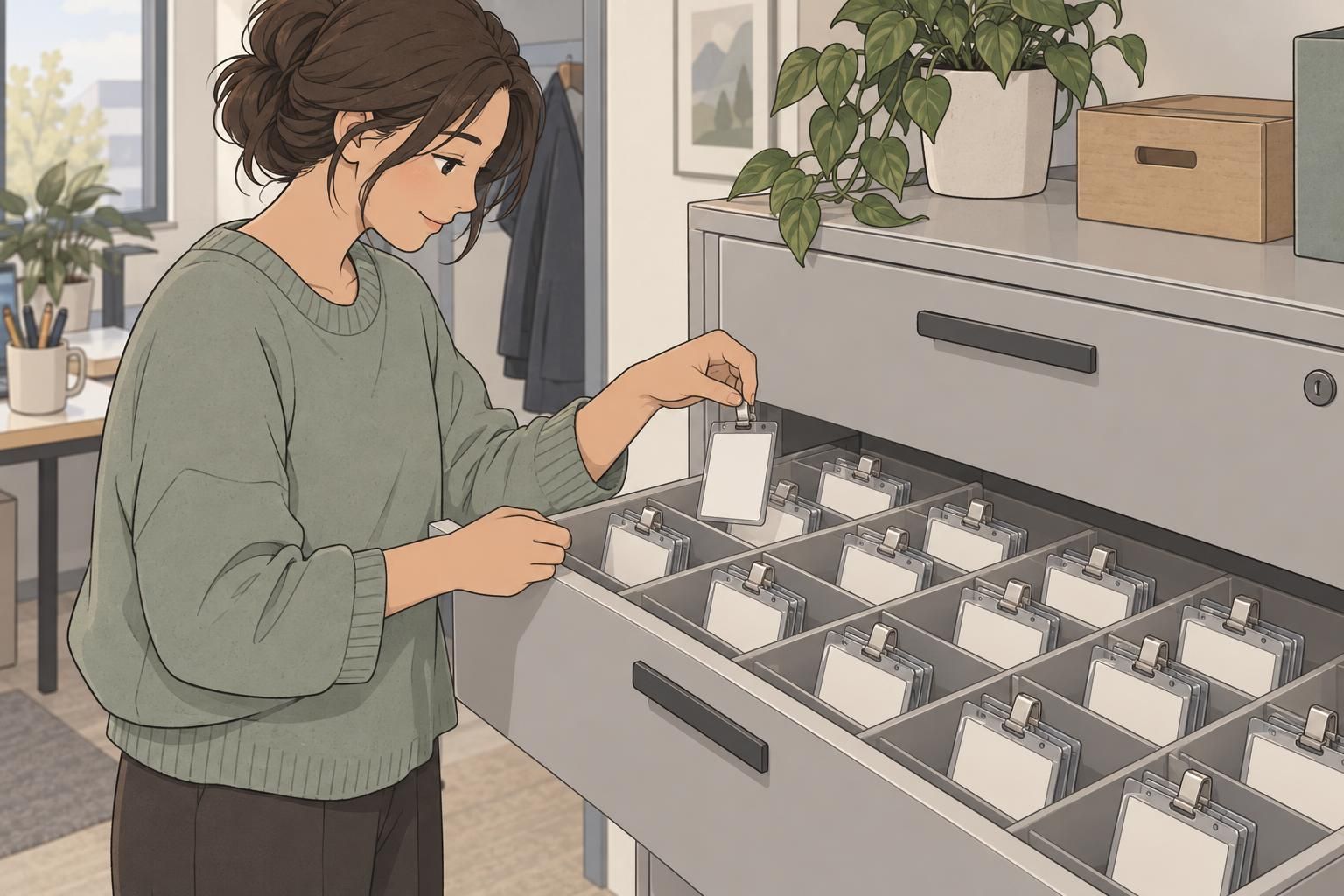
Choose a visible wearing position, such as a chest-level clip or lanyard. Staff should be able to recognize the visitor identifier without asking someone to retrieve it from a pocket or turn around a hidden card.
- Use the same placement for names, destinations, and expiration details on every badge.
- Make visitor categories distinct with clear labels and consistent visual styling.
- Keep the visitor design recognizable as different from regular employee identification.
- Check readability on an actual printed badge, not only a screen preview.
A visible badge communicates the visitor’s status and approved destination. It supports the check-in process; it does not replace the school’s screening or authorization steps.

Use guest management tools to reduce repeat tasks
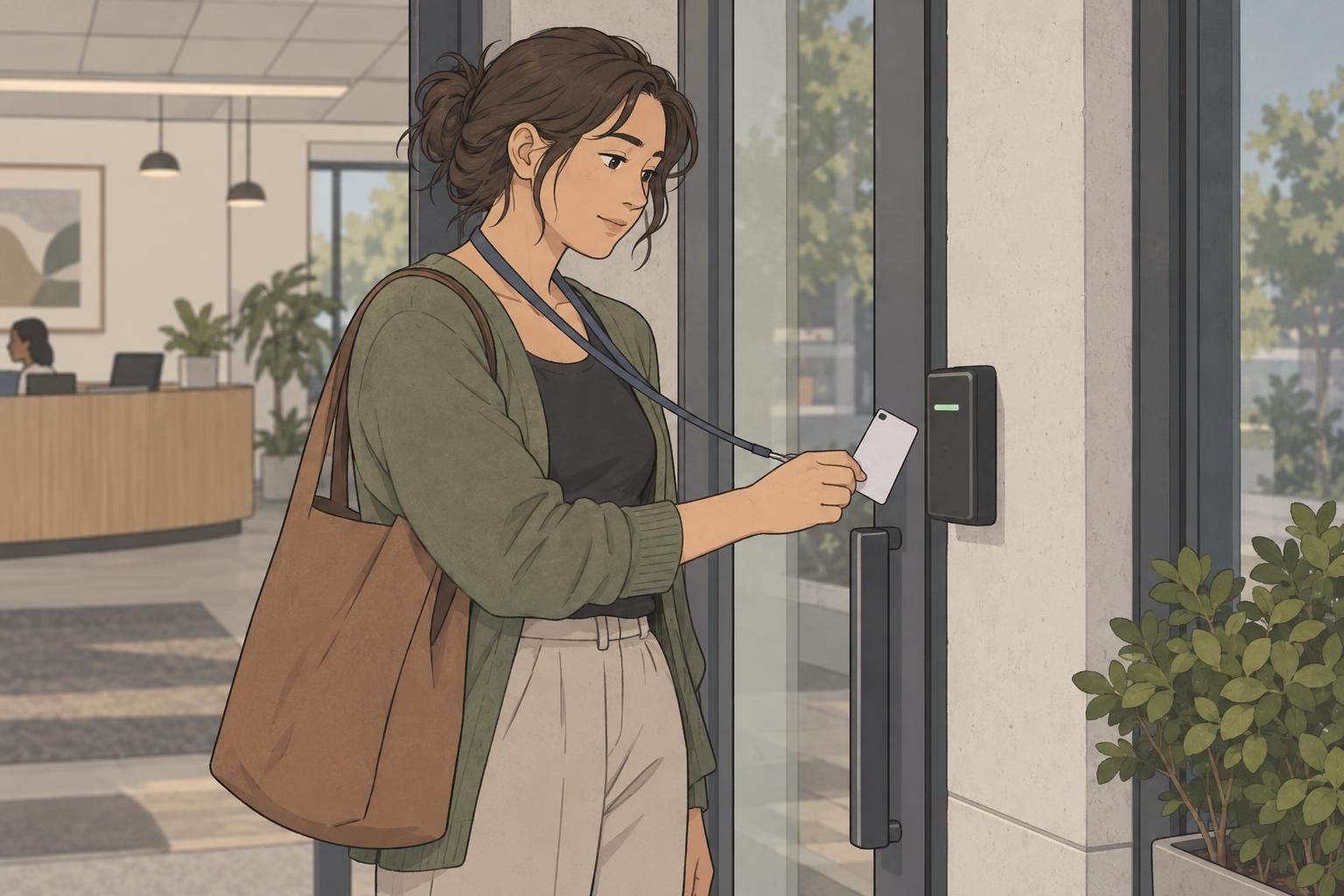
Look for guest management tools that remove duplicate work from the steps you have already mapped. Fast ID capture can reduce manual entry, automatic badge printing can avoid rewriting visitor details, and host notifications can reduce routine calls from the counter.
Searchable records can also help staff retrieve a previous visit without starting from scratch. However, returning visitors still need a current visit record with the correct destination and arrival information. Convenience should not leave yesterday’s details attached to today’s visit.
Evaluate the whole sequence, not just one fast feature. A quick scan offers limited help if staff must then retype the destination, manually contact the host, or troubleshoot every badge print. Ask to see those steps working together, including how staff correct captured information and assist visitors when the routine path cannot be completed.
Make sign-out quick and keep occupancy records current
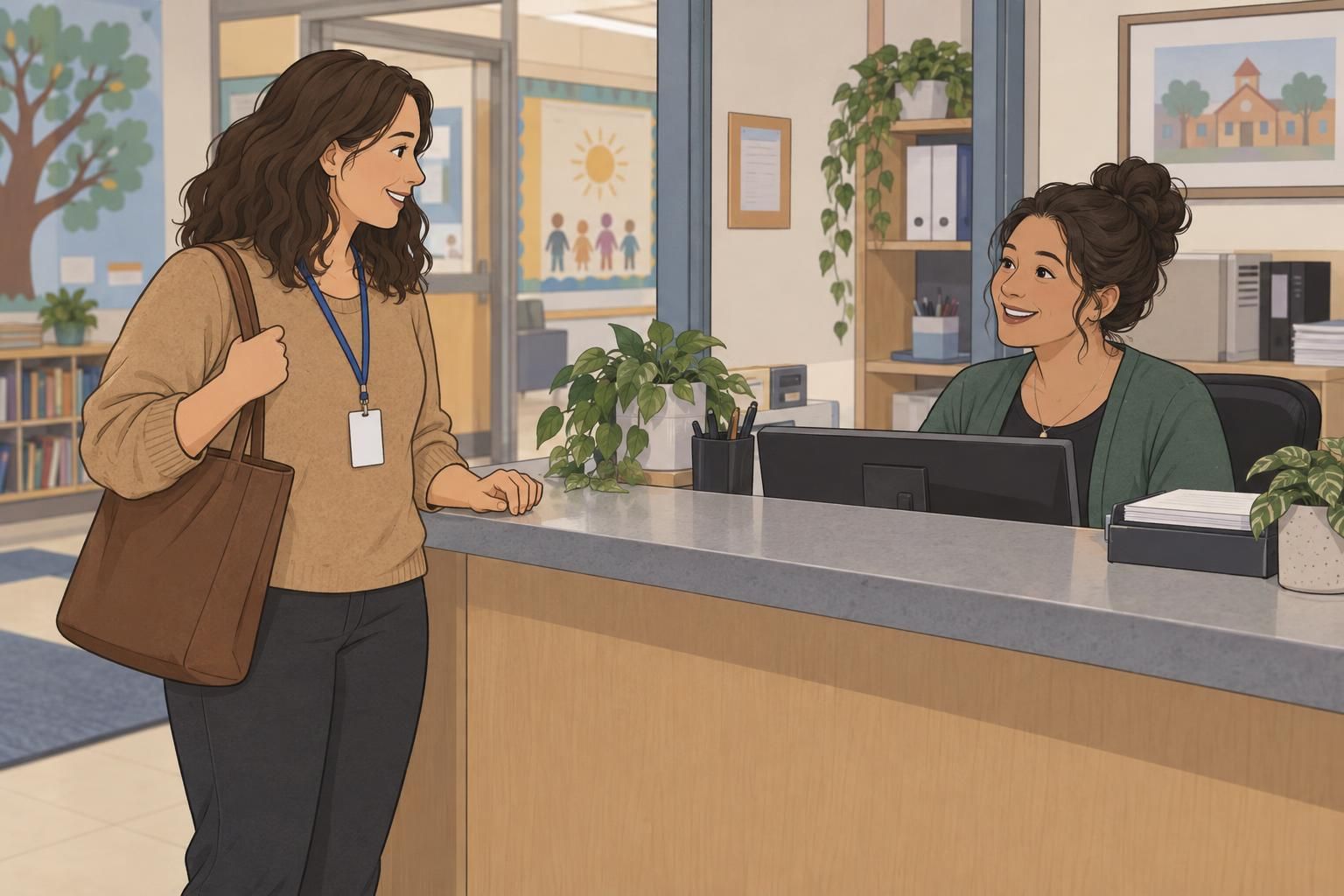
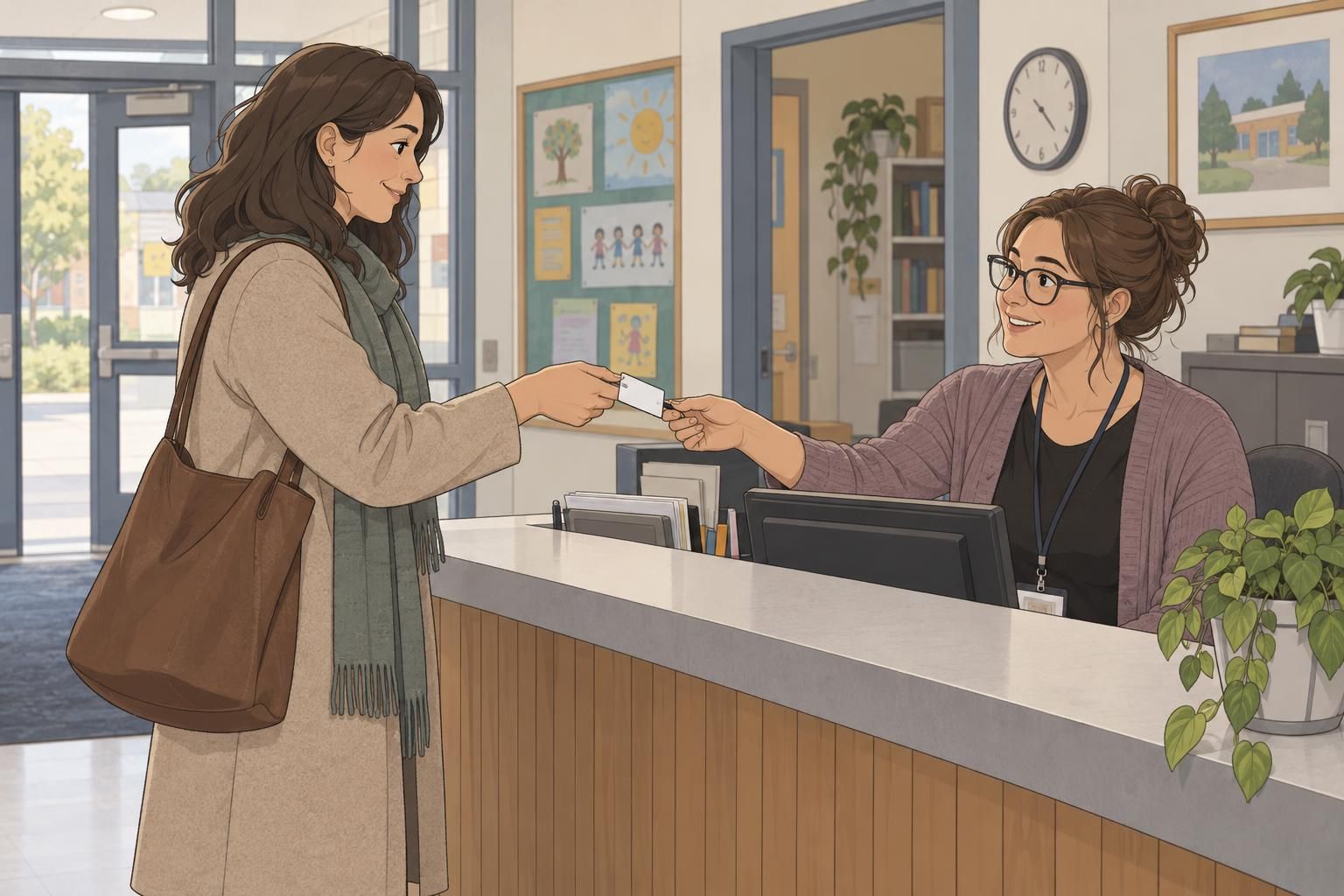
Build departure into the front office process from the start. Tell visitors during check-in that they should return to the same front-office point to sign out. The instruction should be simple enough to remember after a meeting, classroom visit, or event.
Choose a brief sign-out action that your workflow supports, such as staff retrieving the active visit or the visitor using a designated self-service step. Record the exit time as part of that action. If visitors return badges, make sure the return is connected to updating the visit record.
- Keep the sign-out point recognizable and easy to reach.
- Avoid making departing visitors repeat their full check-in details.
- Confirm that the visit changes from active to completed.
- Review unresolved active visits so the occupancy list stays useful.
A real-time occupancy list can help staff identify who is still on campus and prepare a current emergency roster. Its usefulness depends on recorded departures, not simply the number of badges printed that morning.
Prepare for exceptions, outages, and privacy needs
A scalable workflow needs a clear response when routine check-in cannot continue. Document how staff should handle missing identification, deliveries, unusual screening results, and visitors who need assistance. Identify who can resolve each situation so the receptionist is not improvising while a queue grows.
Ask vendors what happens during an internet outage, printer failure, or unavailable check-in device. Establish a school-approved fallback for recording arrivals, issuing visible identification, and tracking departures. Confirm how any temporary records will be reconciled when normal service returns.
Privacy questions belong in the same planning discussion. Ask what visitor information is collected, who can access it, and how long it is retained. Keep the badge focused on identification and destination details rather than reproducing the full visitor record. Staff should understand both the fallback process and their responsibilities for handling information.
Check system fit before choosing a vendor
Use your mapped workflow as the basis for vendor demonstrations. Ask about average processing times, but clarify what those times include: retrieving details, screening, printing, host notification, or the full arrival sequence. A single feature’s speed is not the same as a visitor’s total time at the counter.
- Can the demonstration show QR check-in and staff-assisted check-in?
- How do badge printing and host alerts work within the same visit?
- How are active visitors displayed and emergency reports prepared?
- Is the system compatible with existing entry systems?
- Can staff correct a record while preserving an audit trail?
- What happens when equipment or internet service is unavailable?
Request district references and discuss workflows similar to yours. Verify claims through a demonstration using routine and exception scenarios. Include departure: a system that issues a school visitor badge efficiently should also let staff close the visit without creating another queue.

Pilot the process and measure front-office performance
Pilot the workflow at one entrance before expanding it. Include an ordinary arrival period and a higher-volume event so you can see whether the same process works when several visitors need attention at once.
- Track waiting time separately from time spent completing check-in.
- Review successful sign-outs and visits left active.
- Record badge-printing problems and their causes.
- Compare the occupancy roster with actual visit status.
- Note where visitors need help or staff repeat a task.
Use those observations to adjust instructions, counter layout, badge readability, and staff handoffs. Train staff on both check-in paths, exceptions, and departure before adding more entrances or larger visitor groups.
An effective school visitor badge system connects three practical outcomes: an orderly arrival, recognizable identification throughout the visit, and a recorded departure. Keep all three in view as you refine and expand the process.