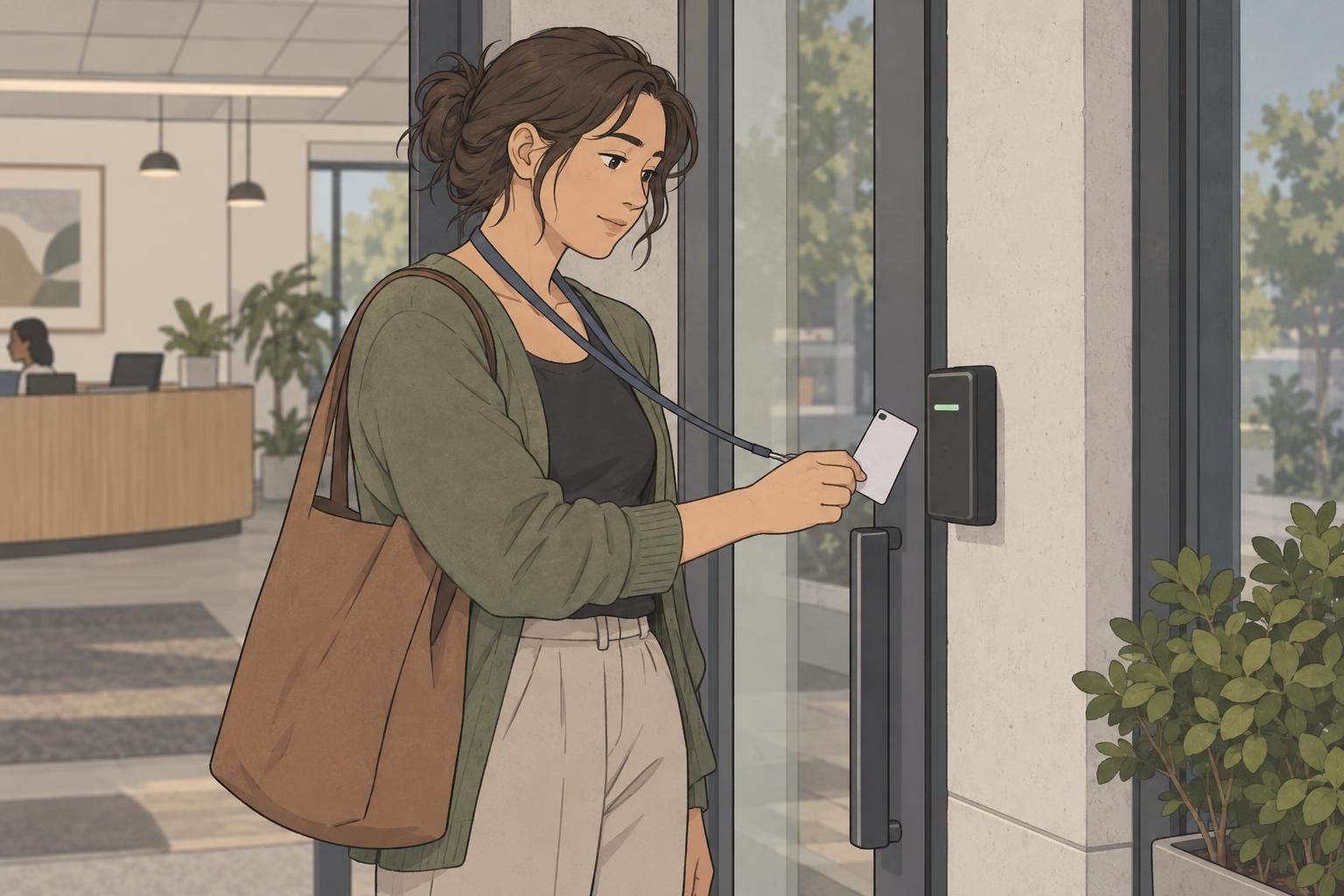
How a member ID card supports everyday access
A member ID card gives staff a straightforward way to connect the person at the entrance with a membership account. At a busy gym or community center, that connection helps make check-in more consistent: the member presents a credential, staff locate or review the associated account, and entry follows the facility’s access policy. The card supports the process without requiring every visit to begin with a lengthy conversation.
Depending on local policy, members may need to show or scan a valid card on each visit. Some facilities use staff-assisted check-in, while others rely on a scanner with staff available to resolve questions. Either way, the credential should work with the membership system and give employees a clear starting point for confirming access.
It helps to distinguish the card from the account behind it. A credential identifies an account, but the facility’s records and procedures determine whether the membership is current and which activities or locations it covers. A familiar-looking card should not replace whatever account checks the facility requires.
Keep the everyday routine simple: present the member ID card, confirm the associated membership as required, and follow the facility’s entry rules. Explain this routine when issuing the credential so members know what to expect.

Choosing a durable gym access card
A gym access card may be taken out of a wallet, placed on a counter, and returned to a bag several times a week. In a high-touch environment, durability is a practical purchasing consideration rather than just an appearance preference. The card needs to remain readable and usable through repeated handling.
Compare card materials and construction with that routine in mind. A rigid plastic format may suit frequent handling, while a lighter card format should be evaluated against the same expected use. Ask whether the material, thickness, and printing method are appropriate for the facility’s equipment. A card that feels sturdy still needs to meet the reader’s requirements.
Finish also deserves attention. Glossy and matte surfaces can look different under entrance lighting, so review samples for glare, contrast, and ease of reading. Do not assume a finish alone guarantees resistance to wear. Evaluate the complete card, including how clearly its printed information remains visible during ordinary use.
- Check that names, account identifiers, and scanning features remain easy to locate.
- Consider a compatible holder when cards are carried outside a wallet.
- Keep scanning areas free of stickers, attachments, and avoidable surface damage.
- Follow the card supplier’s care guidance rather than assuming every cleaning method is suitable.
- Set a replacement process for cards that become unreadable or repeatedly fail at check-in.
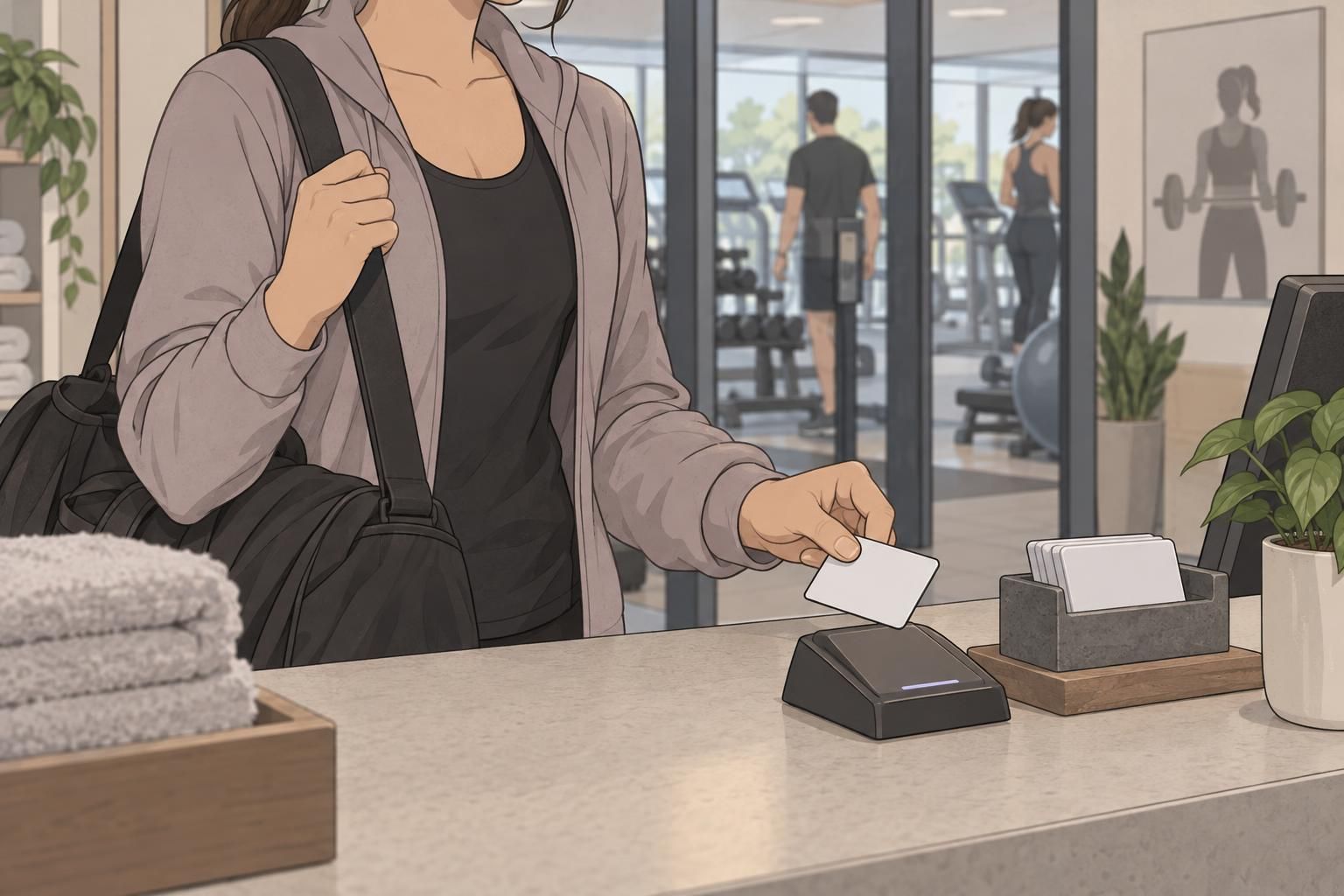
Make scanning reliable at the entrance
Reliable scanning starts with compatibility between the credential and the entrance equipment. Facilities may use barcodes or other compatible access technology, and card requirements vary by system. Confirm those requirements before selecting a card format or finalizing artwork. A visually clear credential still needs the right scanning feature for the reader.
The next step is a consistent presentation routine. Staff should know where members need to position the card, what indicates a successful read, and what to do if nothing happens. Depending on the equipment, members may need to show a particular side or place the credential near a designated reader area. Give instructions that match the actual device rather than relying on a generic instruction to “scan here.”
For a practical example, Iredell County’s recreation center policies describe numbered cards or key tags that members scan upon arrival (source). This illustrates one facility’s check-in approach, not a universal requirement for gyms or community centers.
- Use the same presentation instructions across staff shifts.
- Keep the scanning area accessible and uncluttered.
- Define how staff confirm a successful check-in.
- When scanning fails, follow an approved account-lookup or verification process.
- Review recurring failures to distinguish presentation problems from damaged cards or equipment issues.

Simple member verification and access policies
Scanning identifies a credential; the facility’s verification process helps confirm that it belongs to the person presenting it. Keep that process suited to the membership system. Staff might compare the member’s name with the account record or use a member photo when the system includes one. The goal is a clear, repeatable check rather than an improvised conversation.
If cards are personal and non-transferable, explain that rule when members receive them. Employees should also know how to handle a card presented by someone other than its assigned member. Consistent instructions make it easier to apply the policy calmly without treating every routine check-in as a problem.
Forgotten and damaged cards need equally clear procedures. Decide whether staff may look up an account, what verification is required, and whether a temporary alternative is available. These are facility decisions, not automatic entitlements. Members should know how to request a replacement and what happens to the previous credential under the system’s procedures.
Can a member enter without their card?
That depends on the facility’s policy. Staff may have an approved alternative verification process, but members should not assume that account lookup or temporary access is always available.
When should a damaged member ID card be replaced?
Follow the facility’s replacement procedure when damage makes identification difficult or causes repeated scanning failures. A defined process helps staff avoid inconsistent workarounds.

Plan credentials for families and different member groups
A community center ID program may serve individual members, households, and other membership categories. Planning these groups in advance helps prevent confusion at the desk. The central question is how each credential connects to the correct person and account—not simply how many cards a household receives.
For family memberships, facilities set their own rules about who receives an individual credential. A household account does not necessarily mean everyone uses one shared card, nor does it automatically mean every family member receives a separate card. Explain the chosen arrangement and make sure staff can identify the person checking in under that account.
Different membership categories may also have different access permissions. Keep the credential and account information aligned so staff can confirm the relevant access without guessing from a card’s appearance. Visual distinctions can help organize cards, but they should support—not replace—the facility’s membership records.
For organizations operating multiple locations, clarify where each credential is accepted. A card issued at one building is not automatically valid at every other site. Check compatibility with each location’s entrance equipment and explain any access limits when issuing the card. Clear guidance helps families plan visits and gives staff a consistent answer when questions arise.
Design member cards for everyday use
A useful member ID card layout makes essential information easy to find. Start with clear member identification, a readable account identifier, and adequate space for the scanning feature required by the system. Arrange these elements so staff can inspect the card quickly without searching through decorative details.
Readable type and clear contrast matter at a busy entrance. Review the design at its actual printed size rather than only as enlarged artwork on a screen. If a photograph is part of the verification process, give it enough space to support that task. Include only the information needed for the card’s purpose.
Reserve scanning areas according to the equipment and card-production requirements. Do not crowd a barcode with nearby graphics or assume that an attachment can be placed anywhere on the card. Holders and carrying methods should leave the required features accessible. The layout needs to work as a physical credential, not just look balanced.
- Check member information for readability at normal handling distance.
- Confirm that printed identifiers match the intended account records.
- Test sample credentials with the entrance equipment.
- Review the card inside any holder members are expected to use.
- Have front-desk staff try the complete presentation and verification routine.
A dependable card program brings together durable credentials, compatible scanning, and simple verification. When the card design and entry procedures support each other, members have clearer expectations and staff have a more consistent check-in process.