Job Title on Badge: How to Standardize Titles and Departments Across Your Organization
Why standardizing the job title on badge matters
A standardized job title on badge helps people understand roles quickly—without needing introductions, hallway questions, or guesswork. When a workplace uses a consistent set of titles and departments, staff, visitors, and partners can identify who to approach (and for what) in seconds.
The alternative is familiar: one person’s badge says “People Ops,” another says “HR,” another says “Human Resources,” and a fourth uses a location-specific label that only their building understands. Even when everyone means well, inconsistent naming creates friction. People waste time clarifying who does what, and misrouted requests become normal.
Standardization matters even more in fast-paced or high-traffic environments—think hospitals, large offices, warehouses, schools, conferences, or multi-site organizations—where quick role recognition supports smoother coordination. Clear identifiers also help new hires and rotating teams navigate the organization faster, because the badge system teaches them the “official language” of roles and units.
A consistent job title on badge is less about formality and more about speed: helping the right person get the right question at the right time.
- Fewer interruptions: less “What do you do?” and “Which team are you with?”
- Cleaner handoffs: requests and issues reach the right group faster
- Less rework: fewer one-off badge edits because a standard handles most cases
- Better onboarding: new employees learn common titles and department labels quickly
- More reliable badge consistency across buildings, shifts, and print runs
Set a simple naming system: what belongs in Title vs Department
Start with one decision that prevents dozens of downstream problems: define what belongs in the Title field versus the Department field. This separation is the foundation for readable badges and simpler updates.
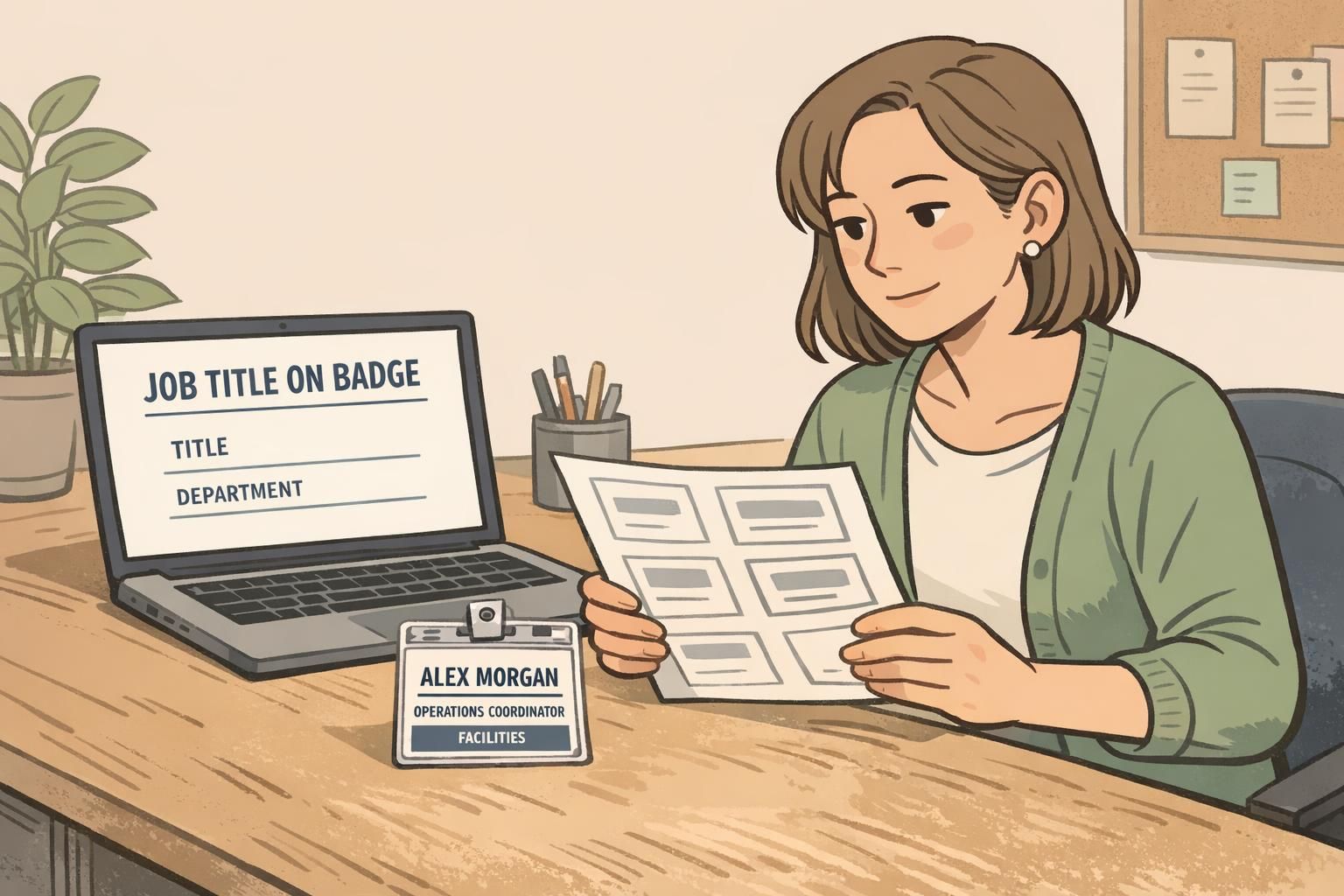
A practical rule is: Title describes the role (what the person is), while Department describes where they work (the unit or organizational home). For example, “Registered Nurse” is a role; “Emergency Department” is a unit. When these are mixed, badges become inconsistent and harder to maintain—especially when people transfer, rotate, or temporarily cover another area.
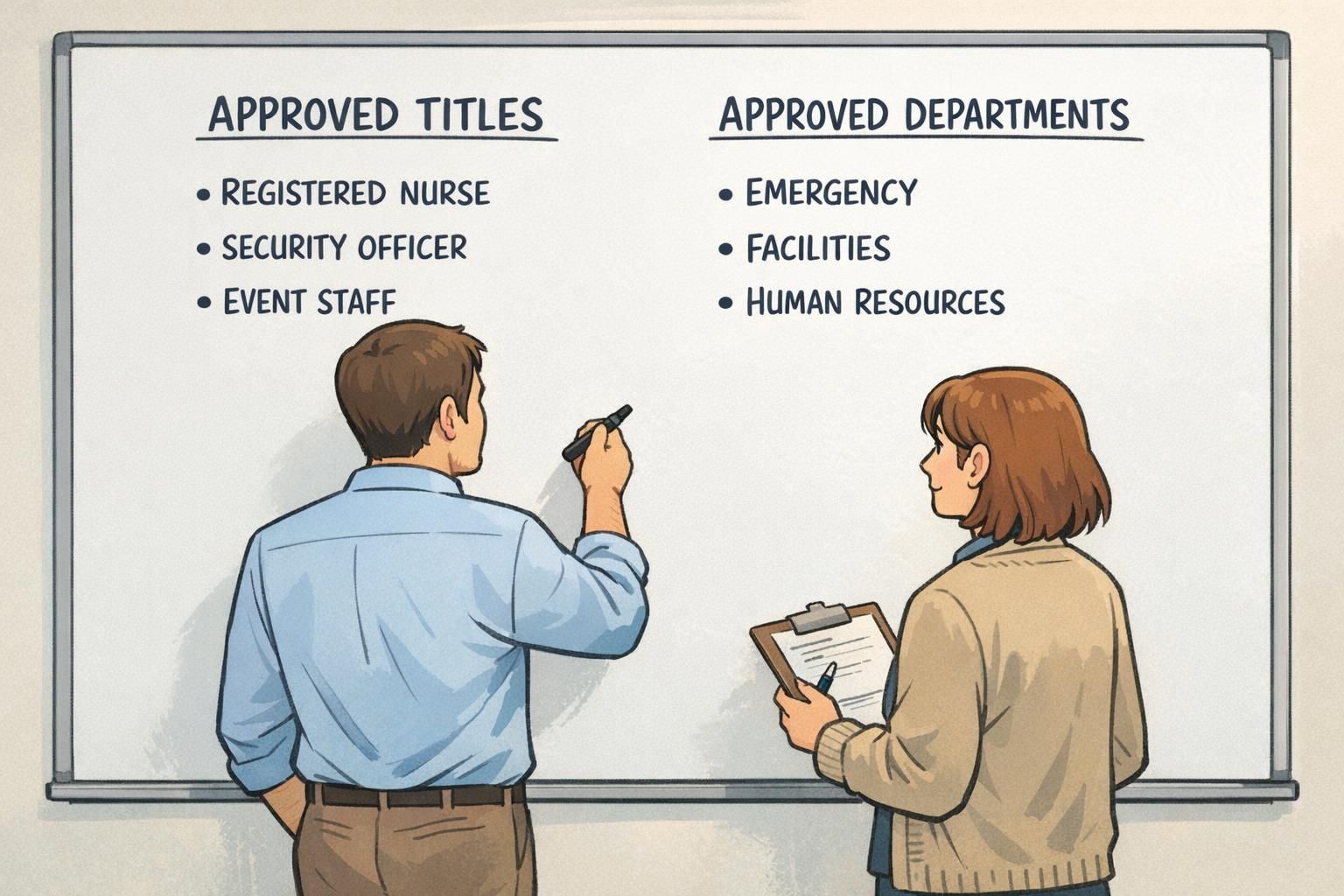
- Title: Role name that should remain stable across most moves (e.g., Registered Nurse, Security Officer, IT Support Specialist)
- Department: The official organizational unit label (e.g., Emergency, Facilities, Human Resources)
- Avoid mixing: Don’t encode the unit into the role when it can live cleanly in Department (e.g., avoid “Emergency RN” if “Registered Nurse” + “Emergency” is allowed and readable)
Write these rules down and make them easy to find. The goal is that HR, managers, and badge administrators all make the same call, every time. This is where badge consistency becomes achievable: you stop solving the same naming question for every new hire.
Create a controlled vocabulary for department labels (and stick to it)
The simplest way to eliminate badge-to-badge variation is to stop freeform typing. Build a controlled vocabulary: a master list of approved department labels that badge admins must select from.
This prevents common drift like “Human Resources” vs “HR” vs “People Ops,” or small punctuation and pluralization changes that make a badge look unofficial. Even if employees understand the meaning, inconsistency creates hesitation—and it can make a large organization feel less coordinated than it really is.
- Assign an owner for department labels (often HR or Operations) who approves additions and retires old terms
- Use one canonical label per department (choose “Human Resources” or “HR,” not both)
- Decide on casing and punctuation once (e.g., Title Case vs ALL CAPS) and apply it everywhere
- Review the list on a predictable cadence (quarterly or biannually) so changes don’t feel random
- If you have multiple locations, include location rules (e.g., one shared list across sites unless a site truly has a unique department)
Controlled vocabularies reduce “small differences” that create big confusion—especially when people move between buildings or teams.
Abbreviations that work: a short list of rules for long titles
Long titles are one of the main reasons organizations end up redesigning badge layouts. The fix is not constant resizing—it’s a predictable abbreviation approach that protects readability.
Abbreviations should be used only when they’re already widely understood inside your organization, and they should be standardized in one reference list (ideally next to your approved titles and department labels). If “IT” is universally recognized, it’s safe. If an acronym is only known inside a sub-team, it likely won’t help at arm’s length.
- Abbreviate consistently: choose one approved shortened form and reuse it everywhere
- Shorten the least important words first (when policy allows): drop level markers or qualifiers before cutting core role words
- Avoid ambiguous abbreviations: if two roles could share the same short form, don’t use it
- Prefer clarity over cleverness: a slightly longer title that’s readable beats a short one no one understands
- Decide on credentials: if credentials appear, standardize the format (e.g., “RN” always, not “R.N.” on some badges and blank on others)
Only if it reliably improves day-to-day routing and teamwork. If space is tight, consider reserving badge space for the core role and using internal systems for detailed levels. When seniority is included, apply one consistent format across all badges.
Create an approved shortened version for the badge that still communicates the core function. Store the full legal/internal title in HR systems, and keep the badge title optimized for quick recognition.
Hierarchy and layout: make the role readable first
A strong naming system still needs a layout that makes the right information pop. In most workplaces, the hierarchy that works best at a glance is: Name first, then Title, then Department. That ordering matches how people naturally scan a badge during quick interactions.
To protect badge consistency, set rules for font sizes and line breaks so badge admins aren’t making design decisions on every request. For example, keep Title on one line and Department on the next, using the same alignment and casing each time. When a long title appears, your abbreviation rules handle it—rather than shrinking fonts until nothing is readable.
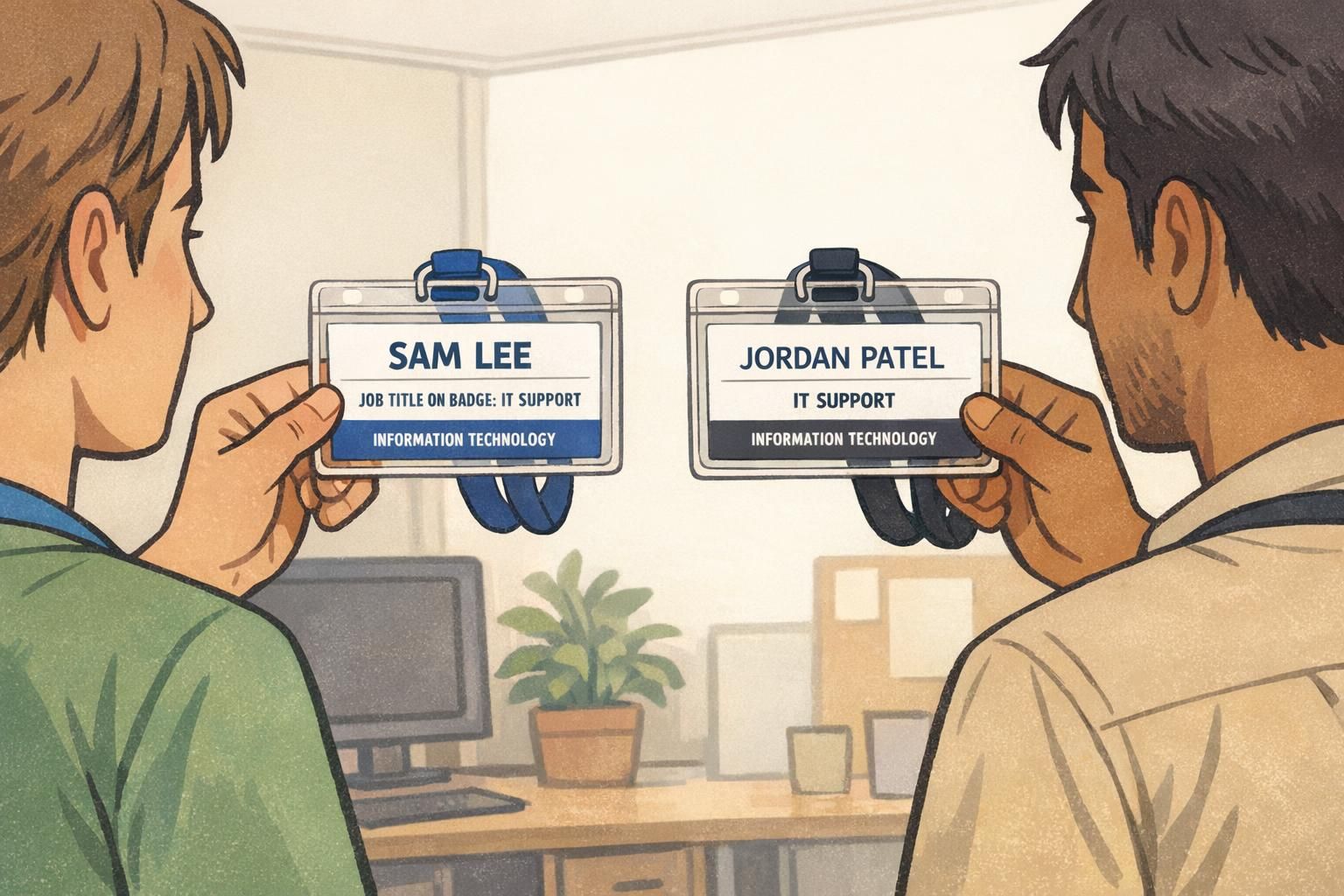
- Define a visual hierarchy: Name largest, Title next, Department third
- Set consistent line rules: Title on its own line; Department on a separate line
- Choose a readable font and avoid ultra-thin weights
- Test in real conditions: hallways, lobbies, low light, and at typical conversation distance
- Document “do not change” layout rules so updates don’t trigger redesigns
When readability is validated in the real world (not just on-screen), you get fewer exceptions—and fewer reasons to rebuild the template.
A practical approach to edge cases: dual roles, float staff, and rotating teams
Every organization has edge cases that can derail a standard if they’re handled ad hoc. The best approach is to define a few approved patterns that cover most exceptions without requiring layout changes.
Common scenarios include dual-role employees, float pools, rotating teams, and temporary assignments. If you don’t plan for these, you end up with improvisations: extra slashes, cramped text, and inconsistent wording that chips away at badge consistency.
- Dual roles: choose a primary Title that reflects how the person is most often routed; use Department for the current unit
- Float staff: use a stable Title plus a standardized qualifier in Department (e.g., “Float Pool”) if that’s how your organization routes requests
- Rotations: use a broad Department label that stays stable across short rotations, and reserve unit-level detail for internal schedules
- Temporary assignments: define when a temporary label is allowed, who approves it, and when it expires
- Contractors or event staff: create a dedicated approved Title and Department label set so they don’t inherit inconsistent wording
“We stopped redesigning badges when we agreed on three ‘exception patterns’ that everyone could use. Most requests now fit the system without special formatting.” – Operations coordinator
When to use badge buddies for clearer titles without crowding the ID
Sometimes the card has to carry a lot: photo, name, access indicators, and other essential identifiers. If the layout is already tight, badge buddies can solve the readability problem by giving the role big, standardized text—without forcing you to shrink or rearrange the main ID.
This is especially useful in large facilities or across mixed teams where quick role recognition improves coordination. Research on role identification tools in clinical settings has highlighted how clearer role markers can support team communication and reduce confusion in high-stakes environments (source). The same practical principle applies anywhere people need to identify roles fast.
Badge buddies work best when they follow the same standard as your badge template: the same title casing, the same approved department labels (if included), and the same approved list of role names. That way, when staffing changes, you’re not redesigning—just issuing the correct, already-defined buddy.
If you decide to add badge buddies, keep the system simple: a limited set of roles, one format, and clear rules for who qualifies. And if you’re exploring options, BadgeZoo offers custom badge buddies that can be aligned to a standardized role list so the large-text role indicator stays consistent over time.
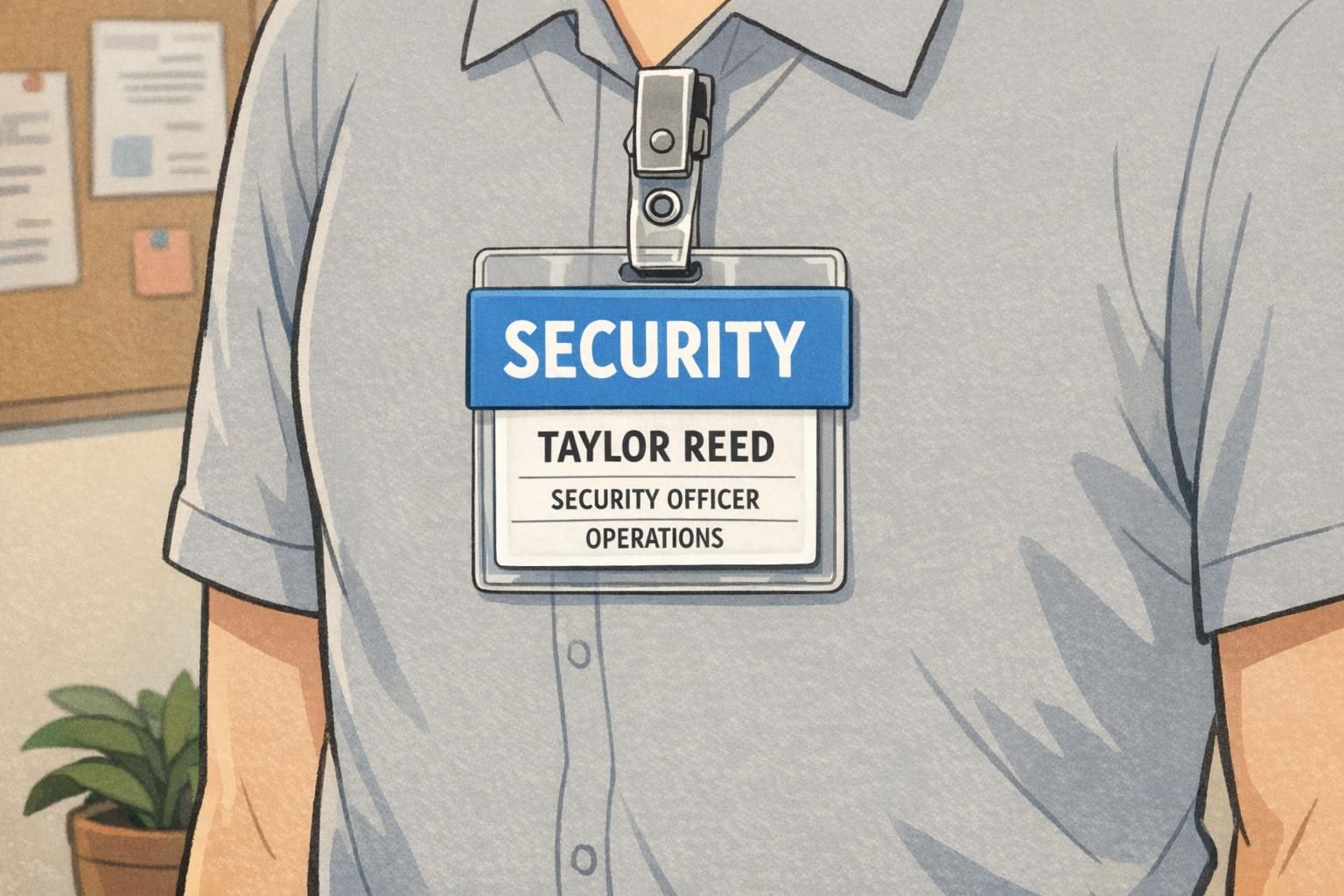
- Use badge buddies when the ID card is space-limited and role text becomes too small
- Keep a single approved buddy format (colors, casing, and placement) to preserve badge consistency
- Tie buddy text to your approved Title and department labels lists to prevent drift
- Limit the number of buddy variants to roles that truly need instant recognition
Operational rollout: approval workflow, training, and audits
A standard only lasts if it’s easy to follow. The operational goal is a simple loop: request, approve, print, and review. When the process is lightweight, people stop improvising—and variation stops creeping back in.
Start by defining who can request a change, who approves it, and what sources of truth are used (your approved titles list, your controlled vocabulary for department labels, and your abbreviation rules). Train managers and badge administrators on the logic so new hires don’t introduce new wording by accident.

- Create a one-page standard: Title vs Department rules, approved department labels, abbreviation rules, and edge-case patterns
- Use a simple request path: manager submits, designated owner approves, badge admin prints
- Schedule audits (quarterly or biannually): spot inconsistent spellings, legacy terms, and retired department labels
- Keep a change log: record when labels were added/retired so changes feel controlled and predictable
- Plan transitions: when a department renames, set a cutover date to avoid mixed wording on new badges
A helpful mindset is: if a change would trigger redesigns, first ask whether your naming rules can absorb it. Often, the badge template can remain stable while the approved title list or department labels list gets a small, controlled update.
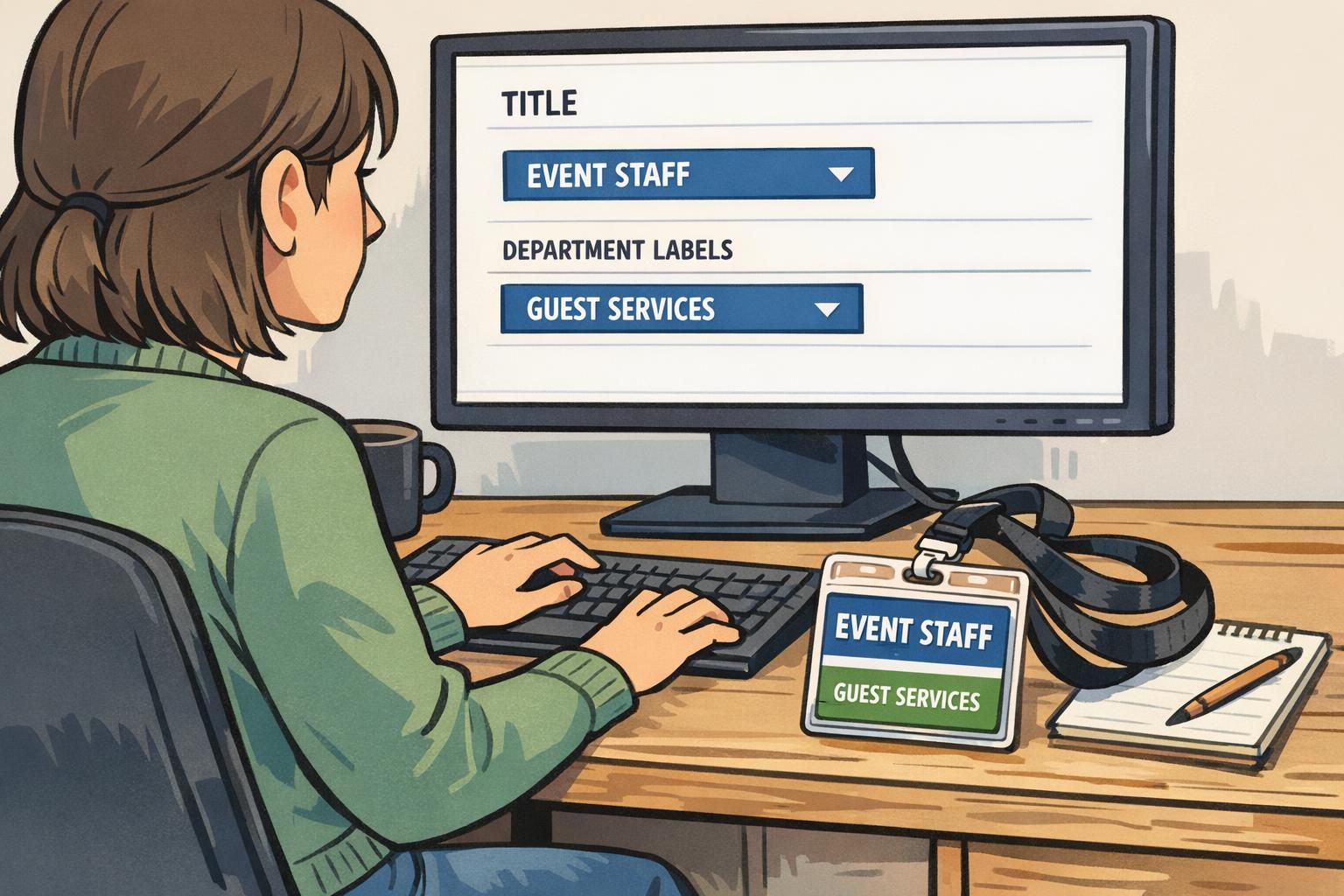
The most sustainable systems separate design from naming: keep the layout stable, and manage change through approved lists and predictable exceptions.