Job Title on Badge: How to Standardize Titles and Departments
Why standardize the job title on badge and department naming?
When someone is trying to find help—whether it’s a visitor in a lobby, a patient family member in a hallway, or a new employee on their first week—they don’t have time to decode internal org-chart language. A standardized job title on badge makes roles recognizable in a glance, and consistent department labels reinforce where that person “fits” in the organization. Standardization also solves a practical problem: badge programs tend to sprawl. One site prints “Maintenance,” another prints “Facilities.” One manager title shows up as “Ops Manager,” “Operations Mgr,” and “Manager, Ops.” Each variation might look small, but it creates big downstream effects: longer ordering cycles, more back-and-forth to approve proofs, and frequent template tweaks when titles change. The goal isn’t to flatten your reporting structure or oversimplify real jobs. It’s to create a readable system that stays stable over time—so identification remains helpful, professional, and consistent even as teams reorganize.
- Faster recognition: people can quickly identify who can help and how
- Better wayfinding: department labels support navigation across buildings and floors
- Fewer redesigns: a stable title/department system prevents constant layout changes
- Smoother ordering: standardized fields reduce corrections and “one-off” requests
- Stronger badge consistency: badges look and read the same across locations and shifts
A good standard makes the badge easy to read in 1–2 seconds, even for someone who doesn’t know your internal terminology.
Create a simple title hierarchy (what matters most at a glance)
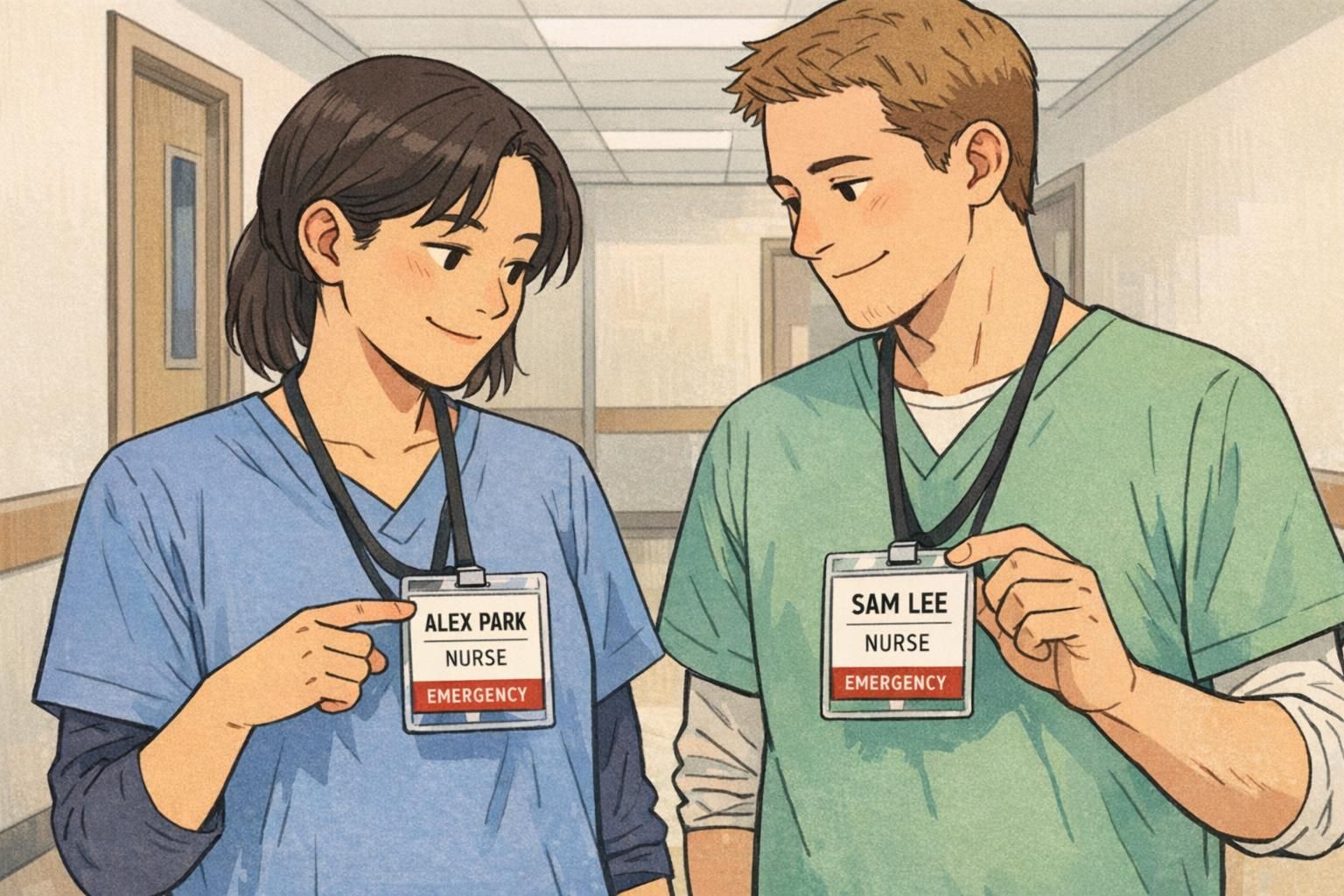
Start by deciding what your badge must communicate instantly. Most organizations get the best results when they prioritize the most recognizable role first, then add detail only if it changes how someone should interact with that person. For example, many workplaces find that “NURSE” is clearer at a glance than “RN II,” even though “RN II” may be meaningful internally. The nuanced qualifier can still appear—just not in the most prominent position. This same principle applies outside healthcare: “IT SUPPORT” often communicates faster than “End User Computing Specialist.” In real-world settings, clearer role identification can reduce confusion and improve role clarity, especially when many people are interacting quickly in shared spaces. That general idea is reflected in discussions of role clarity tools like badge buddies in clinical education contexts (source). To keep your program stable, separate what’s mandatory from what’s optional:
- Mandatory (recommended): Name, job title on badge (primary role), department labels
- Optional (use only if it materially helps): level (I/II/III), specialty, function descriptor, location code
- Usually avoid on the badge face: long credentials strings, internal team names that outsiders won’t recognize
A simple hierarchy also helps you prevent redesign. If you know exactly which elements belong on line 1 vs. line 2, new titles can be slotted into the same structure instead of forcing a new layout every time someone’s title changes.
Only if it changes what others need to do in the moment (who can approve, who can supervise, who can respond). If it’s mostly HR-facing information, keep the badge focused on the role people recognize.
Use the official title in HR systems, but adopt a readable badge title standard that preserves meaning. Many organizations treat the badge as a “public-facing label” optimized for clarity.
Set department labels that match how people navigate your organization
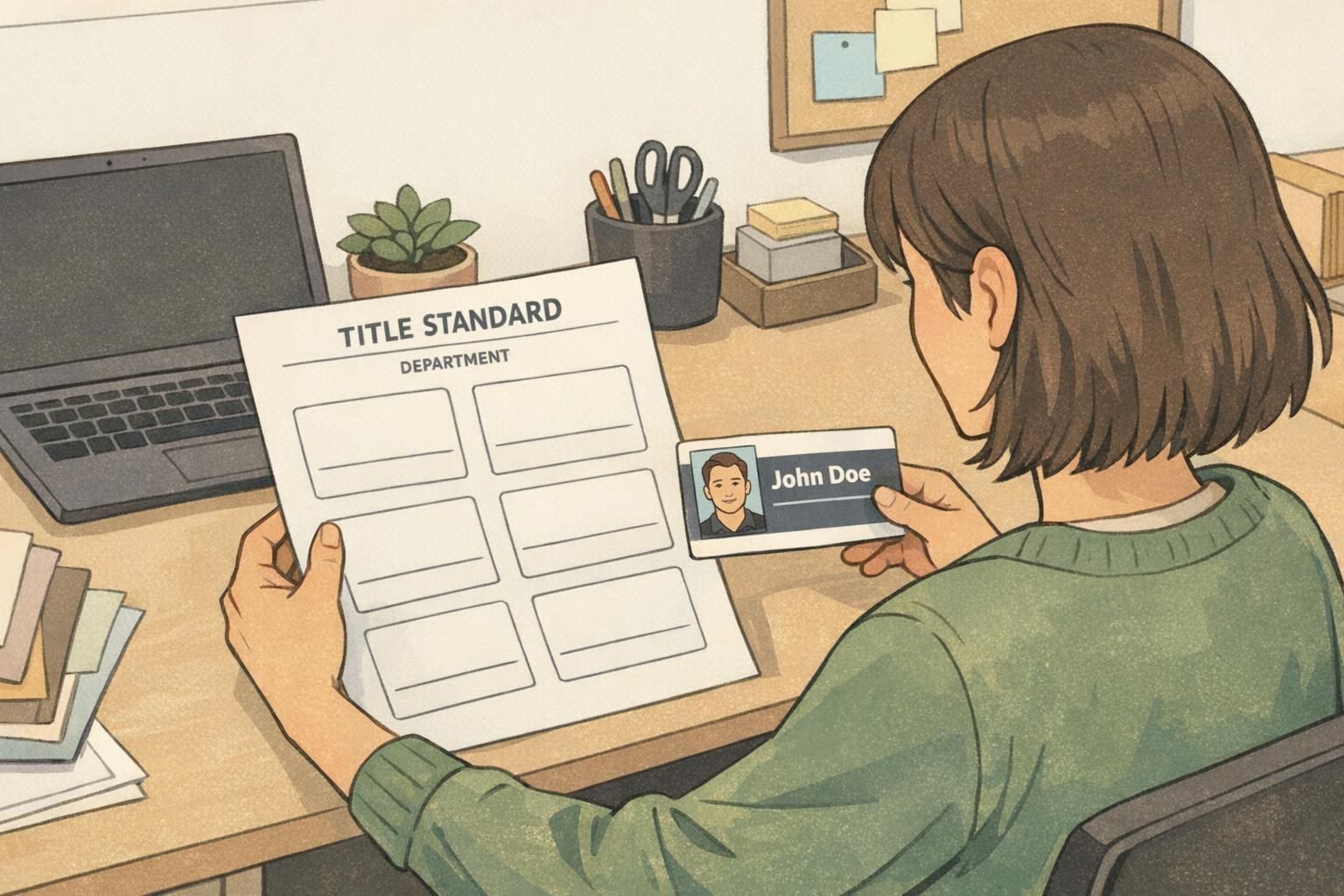
Department labels work best when they match the language people actually use in the building. Visitors and employees rarely say, “I need the Division of Environmental Support Services.” They ask for “Facilities,” “Housekeeping,” or “Maintenance.” That’s why department labels shouldn’t be copied blindly from org charts. Instead, choose labels that support wayfinding and quick recognition. Then, keep those labels aligned across sites so you don’t end up with duplicates and near-duplicates that erode badge consistency. A practical approach is to create a single “source of truth” list for department labels (and stick to it across badges, directories, and event materials). If a team has a formal name and a common name, pick one visible label and bake in the secondary keyword naturally through your standard—for example, standardizing on “FACILITIES” rather than alternating between “MAINTENANCE” and “BUILDING SERVICES.”
- Choose department labels people say out loud
- Use one label per department across all locations
- Avoid punctuation or overly formal naming that reduces readability
- Keep labels short enough to fit without shrinking the font
- Align department labels across badges, directories, and event signage
If two labels point to the same team, pick one and standardize it—duplicates are one of the fastest ways to create confusion and rework.
Build an abbreviation and shortening guide (so long titles stay readable)
Long titles are one of the biggest threats to readability. Without a standard, teams solve the problem differently—some truncate randomly, some shrink fonts, and some remove departments to “make it fit.” Over time, that breaks badge consistency. An abbreviation and shortening guide gives everyone the same playbook. The best guides do three things: First, they define approved abbreviations for common words (so people don’t improvise). Second, they specify what should never be abbreviated (to prevent confusion). Third, they establish consistent rules for character limits and line breaks so the template stays stable.
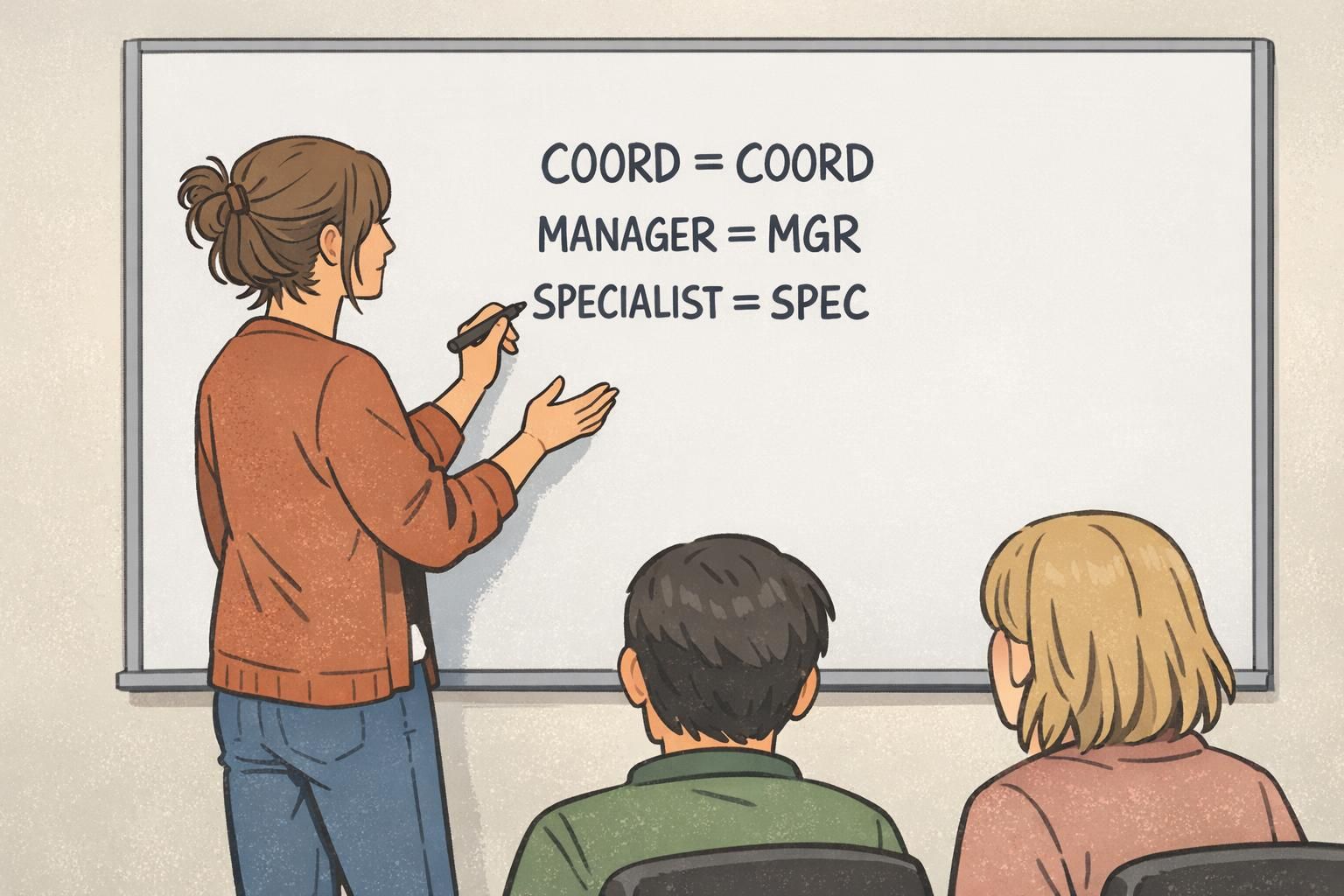
- Create an approved abbreviation list (e.g., Manager → MGR, Specialist → SPEC, Coordinator → COORD)
- Define “do not abbreviate” terms (especially anything that could become ambiguous)
- Set maximum lines (commonly 1–2 for title) and consistent font sizes
- Prefer clarity over completeness: keep the core role readable first
- Move qualifiers to a secondary line only when they add immediate value
When you shorten a title, ask: “Would a visitor behave differently if they saw the longer version?” If the answer is no, the extra words may not belong on the badge. Also, avoid abbreviations that can be read multiple ways. A guest might not know whether “Spec” means Specialist or Special Education, or whether “Tech” means IT or Biomedical. If two roles could be confused, solve it with a function descriptor (covered in the examples section) rather than inventing a new badge design.
“We stopped shrinking the font to fit titles and started standardizing how we shorten them. It made every badge easier to read—and much easier to order.” – Operations Coordinator
Choose a stable badge layout that accommodates change without redesign
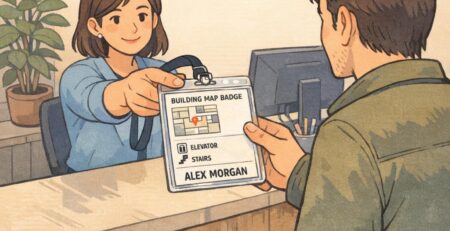
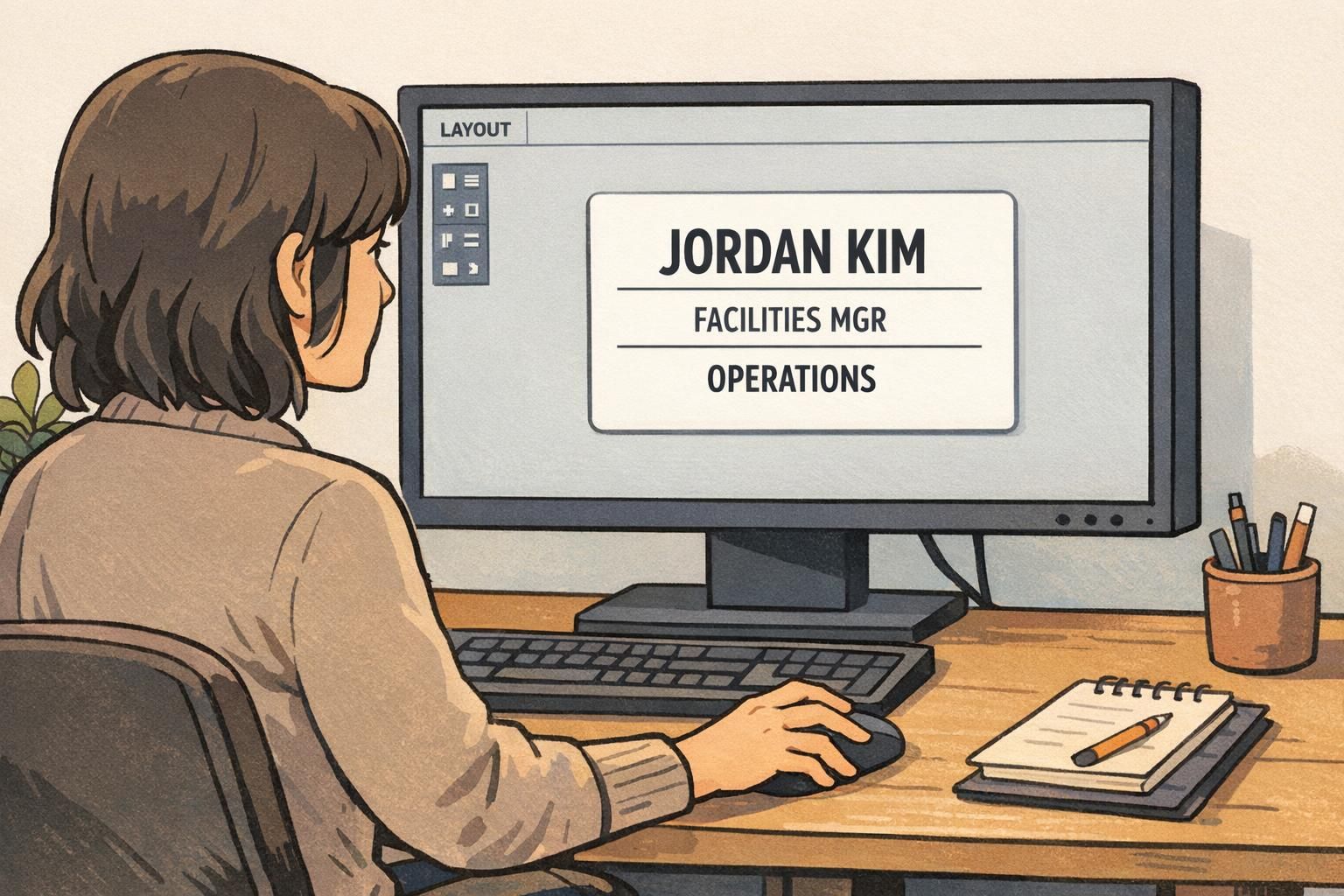
A stable layout is the difference between a badge system that lasts and one that needs constant reformatting. The design should expect change: people get promoted, teams rename, and roles evolve. If the layout can flex without becoming cramped, you won’t be forced into frequent redesigns. A common, durable structure is: Name (largest), Role/Title (next), Department (next), and an optional identifier (smallest). The key is to reserve predictable space for each element, typically allowing the title and department to wrap to two lines with consistent spacing. If fast recognition matters (busy lobbies, shared clinical spaces, large campuses), consider supporting text with simple color bars or icons. The goal isn’t decoration—it’s helping people find the right person quickly without relying on tiny text.
- Keep the name the most prominent element for human-to-human interaction
- Allow 2 lines for job title on badge to handle longer roles without shrinking fonts
- Reserve a consistent area for department labels so placement never changes
- Use predictable spacing and font sizing to protect readability
- Add visual cues (like a color bar) only if they improve quick recognition
If your layout only works when every title is short, it isn’t a stable system. Design for the longest reasonable title you expect.
Implementation: governance, templates, and ordering workflow
Even the best standard will drift without ownership. Assign a small group to approve new titles and department labels—often HR, Operations, or Security—so updates don’t fragment across teams. Implementation works best when you treat badge text like controlled vocabulary: a shared reference list, a clear request path for additions, and a quick review for duplication and readability. This keeps your job title on badge system stable even when your org changes. From an ordering perspective, standardized data fields and templates reduce rework. If badges are produced in batches, consistent fields make it easier to proof and print. For frequent day-to-day changes, a consistent reprint process helps identification stay current and professional. If you’re sourcing badges externally, having a stable title/dept reference list also speeds up communication with your vendor. For example, BadgeZoo produces custom employee ID badges, and a clear standard for titles and departments helps ensure every reorder matches the established format.
- Assign an owner for approving new titles and department labels
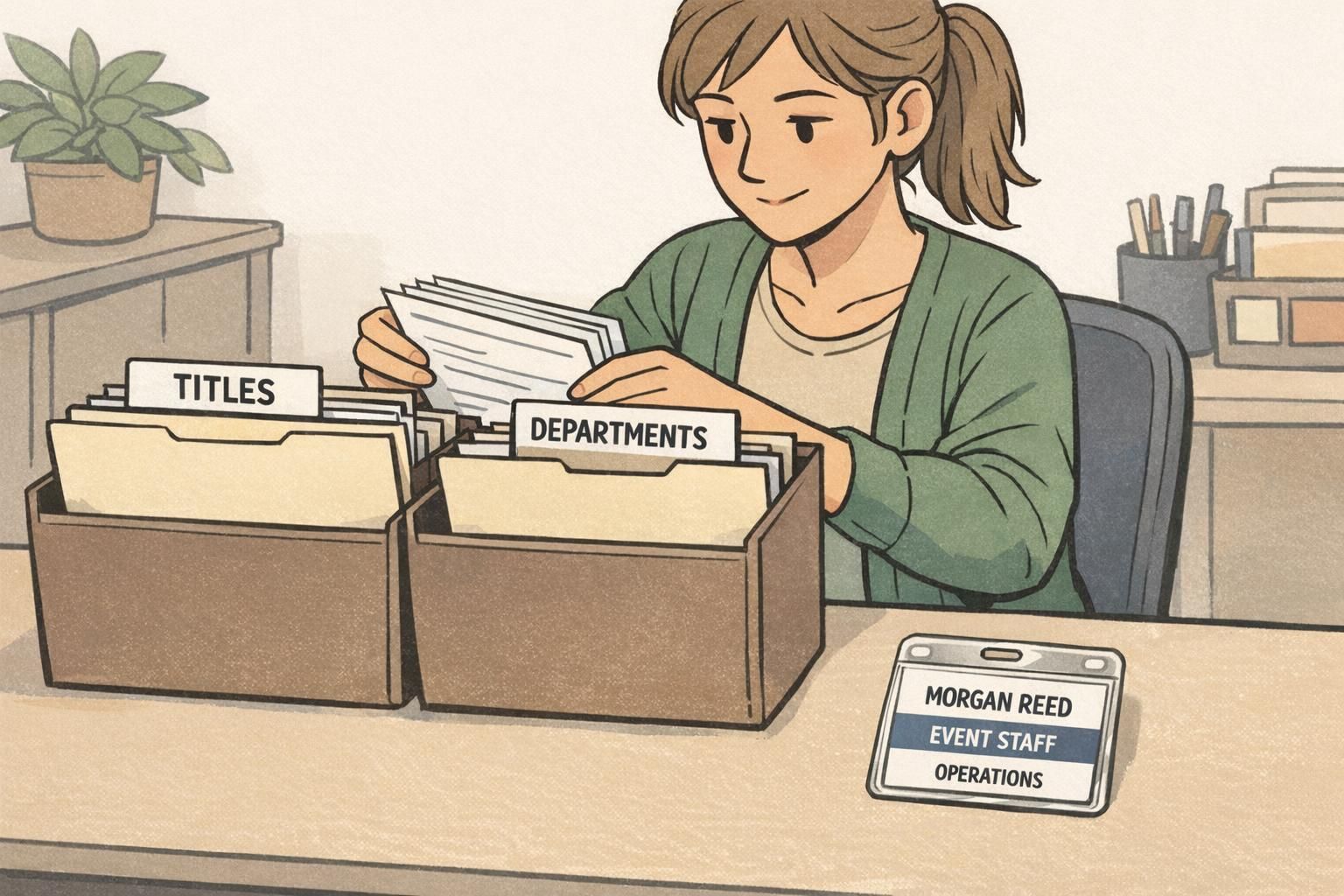
- Maintain a shared reference list (titles, abbreviations, departments)
- Create a simple exception request process with readability review
- Use standardized templates and consistent data fields for ordering
- Schedule planned update cycles for big org changes to preserve badge consistency
Keep the visible department label stable until a planned change window, and update directories/signage at the same time. Sudden one-off label changes can reduce recognition and create mixed badge sets.
Choose the group accountable for identification clarity and risk reduction in your environment (often HR plus Security/Operations). The important part is having one decision path.

Examples and edge cases (multiple sites, contractors, and similar titles)
Edge cases are where standards prove their value. If you decide your rules in advance, you can handle real-world complexity without creating “special badges” that break badge consistency. Below are common scenarios and practical patterns that keep titles readable while still distinguishing roles that people often confuse.
- Multiple sites: Add a short location code only when it helps the public (e.g., “NURSE / ED” with “CAMPUS A” on the department line, or a compact site code). Keep it consistent across the system.
- Contractors and temps: Label clearly but neutrally (e.g., “CONTRACTOR” on a supporting line) so staff and visitors understand the employment relationship without adding unnecessary detail.
- Similar titles that visitors confuse: Add a function descriptor rather than inventing a new layout (e.g., “TECH / BIOMED” vs. “TECH / IT”).
- Merged departments: Keep the visible department label stable until a planned update cycle, then change all related materials together (badges, directories, event badges).
- Very long formal titles: Put the recognizable role first, move qualifiers to line 2, and apply your abbreviation guide before shrinking fonts.
A few standardized patterns that work well across many environments: • Role first, function second: “TECH / IT” and “TECH / BIOMED” • Role plus level when it changes responsibility: “MGR / OPS” or “SUPV / EVS” • Role plus service point for wayfinding: “IT SUPPORT” with “SERVICE DESK” Notice what these patterns do: they keep the badge readable, preserve a stable template, and still give enough specificity to guide the next action (who to ask, where to go, what kind of help to expect).
“Once we standardized department labels across sites, visitors stopped bouncing between desks. People could finally tell who did what—and where to go next.” – Front Desk Lead
When you can solve edge cases with a pre-approved pattern (not a new design), your badge system stays readable, consistent, and easier to maintain.