Replace ID Badge vs Reprint: When to Fix Typos, Photos, and Wear
Replace ID Badge or Reprint? A Quick Decision Framework
When an employee, student, or contractor brings an ID back with a problem, the fastest fix isn’t always the best fix. The goal is consistent identification that’s easy to verify at a glance, works with your workflows, and doesn’t create security loose ends. A simple way to decide is to separate “print-side issues” from “credential issues.” If the underlying person/record is the same and the problem is how the card looks (a typo, a low-quality photo, fading text), a reprint is usually enough. If something about the credential itself must change—or the old card can’t be trusted—then it’s time to replace ID badge credentials with a new issuance process.
Use this 3-question test: 1) Is the person/record the same? If yes, lean toward reprint. 2) Is the badge still readable/scannable and trustworthy? If no, lean toward replacement. 3) Would keeping the old card active create confusion or access risk? If yes, treat it as replacement with deactivation steps.
- Choose a reprint when: the person is unchanged, the database record is correct (or can be corrected), and you just need a clean copy.
- Choose a full replacement when: access, role, card type, or credential status changes—or the badge is lost, stolen, tampered with, or can’t be trusted.
- Standardize the decision: use the same triggers at the front desk, HR, and security so fixes don’t stall or get handled inconsistently.
What Counts as a Reprint vs a Full Replacement?
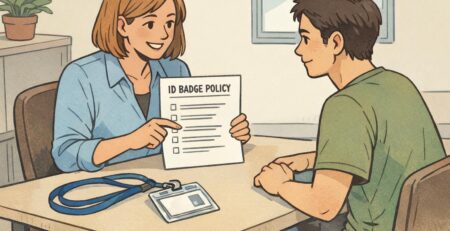
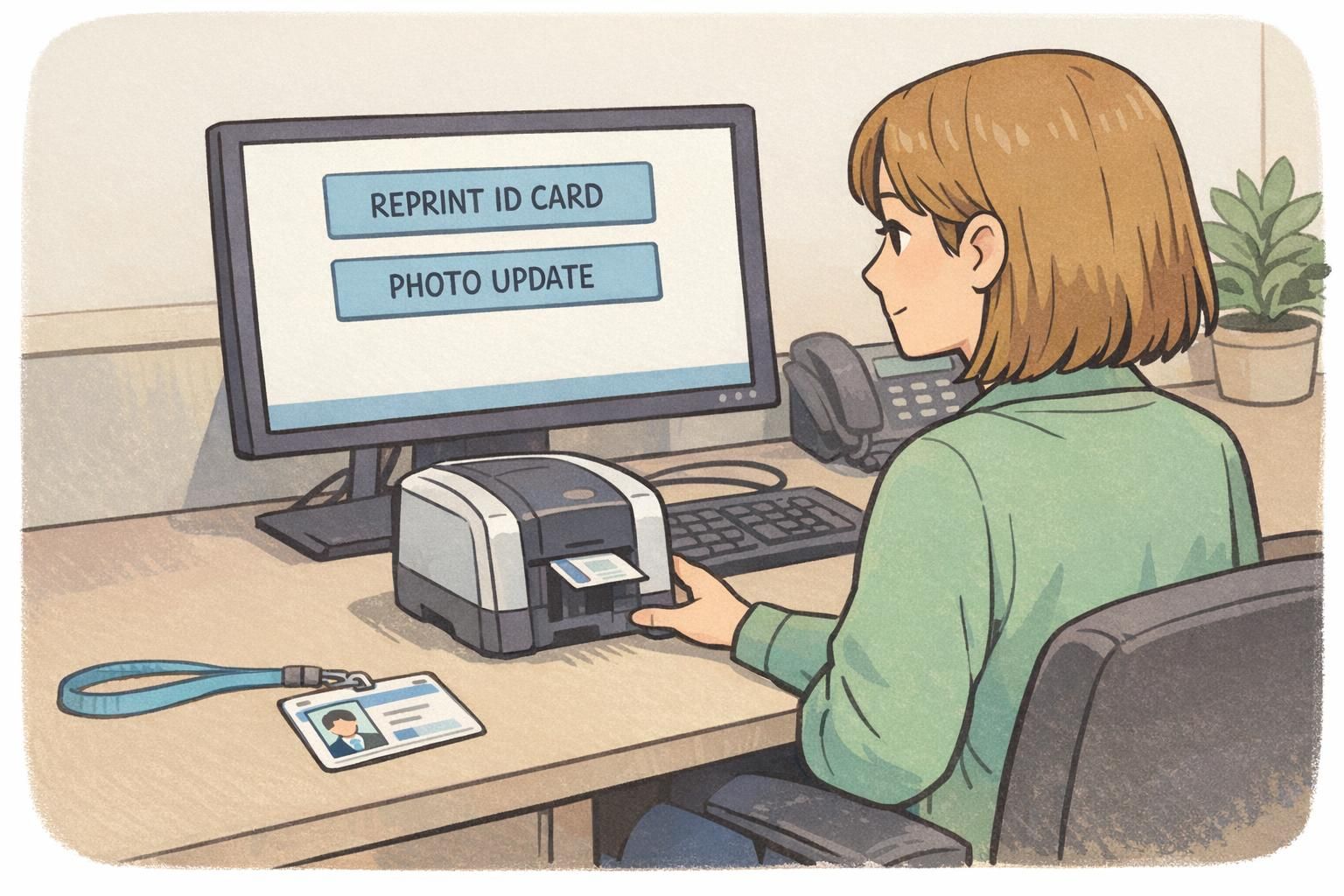
A “reprint” and a “replacement” can sound similar in everyday conversation, but they often mean different things operationally. Defining the difference in plain terms helps everyone—front desk staff, HR, and security—make the same call. A reprint generally means you produce the same ID card again from the same person’s record. You might correct text, swap in a better photo, or improve print quality, but you’re not treating the situation as a new credential event. A full replacement usually means the old badge is retired and a new credential is issued because something material changed (role/access/card type), or because the old badge is no longer trustworthy or usable. Depending on your policy, a replacement might involve a new badge number, a new expiration, or formal deactivation and documentation.
Neutral rule of thumb: minor errors are often handled as corrections rather than fully reissuing materials, but ID credential decisions still depend on your organization’s policy and security needs. See <a href=”https://pmc.ncbi.nlm.nih.gov/articles/PMC10638519/” rel=”nofollow”>source</a>.
- Reprint = same identity record, same intent, improved accuracy or print quality.
- Replacement = old credential is retired; the change is material (access/role/card type) or the old badge can’t be trusted or used.
- If your process treats “replacement” as a security event, make sure the staff member processing it knows the required deactivation and documentation steps.
Yes. If your system ties printed text to access control mapping, compliance records, or verification steps, you may require a replacement workflow (including deactivation) even for what looks like a simple print correction.
Not necessarily. Many organizations treat reprints as an administrative correction, while replacements are handled more formally. The key is documenting what your policy expects so staff apply it consistently.
Typos and Data Errors: When a Correction Is Urgent
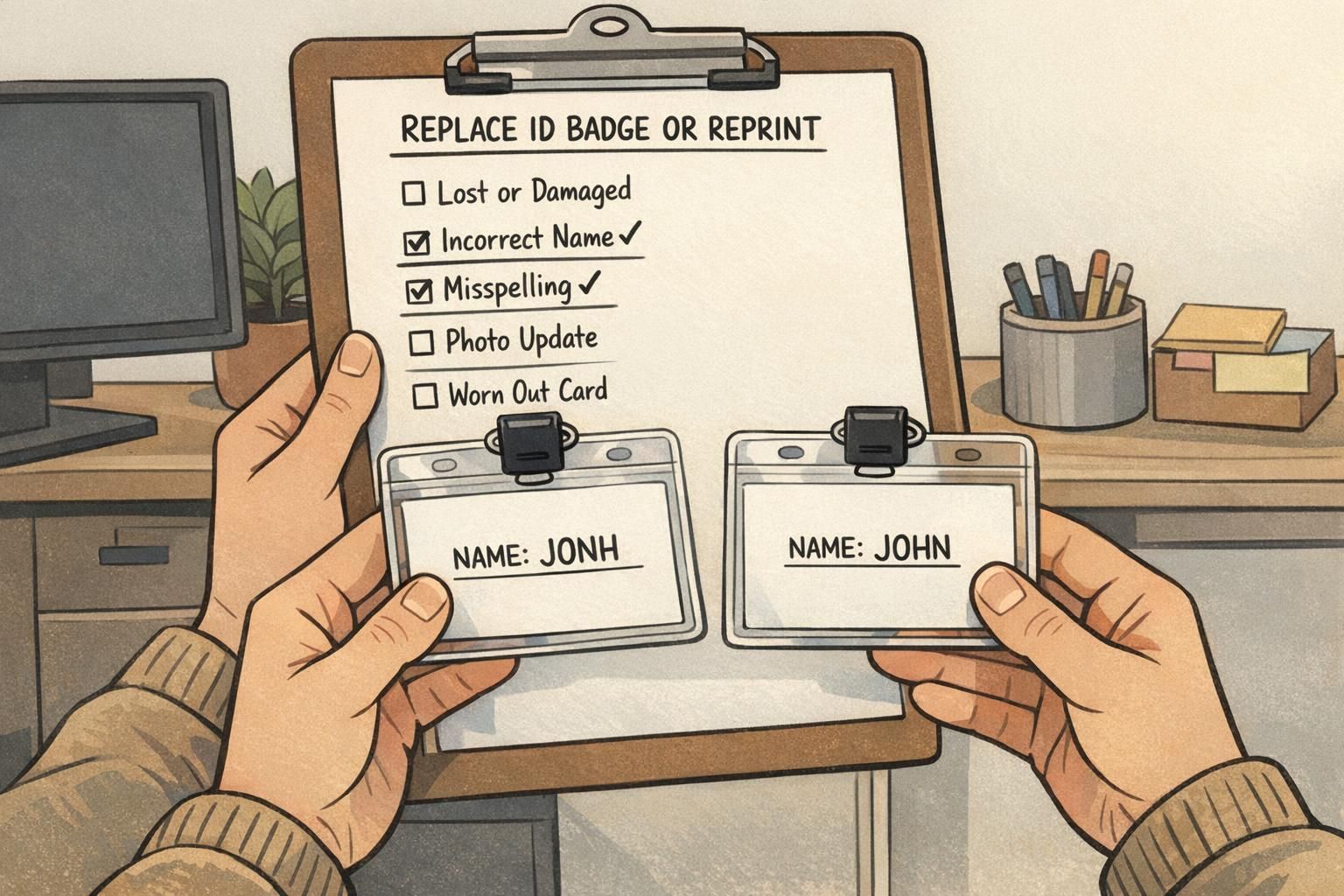
Typos feel small—until they create day-to-day friction. A misspelled name, wrong department, or incorrect title can slow down visitor check-in, confuse staff, and make the organization look inconsistent. Most of the time, these are ideal reprint situations: the person is the same, you correct the record, and you produce a clean card. Where admins get tripped up is when a “typo” actually points to a deeper data issue. If the incorrect data affects verification, compliance, or how your access system links permissions, you may need to treat the update as a replacement workflow (including properly retiring the old credential), even if the printed mistake looks minor.
- Reprint immediately when: the person’s name is misspelled, the role/department text is wrong, or any printed detail could confuse coworkers, visitors, or supervisors.
- Escalate to replacement workflow when: the error impacts access control mapping, identity verification steps, compliance records, or any system where the printed card is tied to permissions or audits.
- If you’re unsure, pause printing and confirm what your policy requires for changes that touch access or identity fields.
Before you print: a quick admin checklist
- Verify the person’s record in your database (correct spelling, current department/title, correct ID number if applicable).
- Confirm the effective date of the change (especially for role/department updates).
- Check whether the old badge needs to be deactivated/collected based on your policy.
- Proofread the on-screen preview: name line, title/department line, and any employee/student identifier.
- Print one copy and visually inspect it for alignment, legibility, and scannability before issuing.
“Our biggest time-saver was adding a 15-second proofing step before printing. It cut typo-related reprints dramatically and made the badge desk feel more predictable.” – Site Administrator

Outdated or Low-Quality Photos: Reprint Triggers Admins Can Standardize
Photos do a lot of the work on an ID badge. If someone can’t recognize the person quickly, the badge stops being a helpful verification tool and turns into a conversation starter—exactly what you don’t want in a busy lobby or on a secure floor. In many programs, a photo update is a straightforward reprint: the person is the same, you update the image, and you issue a better-looking card. The key is making photo quality less subjective by setting clear triggers and a consistent refresh cadence. If your organization treats photo changes as a higher-security update, route the request through whatever replacement rules you use for identity-sensitive changes.
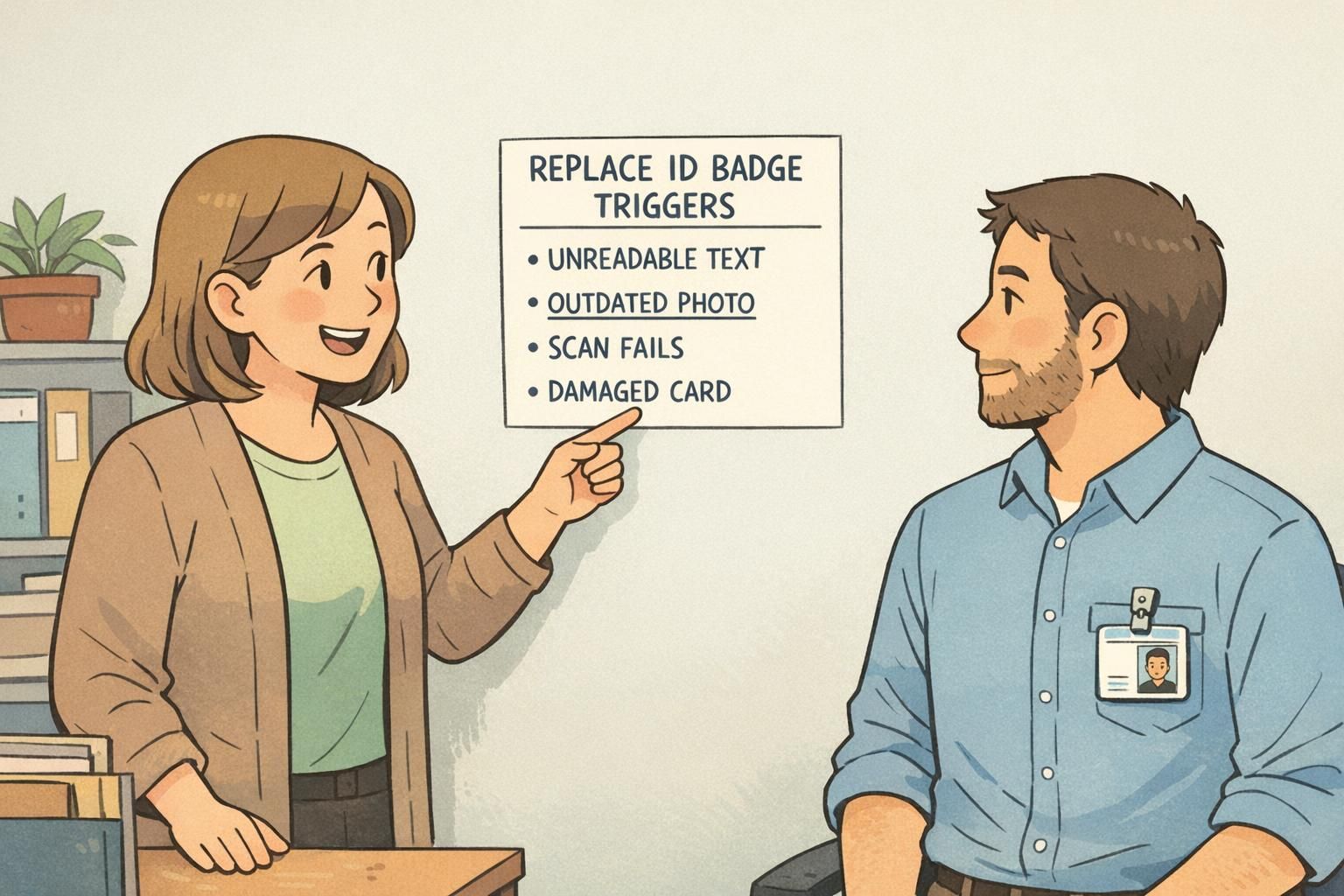
- Standard reprint triggers for photos: face is partially obscured (hair/hat/mask in the image), lighting is too dark, the face is too small in frame, the photo is blurry or pixelated, or the photo is clearly outdated compared to current appearance.
- Set a refresh cadence: for example, on a timed interval, after major role changes, or during annual updates—so staff aren’t deciding case-by-case.
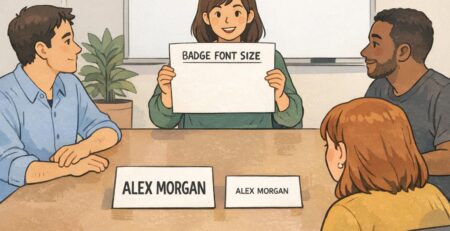
- Use simple capture rules: neutral background, even lighting, centered face, no heavy filters, and consistent cropping.
A good standard is: if a coworker who doesn’t know the person can’t confirm identity quickly from a normal conversational distance, it’s time to update the photo and reprint.
Many organizations keep prior images for record continuity, but retention and privacy rules vary. Follow your internal policy and applicable regulations for storing ID photos.
Not always. The practical test is recognition: if the photo still supports quick, confident verification, it may be fine until your next scheduled refresh.
Badge Wear and Damage: Readability, Scannability, and Safety Thresholds
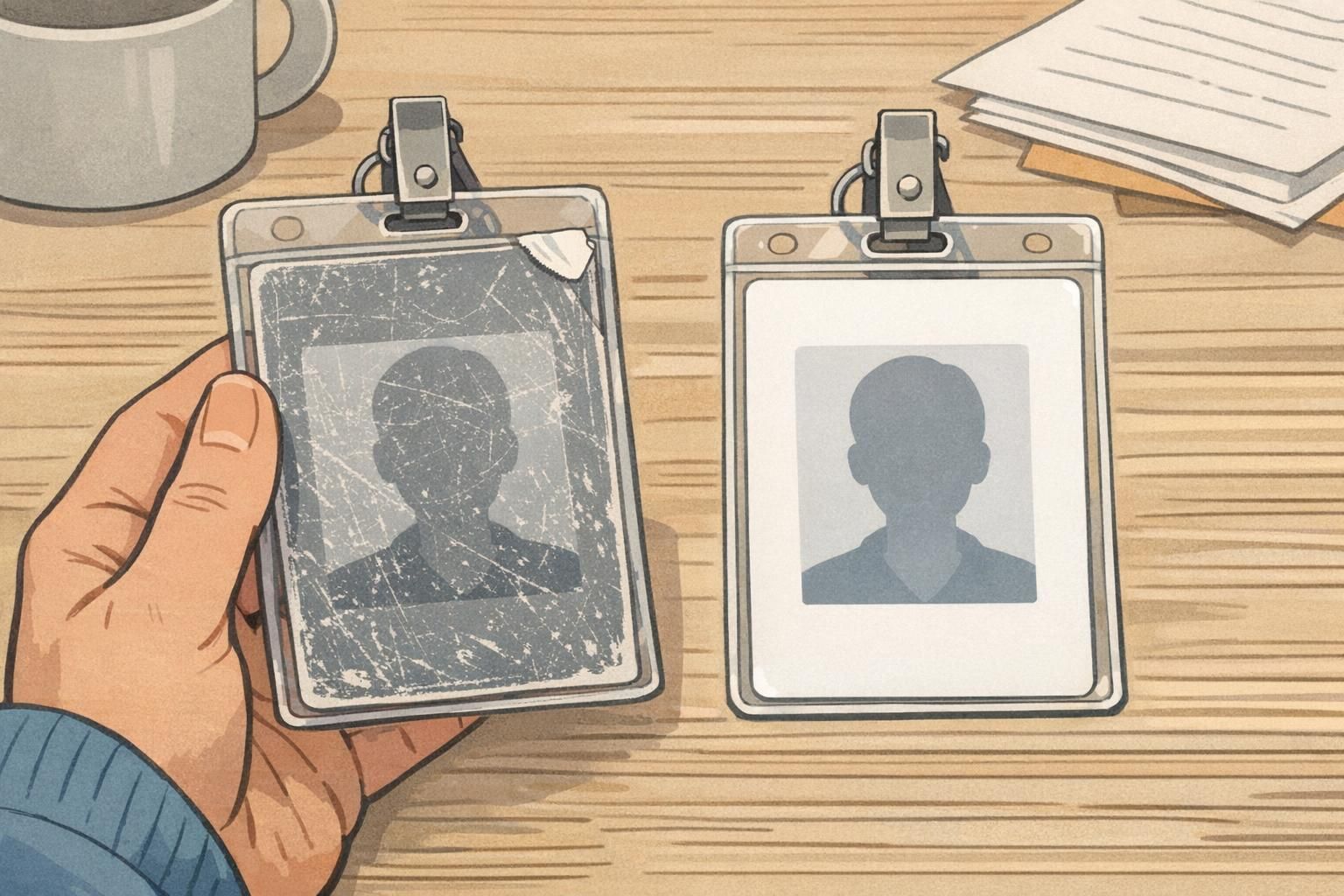
Badge wear is inevitable in real workplaces. Cards rub against clothing, get tossed into bags, ride on lanyards, and get tapped on readers. Some wear is purely cosmetic, but other damage makes the badge hard to verify or unreliable at doors and checkpoints. When the card is still structurally fine but the print surface is no longer clear, a reprint is usually the cleanest fix. When the card is physically compromised—cracked, bent, peeling, or showing signs of tampering—replacement is often safer, especially if the credential can’t be trusted to function consistently.
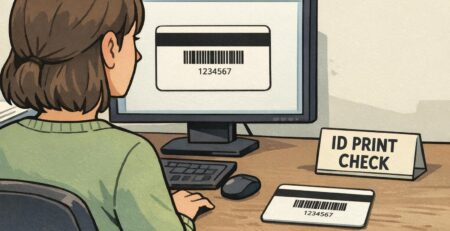
- Reprint when: the name/title text is hard to read, the photo is scuffed enough to reduce recognition, or the barcode/QR scans inconsistently.
- Replace when: the card is cracked, badly bent, peeling, won’t sit properly in a holder, fails scans consistently, or appears tampered with.
- Treat “intermittent scan failures” as an early warning: it usually becomes a recurring issue at the worst possible time (busy arrivals, shift changes, events).
What “normal use” vs “needs action” often looks like
- Normal: light surface scuffs that don’t affect the photo, name, or scan areas; minor edge wear; the card stays flat and fits its holder.
- Needs action: peeling laminate at corners, deep scratches through key print areas, fading that reduces contrast, or any damage that makes the badge look unofficial or hard to verify.
- Immediate action: evidence of prying, delamination that exposes layers, holes torn wider from clips, or cracks that suggest the badge could break or be modified.
Also consider daily habits that accelerate wear: storing badges loose with keys, using harsh cleaners, or letting cards swing and scrape against tools. Even simple protective choices—like keeping the card in a clear holder—can reduce surface damage and keep barcodes and photos readable longer.
Security and Access Changes: When Replacement Is the Safer Option
Some situations shouldn’t be handled as a simple reprint, even if the person “just needs another card.” If a badge is lost, stolen, suspected to be duplicated, or connected to a material access change, a full replacement workflow is the safer, clearer response. This isn’t about being heavy-handed—badges are practical tools for clarity and controlled access in many environments. The key is consistency: when everyone follows the same steps, you reduce confusion at doors, reduce reliance on ad hoc exceptions, and make verification smoother for staff and visitors.
- Replace (not reprint) when: the badge is lost or stolen; the badge is suspected to be copied; the badge was found after being missing; access privileges changed materially and your system requires a new credential record.
- Operational steps to standardize: deactivate the old credential, issue the new badge, and document the reason for the change according to your policy.
- If the old badge is recovered: collect it and retire it so two active credentials don’t exist for one person.
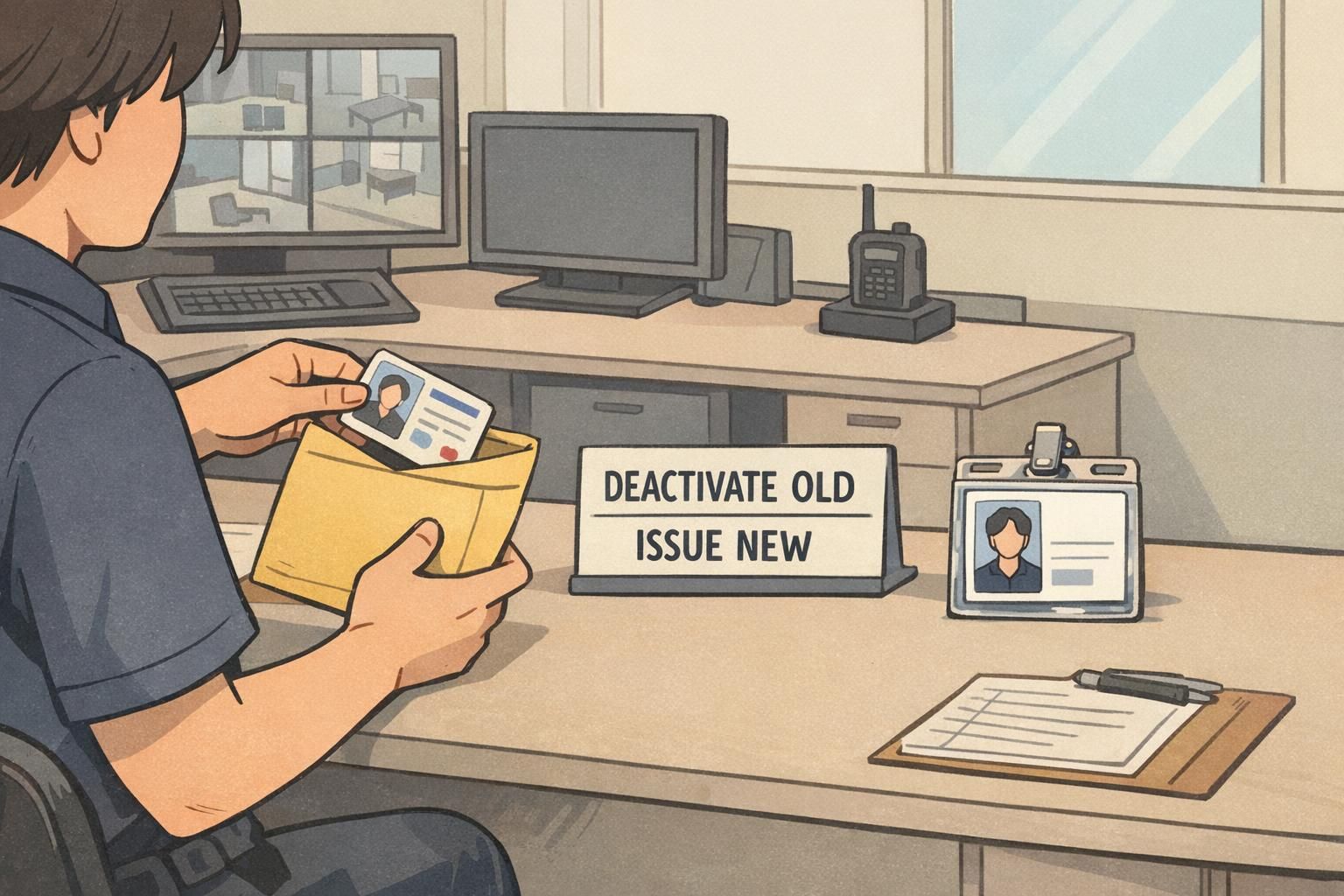
Requirements vary by workplace, but the pattern is consistent: if the old credential could create access risk or verification confusion, treat it as a replacement and close the loop by deactivating the old badge.
How to Reduce Reprints and Replacements With Better Ordering and Materials
Most badge redo requests come from a handful of repeatable causes: typos, photo quality, and daily wear. The easiest way to reduce rework is to improve the steps that happen before the badge is handed over—and protect the card after issuance. On the process side, a quick proofing step catches misspellings and formatting issues before they become “fix it later” requests. On the durability side, matching materials and protection to the job environment can prevent the most common wear patterns.
- Add a proofing moment: verify the record, then proof the badge preview (name, title/department, identifier) before printing.
- Standardize photo requirements: consistent background, lighting, framing, and a defined refresh schedule.
- Protect high-contact badges: use clear sleeves or holders where cards rub against equipment, counters, or tools.
- Choose attachments intentionally: lanyard vs clip should match job tasks so badges don’t swing, snag, or scrape.
- Track the reason for each redo (typo, photo, wear, lost): patterns reveal root causes you can fix upstream.
“Once we started logging why a badge was redone, it became obvious: most of our reprints were preventable with better photo capture and a consistent proofing step.” – HR Coordinator
Product Options for Durable Reprints and Replacements
When you need a clean, consistent credential, the right format makes both reprints and full replacements easier to manage at scale—especially when many people badge in daily. Durable print quality and compatible holders can help keep names, photos, and scan areas readable, which reduces avoidable redo cycles. If you’re standardizing your program or refreshing a design, you can start with
A practical way to choose: if the role involves frequent contact (tools, carts, counters, outdoor work, events), prioritize protection (holders/sleeves) and a layout that keeps key information high-contrast and easy to scan.
Many teams find it helpful to be ready for quick reprints—especially for photo fixes and wear-related issues. Just make sure your policy defines when a redo is a reprint versus a replacement with deactivation steps.
Use written triggers (typos, photo quality, scan failures), a proofing checklist, and the same badge template and photo standards across locations.